Hello,
I have used Directory Opus 11.
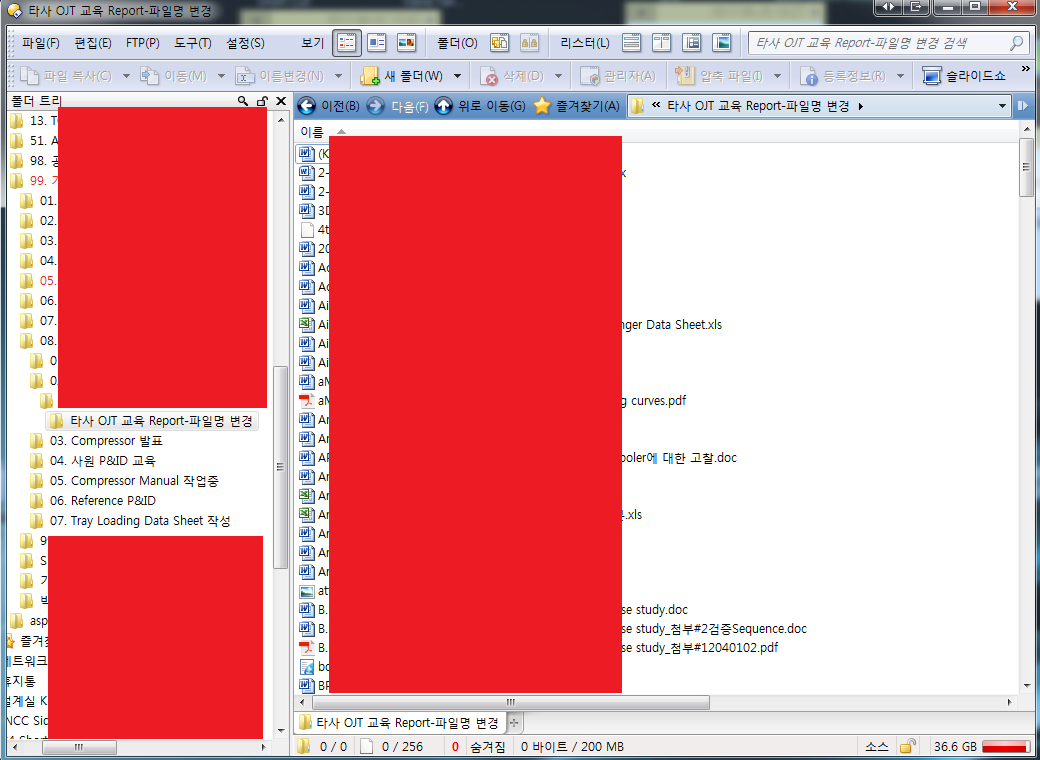
When I'm using server (i.g. using sharing computer), I can't see icon for example pdf, xls..
But, when I'm using local pc, I can see icon.
I use windows 7 pro 64bit.
please help this problem.
Turn off Preferences / Folders / Folder Display / Show generic icons for...
Thanks your reply.
I could solve this problem.
I just ran into an issue with the setting Preferences / File Display Columns / Icons / Show generic icons for. With the goal to speed up network shares, I set it to “network drives”.
The result was that all .pdf files now have a generic document (“page”) icon as shown in the first screenshot of the original post above. I’d assume that DOpus uses the default icon, which it seems to do for .doc, .odt, .jpg and many other extensions. Why not for PDFs?
Please start a new thread for that, and include a screenshot of what you're seeing.