I have set custom icons in my toolbar, but they are glitching out or corrupted.
In the toolbar, this circular icon has weird jagged edges:

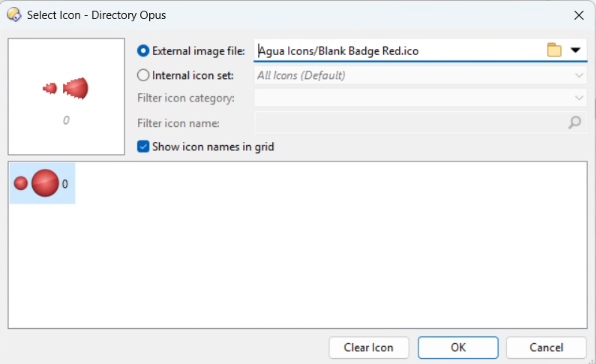
Here's how it looks in the dialog box:
Could you post the .ico file so we can have a look?
The issue seems to be with the icon itself, which is triggering strange behavior in the Windows icon APIs/cache.
If the icon is re-saved using Icon Workshop, the problem never happens, and the differences are in how the bitmap data is encoded (which shouldn't change on a re-save for uncompressed icon sizes, but does in this case, implying the original data wasn't quite right).
I think the tool that saved them originally did something wrong.
Try this version:
Agua Icons - resaved.zip (11.0 MB)
That worked! thank you for investigating this!