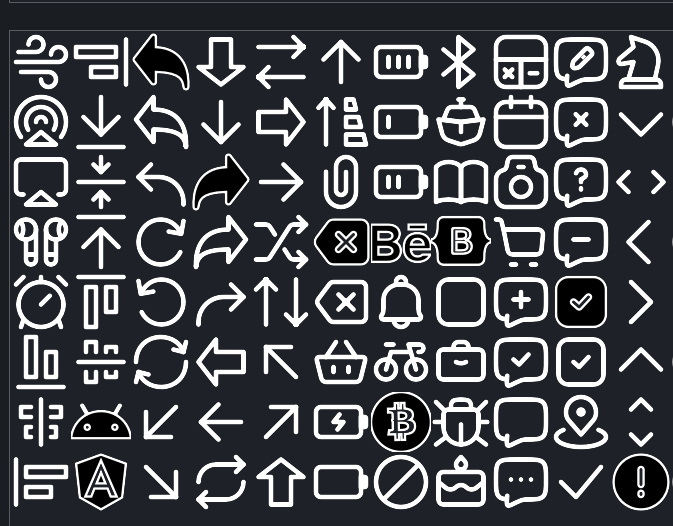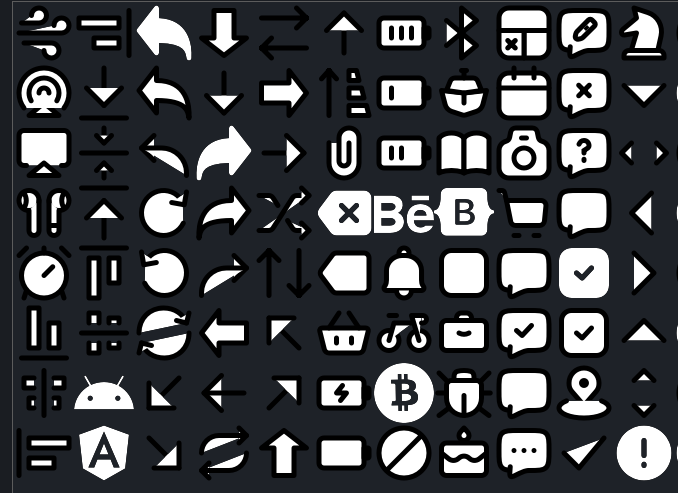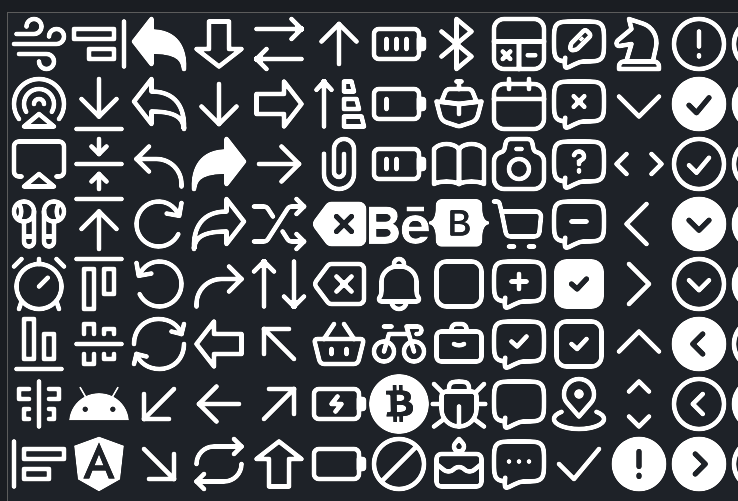
For creating Directory Opus SVG icon-sets
-
V1.1 added
bothoption - stroke and fill will be replaced withcurrentColor -
Needs at least Directory Opus version 13.23.7 (Beta)
-
Dual mode iconsets need SVG's that are formatted for dual (dark/light) mode. See Opus SVG Converter
-
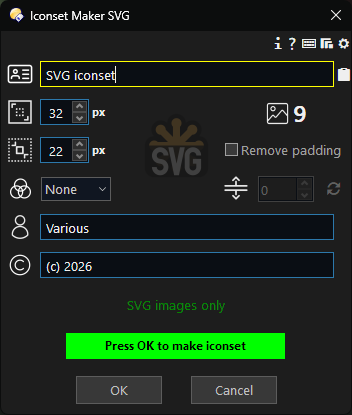
SVG means they can be any size - either inbuilt default large/small sizes, as set in the dialog or over-ridden by Customize/Toolbars/Custom Sizes
-
If the SVG's have
strokeorfillattributes, these (one or the other) can be set tocurrentColorwhich means the colour can be set through Customize/Toolbars/Label Colour -
if all the SVG's have a stroke-width which is the same, then the stroke-width can be adjusted.
=====================================================
Instructions
- Install the script package at the end of this post.
- see How to use buttons and scripts from this forum
- Make a button on a toolbar with the command
IconsetMakerSVGor call it directly as a command. - Put the iconset folder somewhere.
- Put some SVG images in the folder.
- Only SVG images will be processed.
- Naming the images, the filenames will be used as the internal names for the icons.
- To make the icons automatically change then the new names need to be the same as a previously installed iconset icon name (or the default iconset) AND the iconset needs to be above the iconset with the old internal name (in Preferences/Toolbars/Icons).
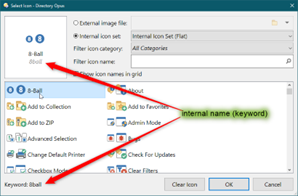
- Descriptions can be optionally assigned.
- Categories can be optionally assigned.
- Click
OKto make the iconset (.dis)
When finished the .dis iconset file will be in a subfolder named after the iconset name & sizes.
It can now be installed in Preferences/Toolbars/Icons.
Either drag & drop it or use the ‘Import’ button, at the top of the list.
Commands
| Command | Type | Values | Description |
|---|---|---|---|
| DELETEVARS | /O | - | Deletes all persistent variables |
| DELETECONFIGVARS | /O | - | Deletes the configuration/prefs variable/td> |
| DELETEUSERCATEGORIES | /O | - | Deletes any categories that have been added to the drop-down categories list |
| DELETECATEGORIESLIST | /O | - | Deletes all categories that have been assigned |
| DELETEDESCRIPTIONSLIST | /O | - | Deletes all descriptions that have been assigned |
| CONFIG | /O | - | Opens the configuration dialog for Iconset Maker SVG |
The Script
V1 11/6/2026
Iconset Maker SVG.opusscriptinstall (264.4 KB)
V1.1
Iconset Maker SVG.opusscriptinstall (264.6 KB)