I didn't know that option even existed, and I'm impressed that you, supposedly having only spent a few hours in the forum, already know about it ...
I also couldn't find anything about it in the documentation. Can someone point me to the right place?
It would be really useful to have a script add-in that lets you:
Load/modify an icon set from an image or icon set (with a GUI), but on a per-icon basis. That is, being able to change individual icons.
Add new icons via a GUI.
Easily generate multiple icon sizes from a given image (preferably SVG).
Extract icons directly from an ico, exe, or dll to use directly in an icon set.
List/search/copy icons inside the set.
Even though I'm not someone who constantly changes icons (or ever), one reason I need to create icon sets is to include images in script packages (which are technically the same as icon sets, but already bundled inside the add-in package), and I haven't found a single program or script that does that properly.
That would be the holy grail of script add-ins for icon sets IMHO.
Sorry I'm rusty on dopus tweaking and catching up on a few years of updates. I saw you recently made a lot of useful looking scripts I haven't yet dug into, so thanks a lot for your contributions.
I'm in the process of migrating to a new machine and all my colors and icons look messed up. I can't really figure out why the icons are messed up, perhaps it's due to microsoft changing .dlls but it's also affecting links to clean .ico links (the icons show as a different, random icon in dopus UI, but when I open the icon file picker, it does show the correct icon, and I noticed the same bug in regular explorer so I don't think it's a dopus issue). So I'm looking into replacing direct .ico links with icon packs, they are cleaner and faster. And might as well make them theme-proof in the process.
Leo posted details about the dual mode switch here: https://resource.dopus.com/t/how-to-icon-sets-with-alternative-dark-and-light-icons/ (to Leo and team: further improvement would be to let user define 2 different button background/font colors according to the 2 color modes because if you use background colors on buttons they don't get converted to opposite mode)
I found the script that does it (similar to the one from this thread, so answered my own question, it also supports multi sizes and SVG like you ask I think): CreateIconset (Incl. Dark/Light Sets for DOpus13) (thanks to this poster as well)
For .dll (also works with .exe): ResourcesExtract - Extract files (bitmaps, icons, html files, and more) from dll files (nirsoft tool so should have CLI options, haven't looked into it. You could probably make a script that relies on it)
I agree it would be even better if I could do it directly via dopus (and if I could dynamically add them to an existing icon set, to easily add new icons individually, or perhaps you'd just need to overwrite an existing one with new additions)
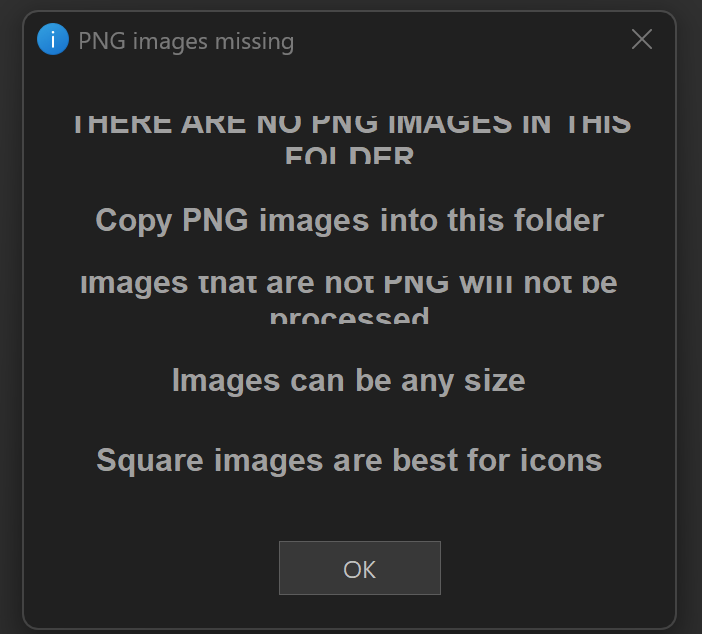
Thanks for that contribution. I will have a close look soon at this one. Just wanted to let you know that the font size can become too big. Im on a 2880x1920 screen at 200% scaling.
It is the DO dialog font-size that is causing the issue, increasing ths size slightly or even using a different font will affect how the controls are displayed.
if you re-download the latest version there is a quick fix for this issue, although the problem still occurs at really small dialog font sizes (like size 6)
EDIT: re-download - will now be legible if dialog font size set at 6
 ...
...