I am posting this here as my other thread had multiple issues in it and was cluttered.
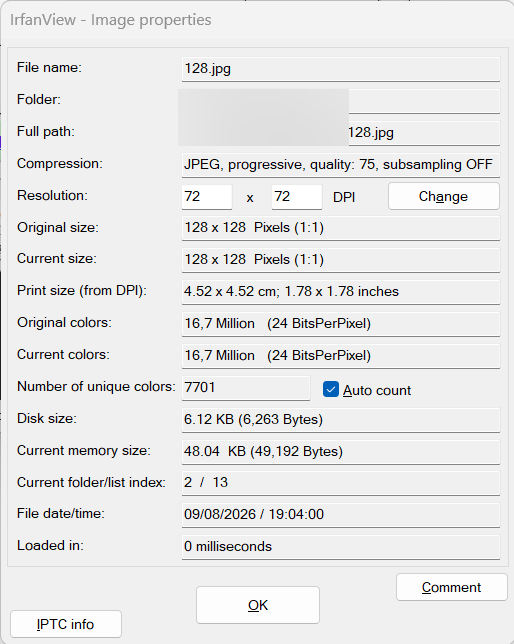
I have tried several test images, the main being the 128 x 128 Directory Opus logo converted to jpeg.
I can rotate images losslessly using something like:
Image ROTATE=270 HERE REPLACE PRESERVEDATE LOSSLESS=only
@nodeselect
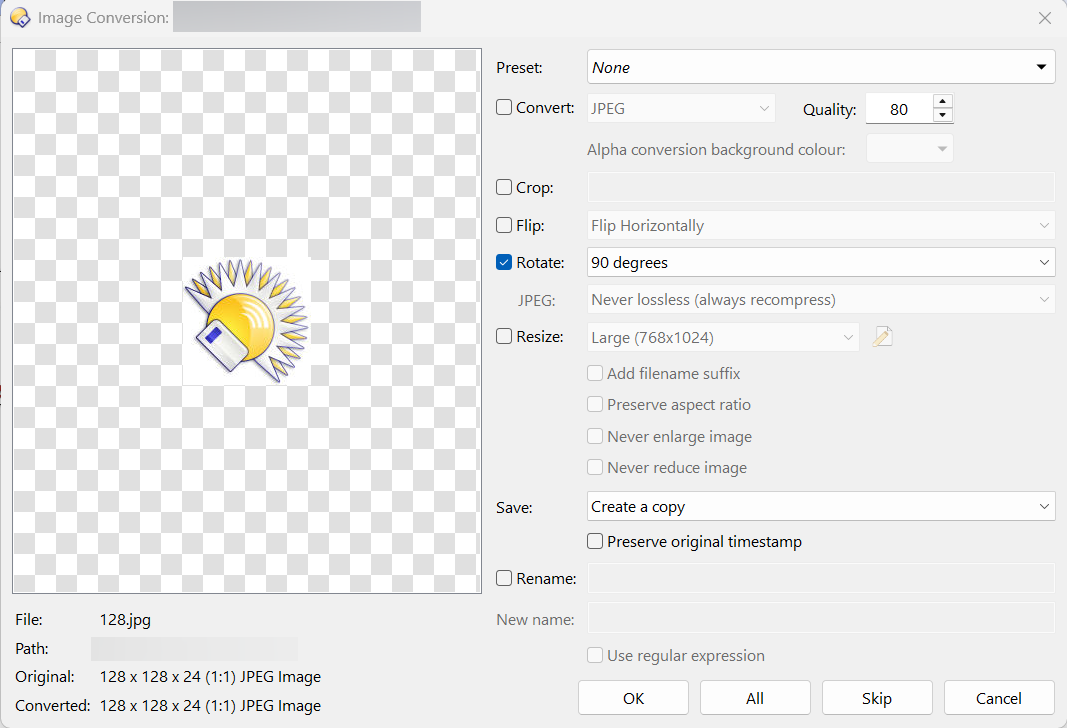
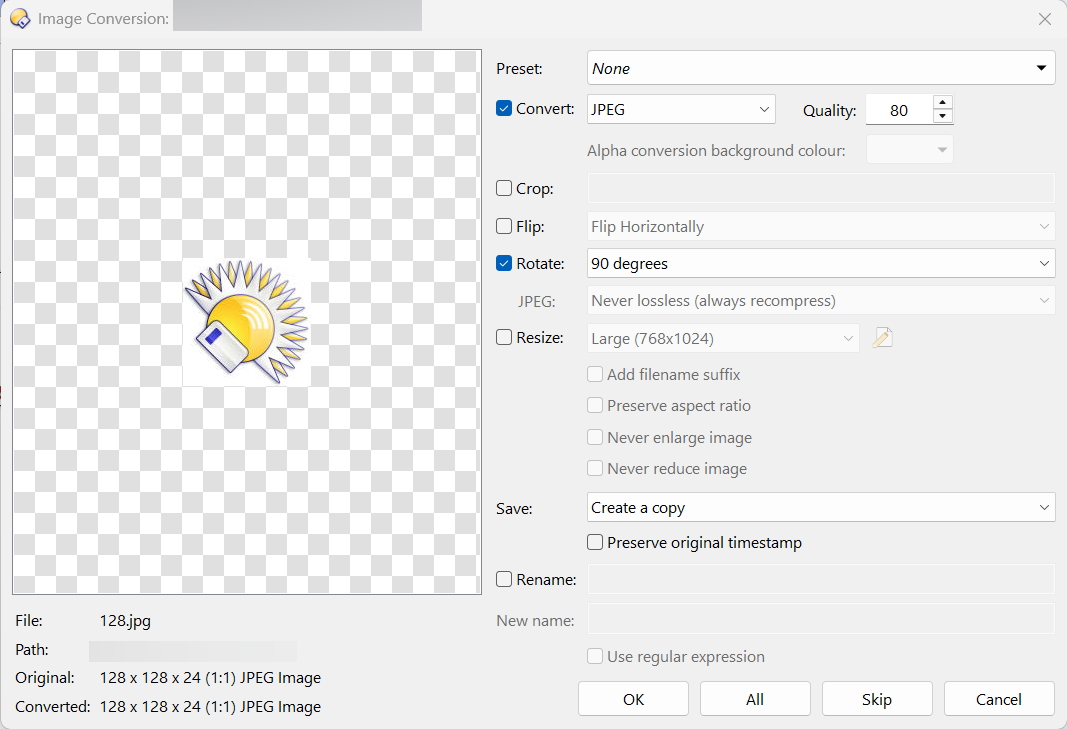
They cannot be rotated losslessly any more using the Image Conversion tool, as the drop-down menu is always greyed out, regardless of which rotation option is selected (90, 180, 270, Use Exif, Reset) and regardless of whether Convert is ticked at the top of the window.
This did work previously, but it stopped working.
I tried restoring an old config backup (from months ago), but it was still greyed out.
I then reset the settings completely. The menu worked again. However, when I selected an item from it, it greyed out again, and stayed that way on subsequent attempts. It's like it disables itself.
In Opus, paste /dopuslocaldata/State Data into the location bar and push return.
(Opus will then go to the relevant settings directory.)
There should be a file called imageconvert.osd
Close any image converters that are still open, then move or rename imageconvert.osd
Try the image converter again. Is the setting now available?
If that (temporarily) fixes it, please send us the previous imageconvert.osd file (the one which was moved/renamed), and we'll see if we can work out what's happening.
If it still doesn't work, how is the image converter being launched? That could play a factor in some cases.
Hi,
The setting became available after doing that. Setting it to "Lossless if possible" or "Only lossless" keeps it working. As soon as "Never lossless" is selected, the menu greys out. At that point, exiting the image converter and going back on it is fine, as the "Never lossless" did not become the last used setting. However, if you click OK to convert the image, it then stays stuck on "Never lossless" whenever the image converter is launched again, and cannot be changed without deleting that file.
Thanks for your help!