How does one keep last displayed image file selected when exiting full screen view?
Say you have a folder with lots of images and double click the first top image to view it in full screen mode, then use the mouse wheel or arrow keys to view the subsequent images until you are done viewing. Currently when hitting the ESC key the image that was double clicked to go full screen stays selected. I'd rather like to have the last viewed image file selected after exiting full screen mode so I know at what position in the folder I stopped viewing and don't jump (all the way) back to the first image in the folder.
Click the folder icon on the viewer toolbar, which will select that file in a file display (opening the folder automatically if it isn't already open somewhere).
Or:
Turn on Link to Lister in the viewer (or open it linked to begin with; right-clicking the viewer pane button on the default Lister toolbars will do that), so the file display and viewer selections are tied together.
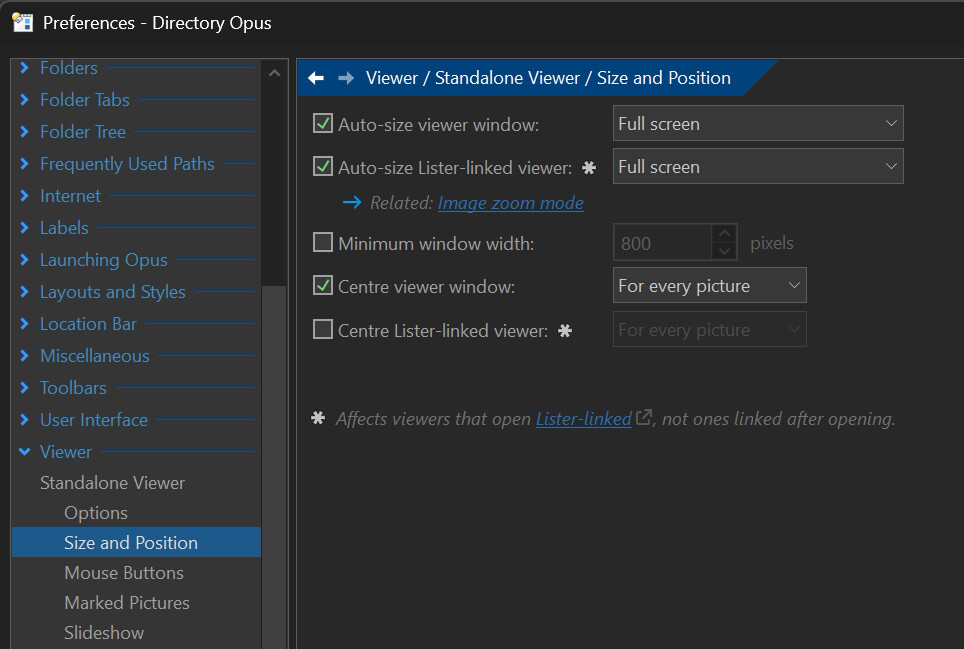
(Preferences / Viewer / Standalone Viewer / Link both ways (file display selection tracks Lister-linked viewer) should also be turned on, if not already.)
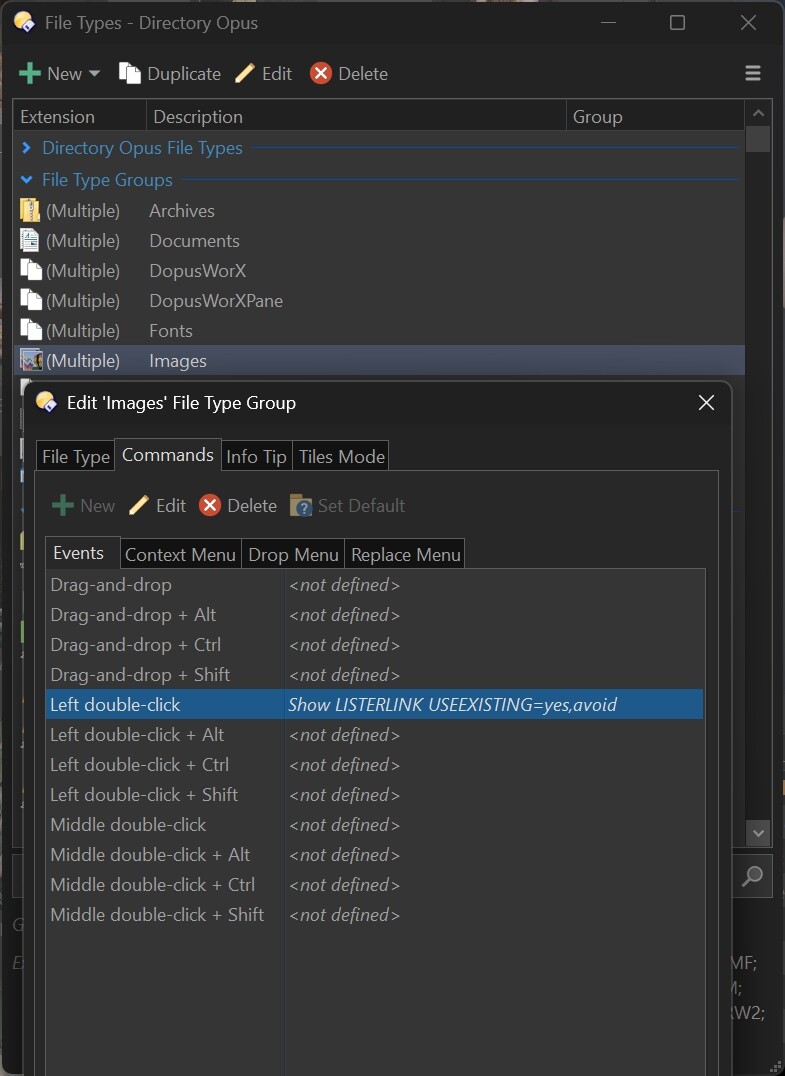
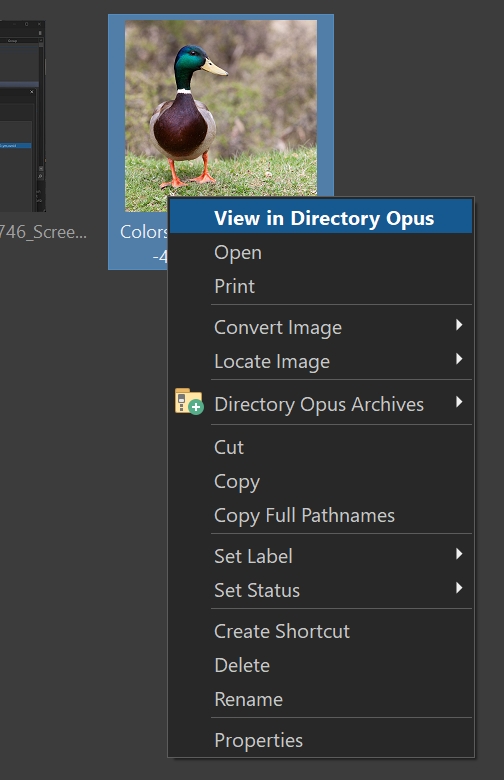
I got the solutions you provided to work (Preferences / Viewer / Standalone Viewer / Link both ways (file display selection tracks Lister-linked viewer) was turned on already. I got a bit confused as to why these didn't also work when left double-clicking image thumbnails to view them full screen (as set in my Preferences / Viewer);
...it took me a while to figure out from this post that I also had to modify the 'Images' File Type Group / Commands / Events for the Left double-click event;
function OnInit(initData)
{
	initData.name = "Auto Link Viewers";
	initData.version = "1.0";
	initData.copyright = "(c) 2026 Leo Davidson";
	initData.url = "https://resource.dopus.com/t/image-viewer-how-to-keep-last-displayed-image-file-selected-when-exiting-full-screen-view/60432/4";
	initData.desc = "Turn on lister-linking for all viewers that open";
	initData.default_enable = true;
	initData.min_version = "13.0";
}

function OnViewerEvent(viewerEventData)
{
	if (viewerEventData.event == "create"
	||	viewerEventData.event == "destroy"
	||	viewerEventData.event == "load")
	{
		var strViewer = viewerEventData.viewer + "";
		var pendingViewers;

		if (DOpus.Vars.Exists("LinkPendingViewers"))
		{
			pendingViewers = DOpus.Vars.Get("LinkPendingViewers");
		}
		else
		{
			pendingViewers = DOpus.Create.StringSet();
			DOpus.Vars.Set("LinkPendingViewers", pendingViewers);
		}

		if (viewerEventData.event == "create")
		{
			pendingViewers.insert(strViewer);
		}
		else if (viewerEventData.event == "destroy")
		{
			pendingViewers.erase(strViewer);
		}
		else if (viewerEventData.event == "load" && pendingViewers.exists(strViewer))
		{
			pendingViewers.erase(strViewer);
			viewerEventData.viewer.Command("listerlink,on");
		}
	}
}
Most of the complexity is in ensuring it only turns on linking for the first image, so you can still turn it off. If you never want to turn it off, the script could be simplified a lot:
function OnInit(initData)
{
	initData.name = "Auto Link Viewers";
	initData.version = "1.0";
	initData.copyright = "(c) 2026 Leo Davidson";
	initData.url = "https://resource.dopus.com/t/image-viewer-how-to-keep-last-displayed-image-file-selected-when-exiting-full-screen-view/60432/4";
	initData.desc = "Turn on lister-linking for all viewers that open";
	initData.default_enable = true;
	initData.min_version = "13.0";
}

function OnViewerEvent(viewerEventData)
{
	if (viewerEventData.event == "load")
	{
		viewerEventData.viewer.Command("listerlink,on");
	}
}