I've been having an issue with DOpus for a long time that concerns the way large, floating toolbars are rendered/redrawn when they appear. It seems like the first thing that happens when DOpus opens a toolbar is draw a white box the size of the toolbar and only after that fill in the contents of it.
I'm running a very dark-mode heavy theme throughout the app, and the ensuing white flash is especially annoying later in the day when it ends up being the brightest light in the room.
Here's a video of me calling my macOS launchpad inspired floating toolbar three times, with the initial redraw flash:
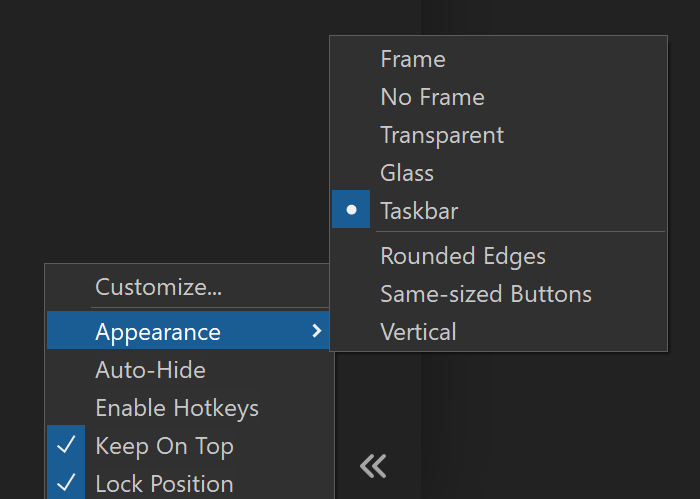
Trying out the mentioned options I did see a difference with the white flash but ran into another problem: Both the "glass" and "taskbar" options exhibit an extreme slow-down in the button hoverover animation!
Without these options the hover box is always and instantly below the mouse. Any ideas as to what is causing this? I'd like to switch to the taskbar mode because it has no white flash, but the slowness is pretty bad.
(v13.16, windows 10 LTSC 2021, NVidia Geforce 4080 w. newest studio driver)