Going through some video clips and renaming them. Using the preview pane to see what they are first. But now when opening the preview pane there is “LAV Splitter” icons on my taskbar and Dopus can’t rename the files because they are being used by another process. This wasn’t happening before. ?
Oh I see what’s happening. I’ve been using H.265 lately. And I had uninstalled the Microsoft included encoders, thinking I didn’t need them. So the preview pane is probably falling back to these LAV ones for the H.265. I just checked and my other videos, H.264 are not having this rename problem. You would think H.265 would be included in the K Lite Codec pack but ok. Guess I could pay the $1.25 to replace the Microsoft HEVC one, because the free one isn’t available for me.
Ok I’ve installed the Microsoft HEVC extension from the store. Restarted the computer.
I checked a h.265 file and the rename locked issue has disappeared. Thanks for the help.
I updated my k-lite codec pack to the latest version and now the problem is back, dammit.
It probably registered itself over the microsoft one I just installed.
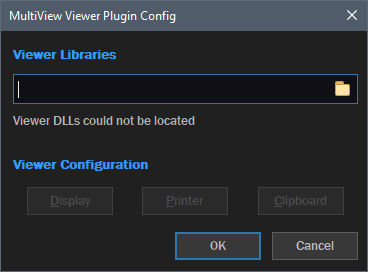
And my MultiView plugin doesn’t even exist, dammit times two.