Layout colors and single/dual display

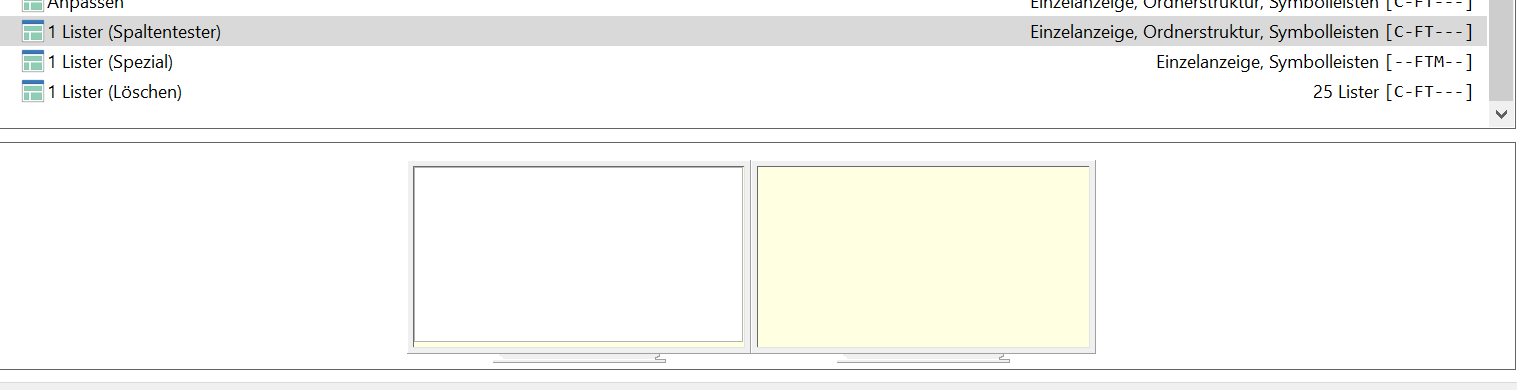
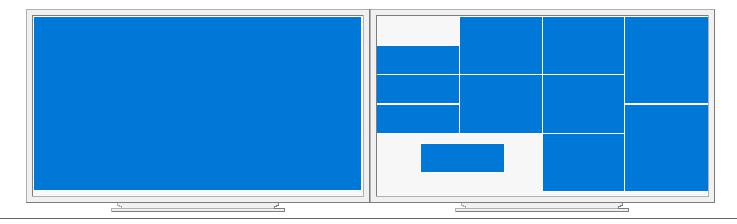
is there a possibility to change the yellow color to something else
(is the display for not used)
often hardly distinguishable on some monitors with white
(adjusted color space)
I would like to set this to black (not used)
also to a different color for certain destinations (USB, NAS etc.)

it would also be good to differentiate which lister was used?

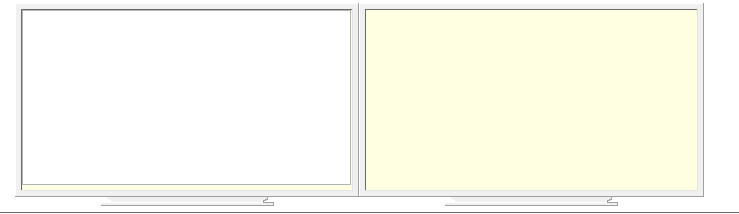
there is one lister, none on 2 monitors
you get the same display with the dual lister

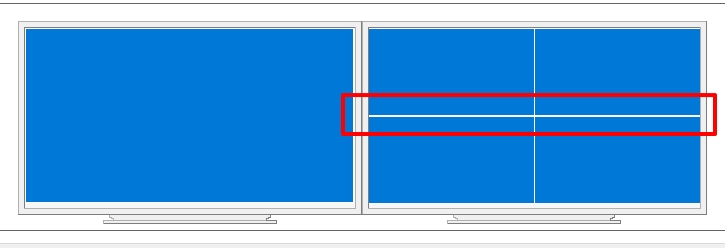
this is a dual lister and 1 lister on the other monitor

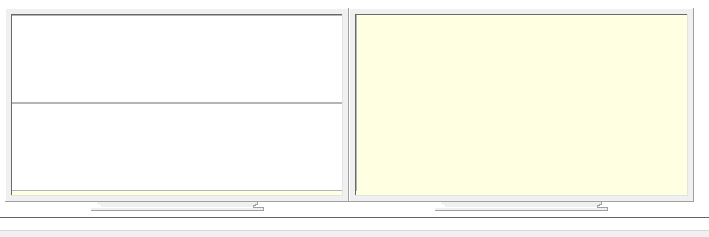
this is a dual lister (top) and 1 lister at the bottom

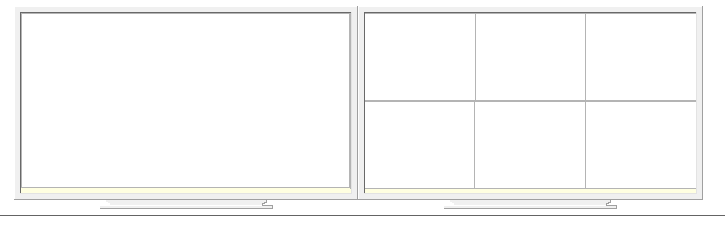
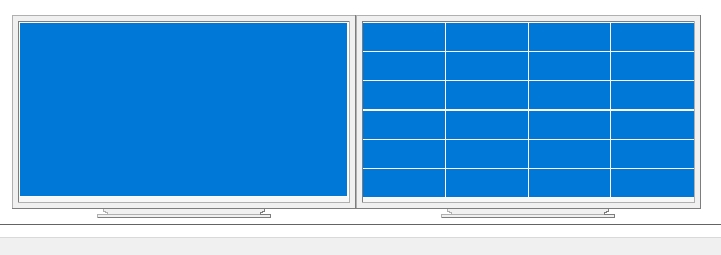
this is a dual lister and 6 lister on the other monitor

you have to rename them to see what it is (awkward)

Out of interest - yellow color of WHAT?

2 Monitor, left = aktiv (white), right = not used (yellow)

In the next beta, we'll change the colors so there's more contrast.

How about using the colors Opus and Windows use as their background resp. desktop colors?

The Desktop color is a weird one as if you’re using a desktop wallpaper image you may never see or set it and (either way) it could be something that doesn’t work with the other colors.

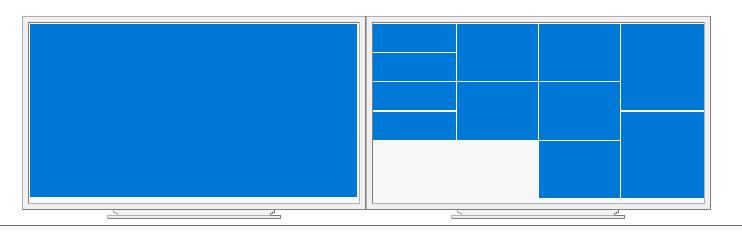
thanks for the color change
only the thick line (horizontal) does not look good.

sometimes the display is not correct
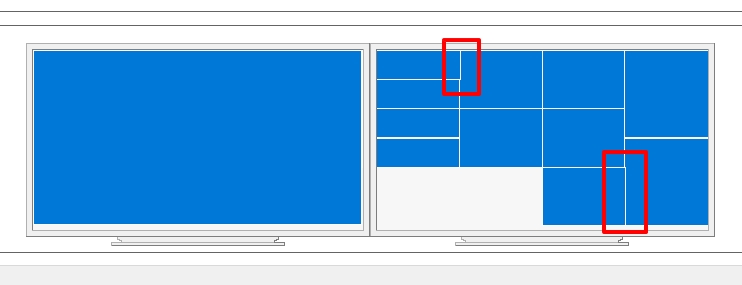
slight offset (vertical)

was created from the 25.

It's just the way the coordinate rounding works when scaling down to a small preview size. Not a real issue or a functional problem.

seems to be a windows problem!
under the first lister (moved here)


is my music player
if you move it slightly (not docked to the edge)
and put the lister there again, it fits.
was the same with the bottom right (text editor open)