You may need to turn off the Auto-size columns option in the Folder Options dialog, Display tab.
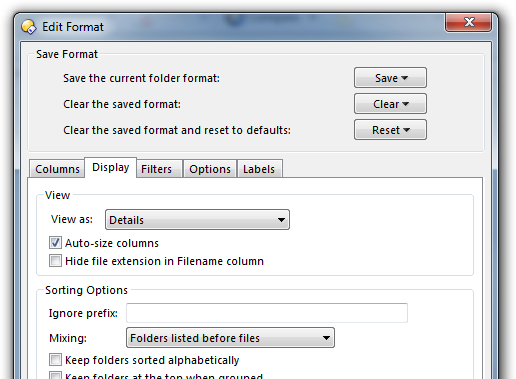
Folder Formats: Quick Guide explains how to save that kind of change as the default. (You most likely do not want to save it via the Default Lister, as you would lose the setting when changing folders. Instead, follow the steps in the guide.)