Workaround:
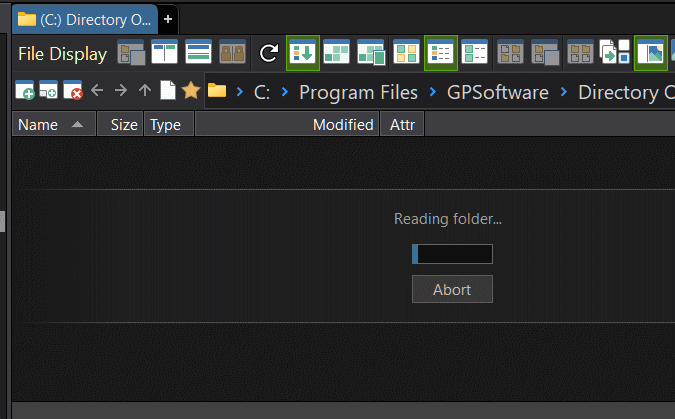
The Reading file... messages ends and the file list instantly populates when clicking the breadcrumb folder that matches the folder tab. This is needed for every tab the first time it is used.
Is there anything that I can do to resolve this issue?
Additional Info:
I configured and opened my "default" folder tabs before exiting dopus
I saved the default list Prefs SETDEFAULTLISTER
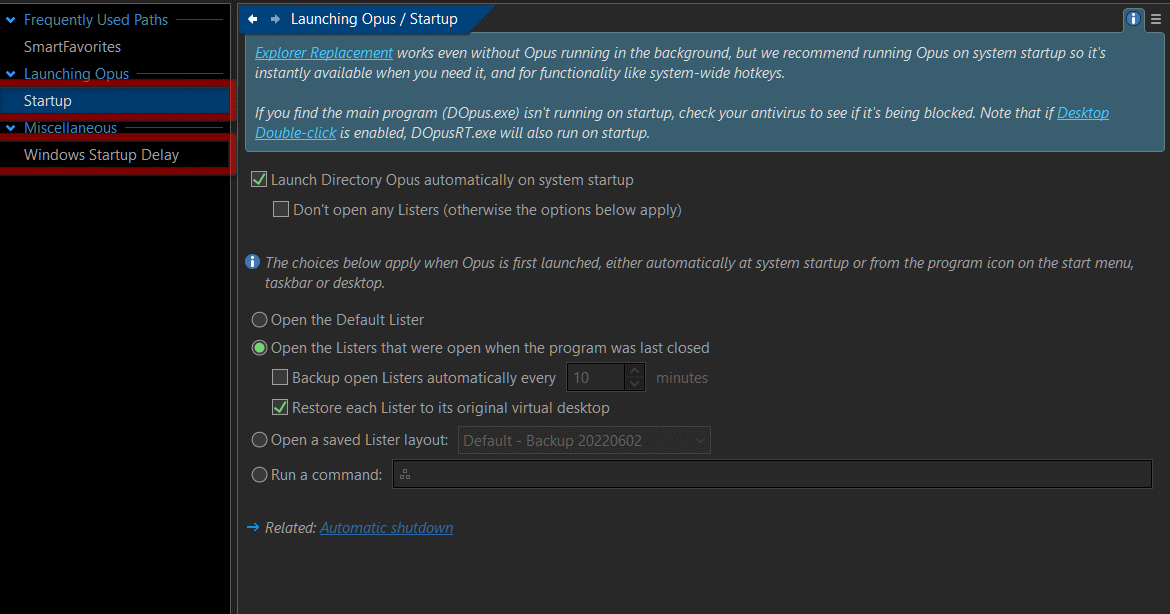
I have set Preferences to `Open the Listers that were open when the program was last closed.
From the snapshots, it looks like messages being sent between threads are being lost somehow. The main way I know of which can cause that is if there are so many messages (or processing them is slow enough) that a huge number pile up, at which point the OS starts dropping new ones. That'd be really unusual, but isn't impossible. But even if that is what's happening, it doesn't tell us the root cause.
Some things to try:
Does setting everything under Preferences / Folders / Automatic Reading to "Prevent loading" (or "Load on tab activation") make any difference?
Does it matter which folder(s) are being loaded all-at-once? E.g. If all the tabs point to C:\ does it still go wrong?
Are any scripts enabled? Please try disabling them if there are any.
Only the message "This folder has not been loaded..." shows when everything is set to "Prevent loading"
Does not matter which folders are loading. During the problem occurring I loaded a different Tab Group of only one folder (c:) and issue continues to occur.
No Scripts Enabled.
Issue occurs with or without showing Folder Tree.
What is strange to me is that the issue is with the refreshing of the active Folder Tab. Clicking on the bread crumb and the folder content instantly appears.
I also replicated this same behavior on a secondary computer.
Setting Preferences>Folders>Automatic Reading>All other drive types to "Load on tab activation" also shows "Reading folders..." when the tab is clicked AND my floating toolbar is closed (This work when floating toolbar was not closed prior to exiting Dopus).
Next Steps:
I will recreate the floating toolbar to see if that makes any difference.
I resolved my "Reading folder..." issue by reducing the number of open toolbars (from 17 to 14).
Now, restarting Directory Opus (with or without my Floating Toolbar showing) immediately shows the folder contents.
Observations:
When 17 toolbars (did not matter which ones) were showing, and the "Reading folders..." message was showing:
I noticed the folder tabs were showing "Empty Tab" instead of the folder name assigned.
One of toolbars (docked to the lister left side) was not rendering the icons (most of which were external icons from places like /system/accessibilitycpl.dll).
Troubleshooting Steps
In Win 11, I started a Windows Sandbox.
Installed Dopus 13.8 to the sandbox.
Restored settings from a Dopus backup.
Replicated issue.
Closed each of the Lister's docked toolbars, restarting Dopus after each close.
By trial & error found that closing different combinations of toolbars fixes the issue.
Follow-up
Leo, if you feel it would help, I can email you my troublesome Dopus configuration file.
Yes please. We'll take a look. Sounds like something is taking too long due to the number of toolbars and buttons that need updating, or maybe a particular item on one of the toolbars.
Leo, I continue to be impressed by your care, concern, and responsiveness. You set the perfect example for how software companies should treat their customers!