How can I get my search box back. See Image. I was trying to search and display boith *.png and *.jpg files with no luck.
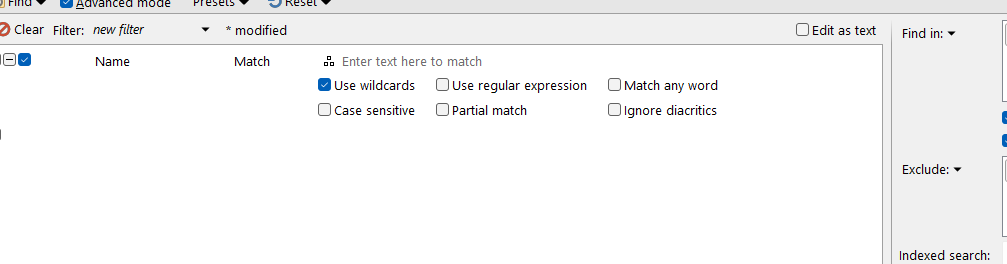
Turn off the "Advanced mode" option at the top.
To find both types of file, use the pattern *.(png|jpg)
Got it back. But I use using .and. which you know will not work. I'll go with the *.(png|jpg). Thanks for the help Jon.
Bob"
Amerifax
homw2000.com
*.(png|jpg) works but pulls every thing that has Photo in the title. Is there a way to only pull!~Phote & Photo with out items like "!Photo are new images" etc.
I think you are confised.  That wildcard won’t care whether or not “Photo” is in the name.
Here are a couple of things I tried with no luck.
^(?:!?)Photo.(?:png|jpg)$ "It displayed nothing."
(!)Photo.(png|jpg) "It displayed nothing."
*.(png|jpg) "This did work but it pulled everything that has "Phone"
Confused, can't argue that point.
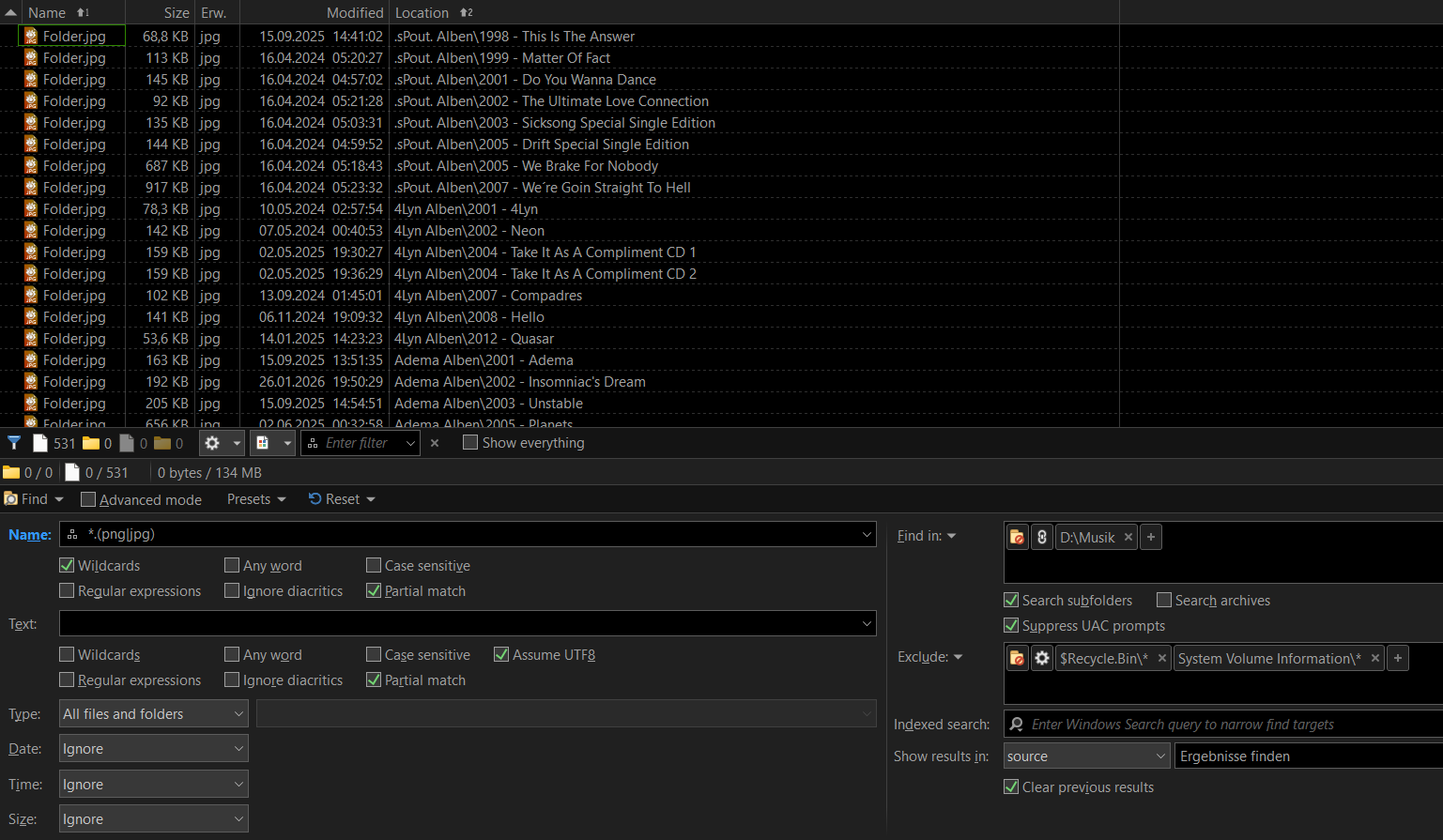
I think perhaps @amerifax wants to know both how to save the filter and be able to match *.(jpg|png) files that do not have the word Photo, or is it Phone, as part of the filename.
I am thinking on this.
If this is really the problem, I know it can be done with regular expressions, but is this possible using wild cards only ?
I think @amerifax should give an example of filenames and the ones he wants to trigger the filter as well as the one he doesn't want to.
At first, the post is only talking about png & jpg, but now it seems to have Photo or Phone "in the picture" too!
1 Like