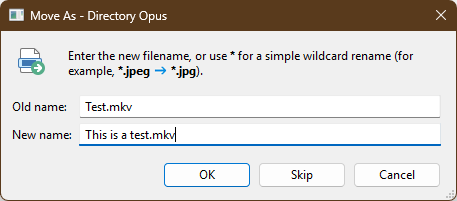
I have big files to move and I want to rename it before moving (Move As). The problem I have is that I entered the 1st one and wait until the file is moved and so on... Is there a way to entered all the new filenames before starting to move the files? This way, I won't have to wait until the file is moved... I know I can rename it before but this is not what I want.
You can enter a wildcard pattern to rename multiple files at once (e.g. to add or replace a common suffix/prefix). Otherwise, you have to wait for each file to give it a new name (or use scripting).