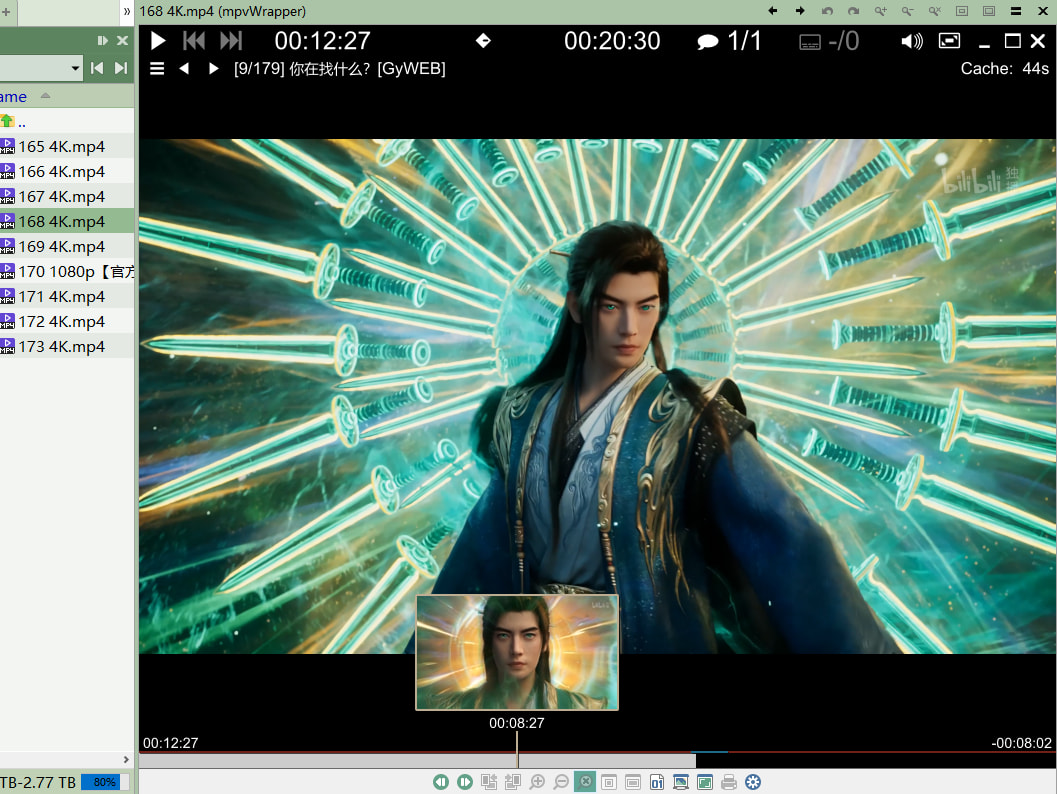
Mpv has the fastest startup speed and is the most suitable for previewing.
With mpv, You can preview various videos without installing a decoder such as K-Lite Codec / Shark007Codecs.
thumbfast : a High-performance on-the-fly thumbnailer lua script for mpv.
Place thumbfast.lua into the path "mpv\portable_config\scripts\thumbfast.lua" .
(一个高性能的时间点缩略图脚本)
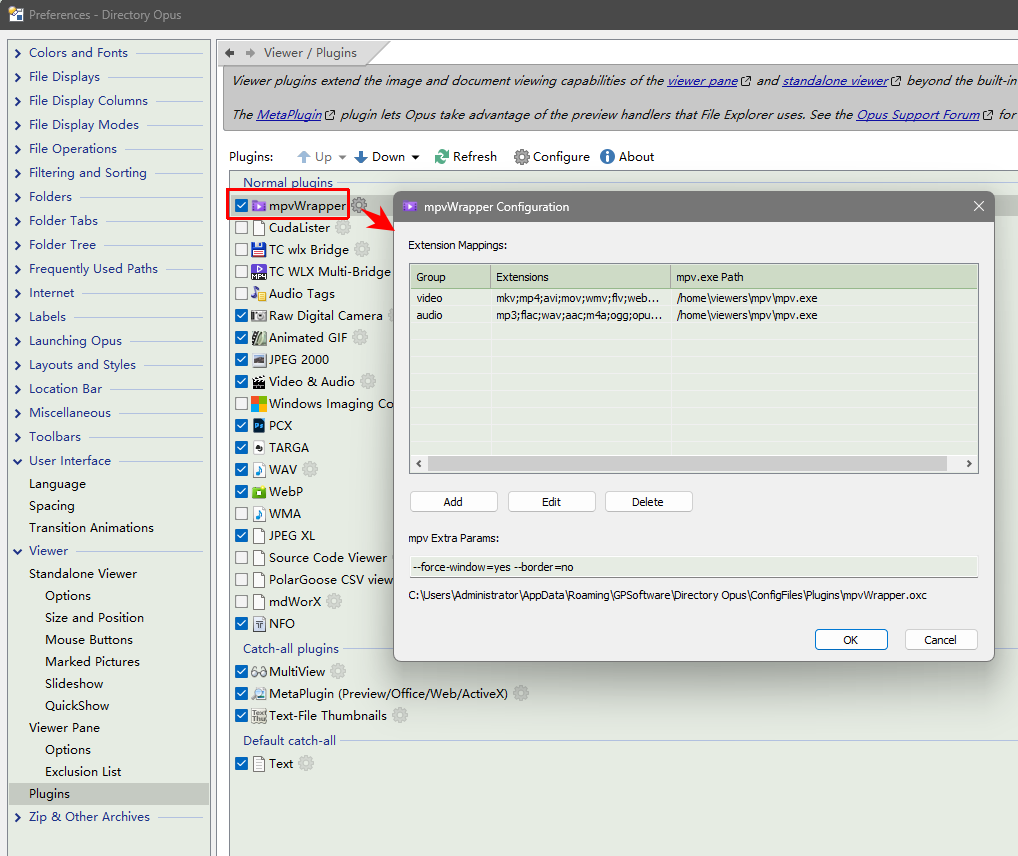
Preferences / Viewer / Plugins, show all plugins,
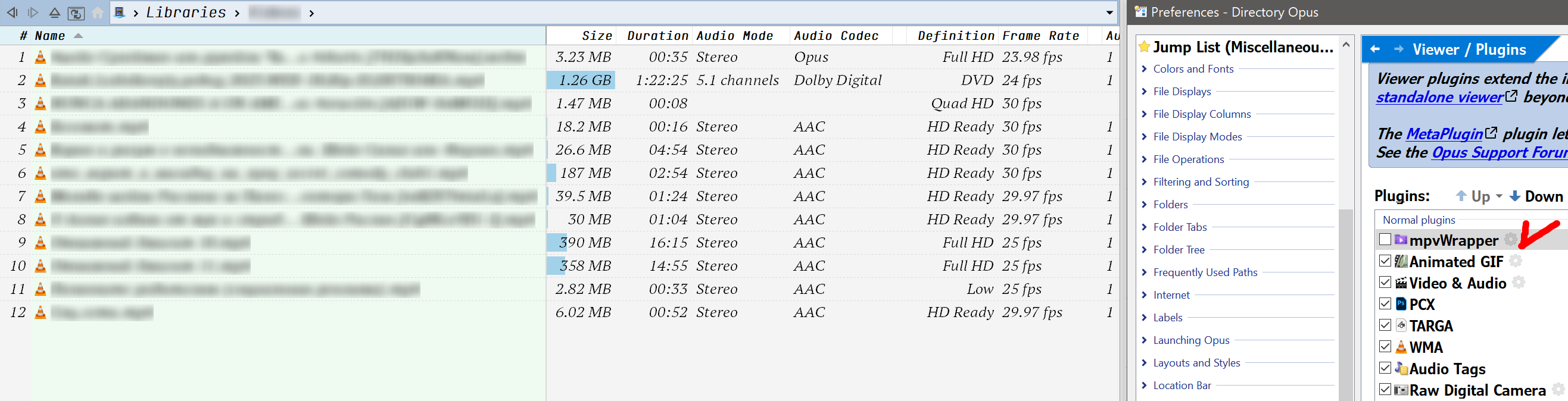
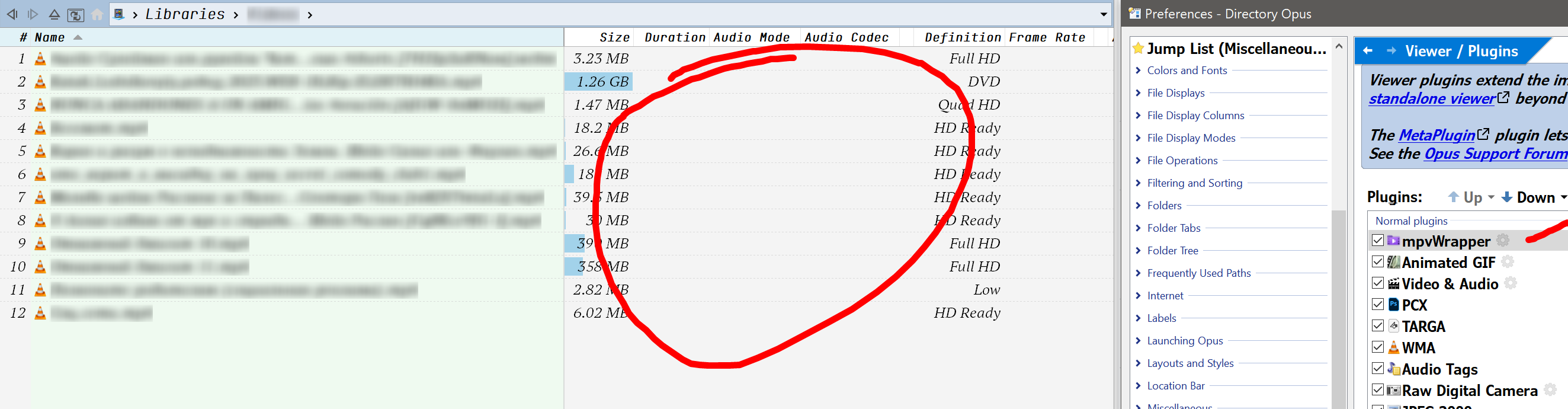
move mpvWrapper up, above the video&audio plugin. Or move it to the top.
The setting GUI, you can add extensions and edit the path of mpv.exe.
If the exe path is invalid, the preview action will be delegated to other plugins.
Environment variables, Dopus alias and absolute paths are all supported.
Thanks @bytim Great initiative and potential use case.
I haven't personally felt anything wrong with GPS own movie dll in terms of speed. Is this a common issue by people? Honest question as I don't really use the viewer for media like this.
To be honest, I don't know which compilation version is better.
After using it for a while and confirming that there are no serious bugs, I will release it on GitHub.
this is my config: (place the folder "portable_config" to mpv.exe folder) MPV portable_config.rar (84.4 KB)
Some shortcut keys defined in input.conf :
space → play / pause #F5 no-osd screenshot video
F5 script-binding save-to-video-dir
m cycle mute
ENTER cycle fullscreen
c script-message filename2Clip
j seek 3
k seek -3
RIGHT seek 3
LEFT seek -3
f frame-step ; show-text "Frame: ${estimated-frame-number} / ${estimated-frame-count}"
d frame-back-step ; show-text "Frame: ${estimated-frame-number} / ${estimated-frame-count}"
speed
\ cycle-values speed "2.5" "5" "1.25"
x add speed +0.25
X add speed -0.25
ALT+x set speed 1.0
END set speed 1.0
] add speed +0.25
[ add speed -0.25
Ctrl+WHEEL_UP add speed -0.25
Ctrl+WHEEL_DOWN add speed 0.25
Ctrl+MBTN_RIGHT set speed 1.0
Try moving the Video & Audio plugin to the top (or the mpvWrapper plugin down, so it's after Video & Audio).
If you also configure the Video & Audio plugin and turn off all three Playback Methods, it should allow the mpvWrapper plugin to handle playback while still handling the columns itself.
(Edit: While in the Video & Audio plugin config, make sure MediaInfo is turned on under Metadata Methods. The Windows Shell option is off by default, and not usually beneficial on top of MediaInfo.)