New Config Label won't update if entry was edited

Changes in the label property

will not be shown if the corresponding entry was edited. The entry needs to be reset, and the script needs to be reloaded.


Demo

I removed "Path" from the script...

initData.config.exeMediaInfo.label = 'MediaInfo';

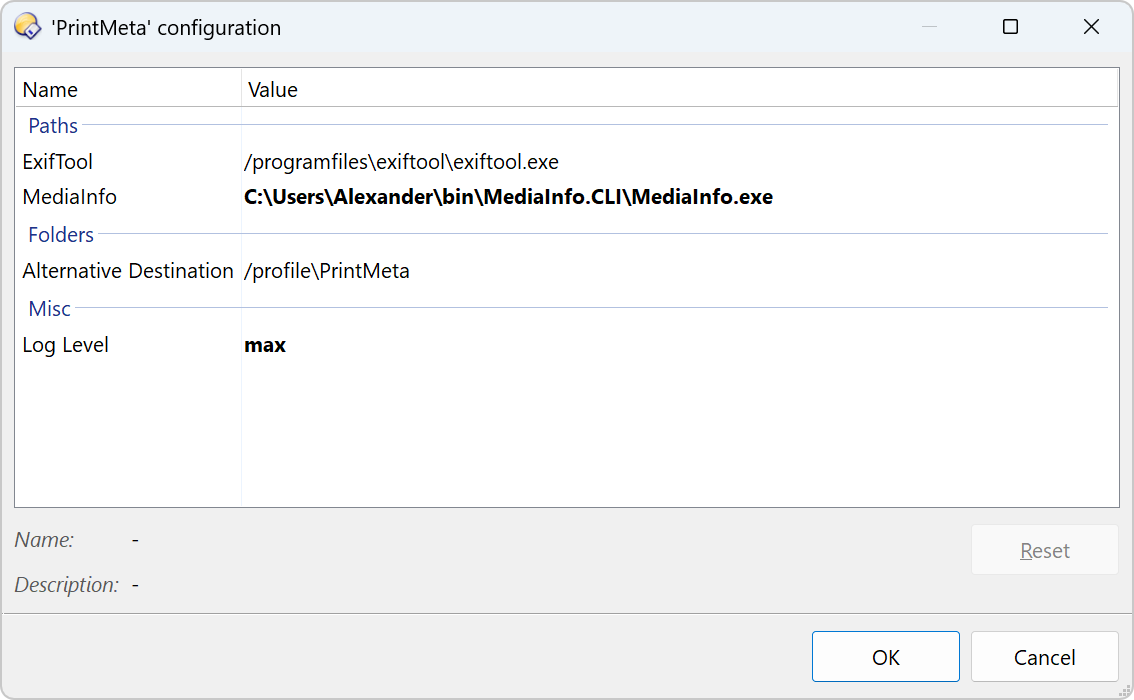
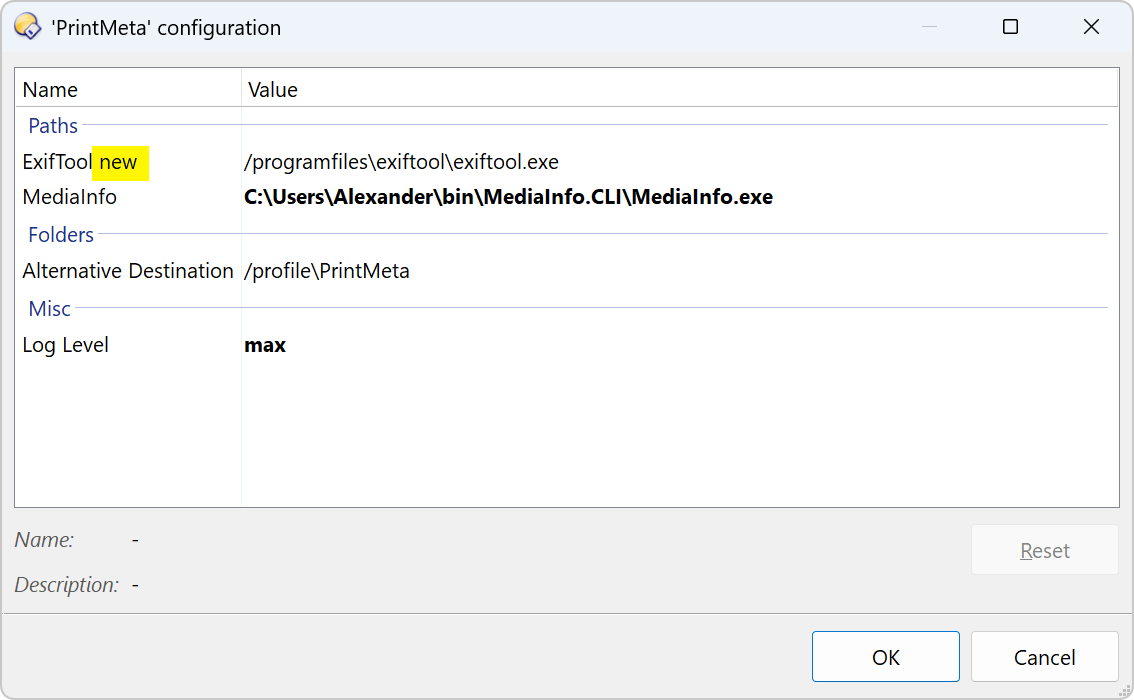
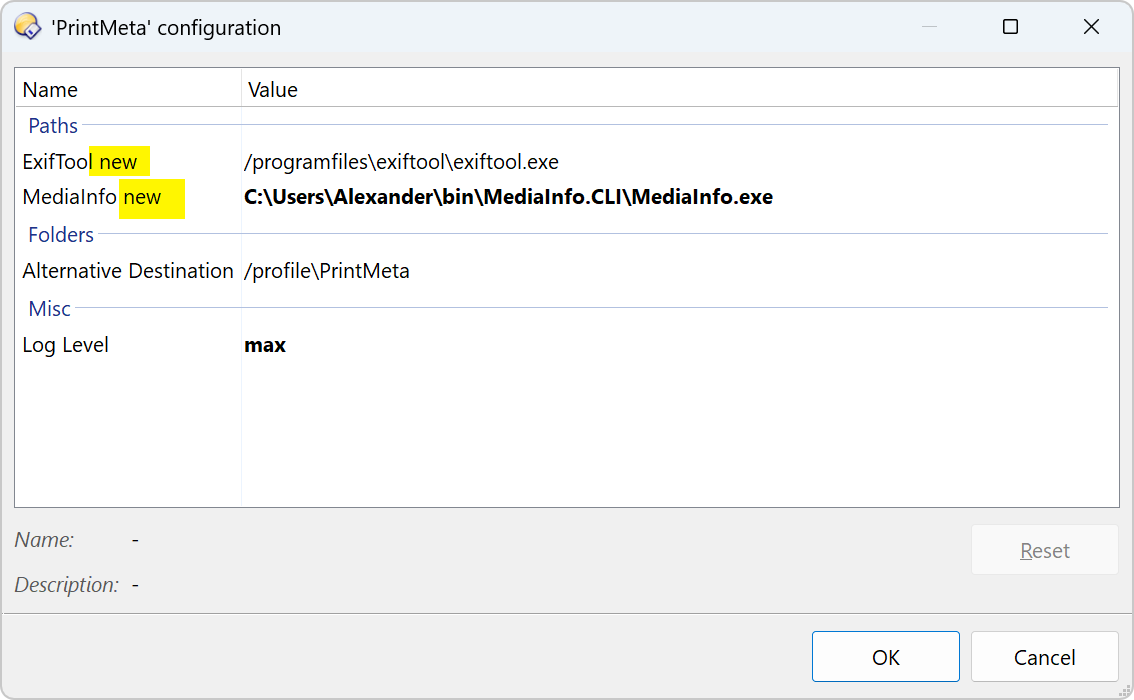
... but the dialog still shows it:

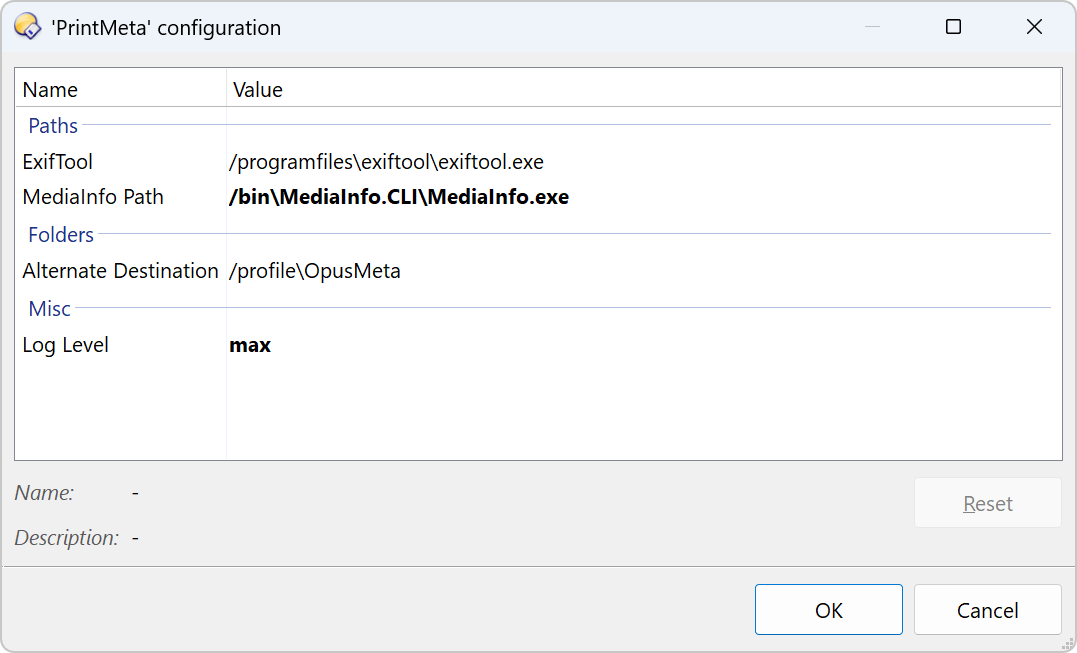
After resetting/reloading:

FWIW, this goes way back before 13.18.1 and the new options for script config. If you change something in there, it doesn't update right away IF the Script Management window was already open (which is usually the case). I didn't report it because IMO it wouldn't really be a bug.

No need to do that :slightly_smiling_face:. Just close the Script Management window and reopen it .

For the label, this won't be enough. In my example, the ExifTool label also had its "Path" suffix removed, and it updated just fine.

So closing and reopening that window doesn't "refresh" the changes for you?
That's really weird, at least it doesn't happen here.
It's true that some entries update right away and others don't (this has been happening since before 13.18.1). But in my case they all refresh if I close and reopen the script management winwdow, even when the default value was changed, like you mentioned above.
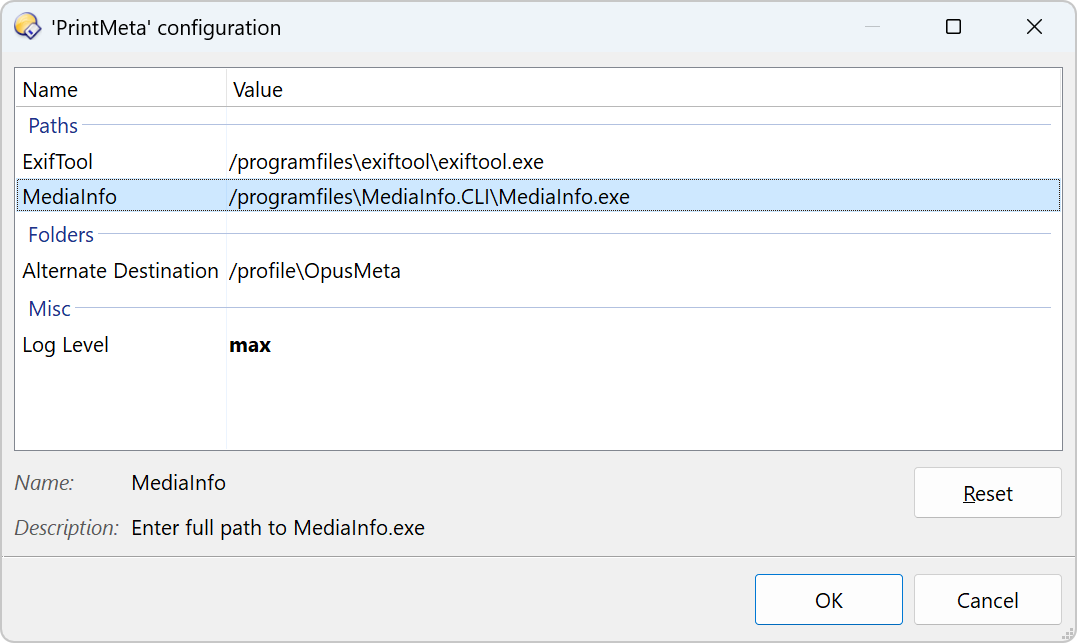
Closing and opening the config dialog is not enough, but doing this with the script management dialog (the big one) is.

The original:

Changing the script will close the dialog. Opening it will yield

After closing everything and relaunching the script management dialog and the config dialog:

So, resetting the field wasn't mandatory.

Yes, This is what I meant when I said the script management window.

It doesn't only happen with the labels (possible since 13.18.1), but also when changing other data such as groups, default values, etc.

Also, some entries update immediately, but others only show changes after you close and reopen the main window.

Fixed in the next beta.

2 Likes