The display of disk space total, used and free shown below seems to have been quietly added in 13.14.1. Is it possible to turn it off?

Three methods: add description, convert to menu button, add modifier to the first line.
If it's Go DRIVEBUTTONS I don't know.
Or use the option to only show tooltips when Ctrl is held down.
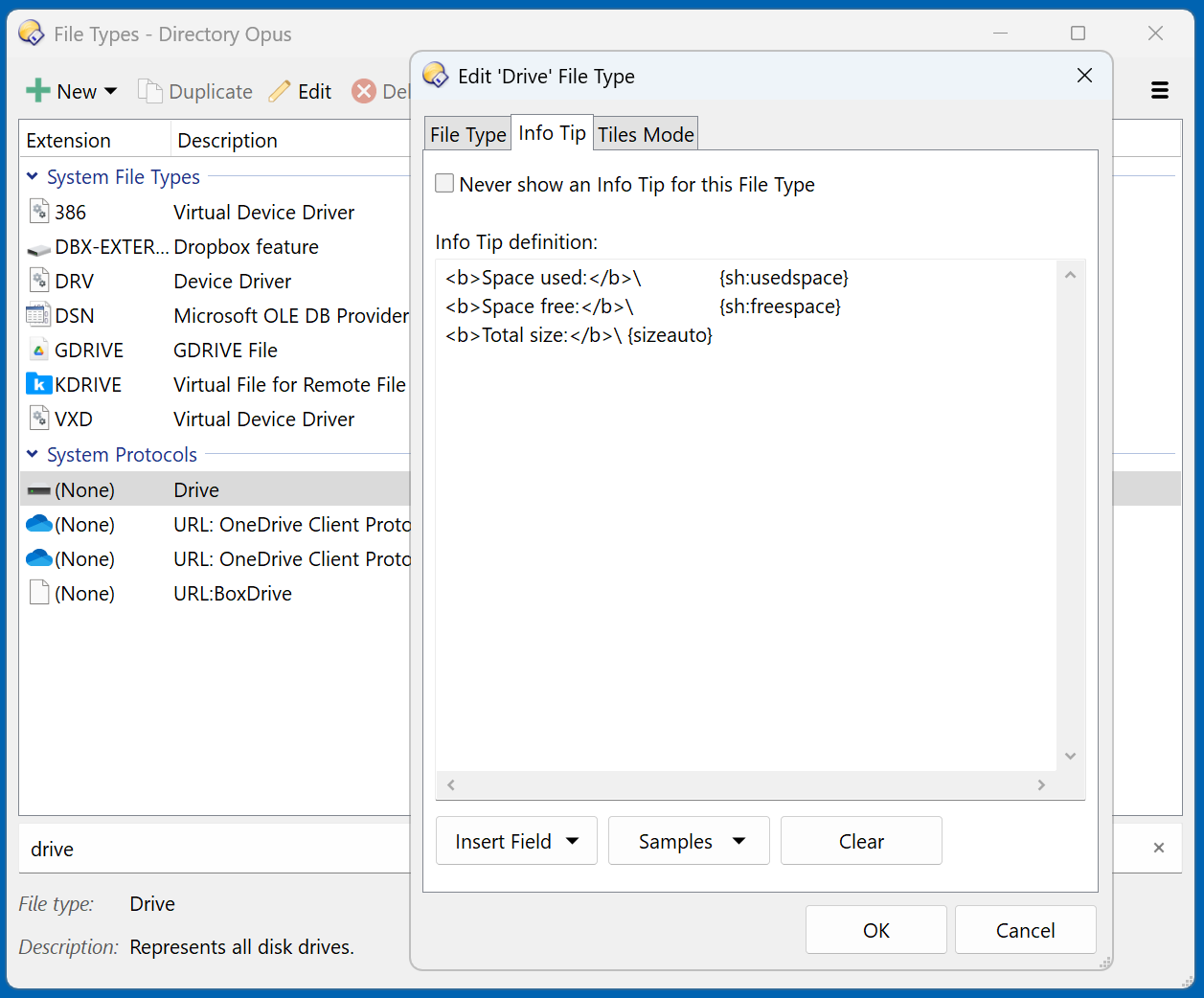
Or turn them off altogether. I'll try that and see if I become aware of missing anything else I want to see.
Why would I want to do that you might ask. They're certainly not something I couldn't learn to live with I suppose, but it's visual pollution. I don't need that graphic jumping up in my face every time I click a drive button to display the drive's contents.
We’ll make it so tooltips don’t appear after clicking a button, unless the mouse moves afterwards.