[ul][li]Open folder options:
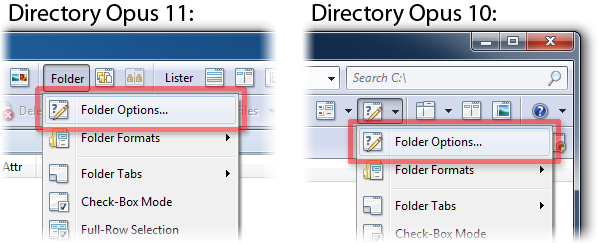
You'll be looking at the Columns tab.
At the top of the list on the left is a category drop-down. Choose Music.
Drag the columns you want to the list.
[/li]
[li]Alternatively:
Right-click the column headings at the top of the file display, and you can add and remove columns via the menu that appears.[/li][/ul]
You will probably also want to read the Folder Formats: Quick Guide if you want to make permanent changes to all folders, or the more detailed guides it links to if you want to make permanent changes only to specific folders.