As the subject indicates I am not seeing any iCloud related commands in the context menu for files on an iCoud drive. The status column and availabiklity column correctly reflect whether the file is online or available on the device but there is not contect menu command to be able to force a file to be online or local. I am running Dopus 13.
Allow "AppleInc.iCloud" under Preferences / Miscellaneous / Shell Extensions
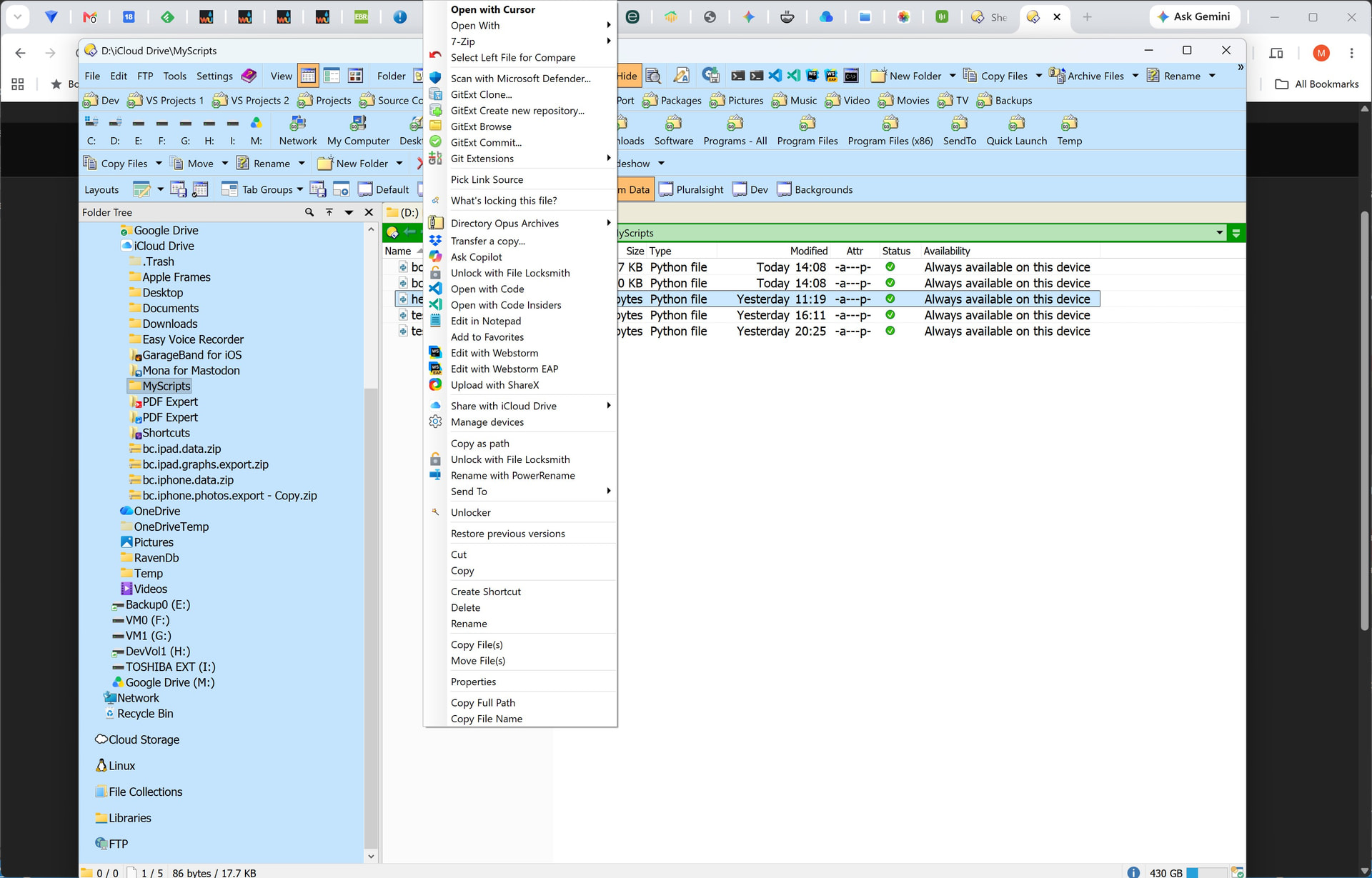
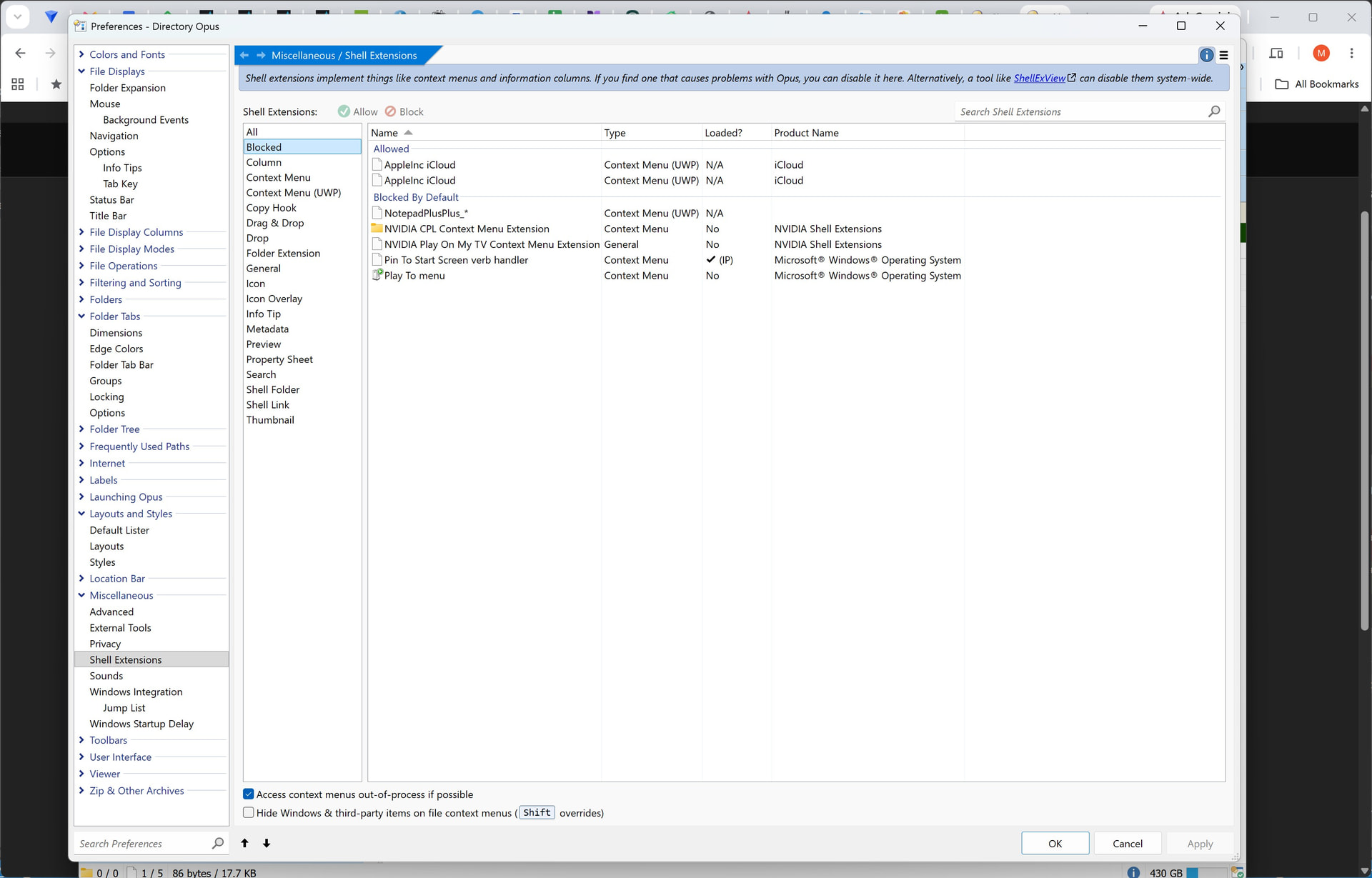
There's a "Share with iCloud Drive" menu item visible in your screenshot which looks like it is coming from iCloud?
Yes that menu option only allows for sharing the file there are no menu items for keeping a file on the device or online only like in Windows File Explorer
Do you get those menu items in other cloud folders (e.g. OneDrive)?
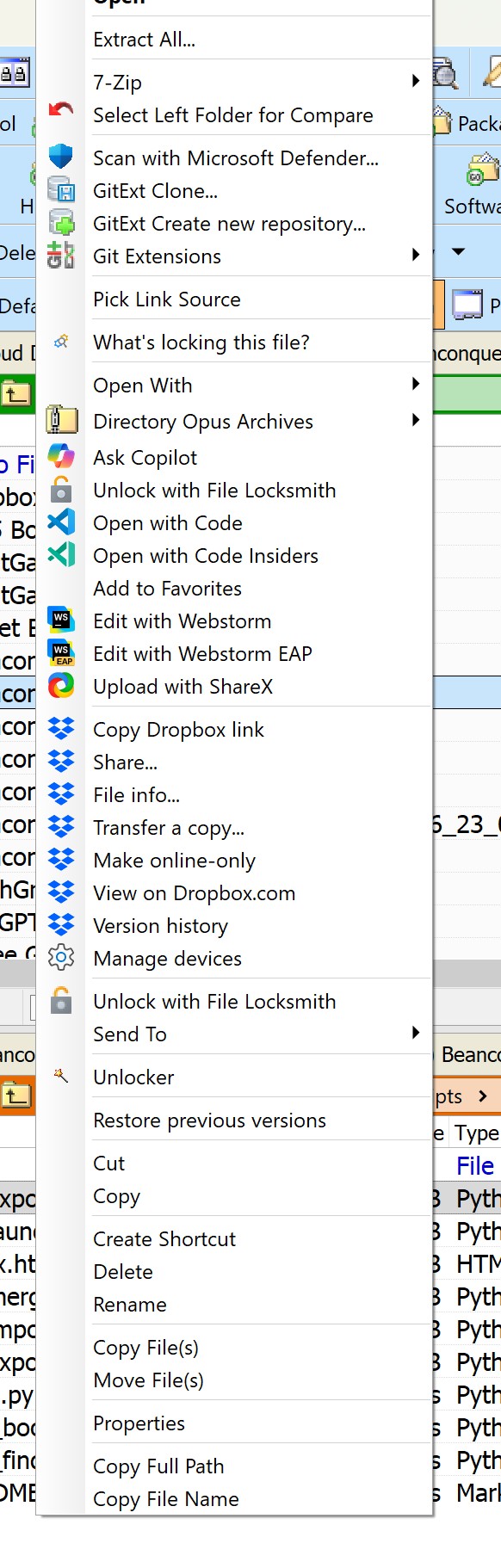
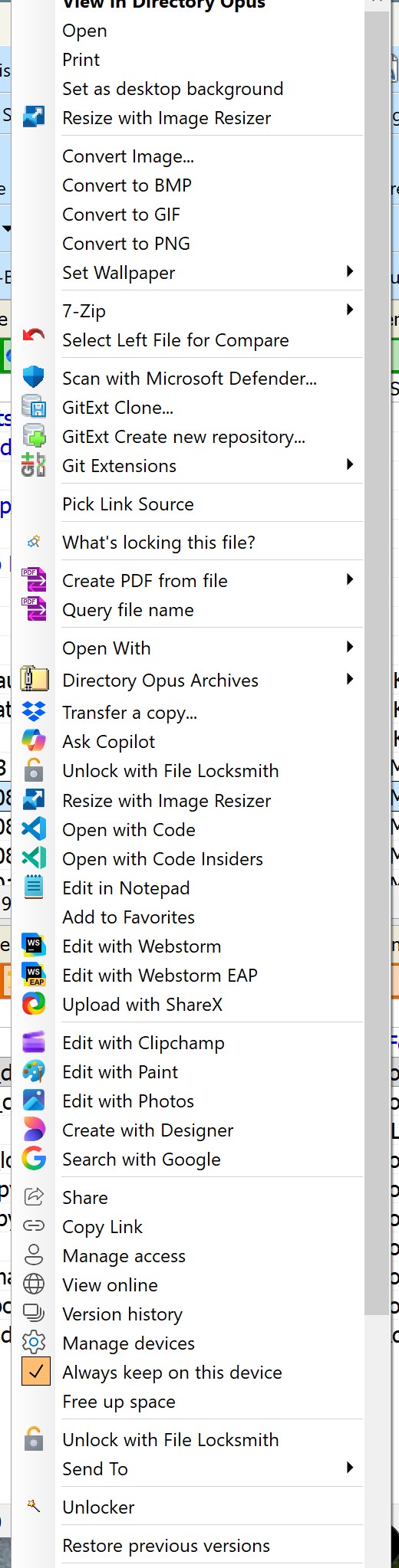
Can you please download and install the 13.23.10 beta version.
Once you're running that, click in the file display and press > to display the command field. Enter the following two commands (press return after each one).
Set UTILITY=DiagnosticLog
Help CLOUDDIAGNOSTIC
That should open the diagnostic log and then print some information about the cloud providers on your system. You can paste the entire results in here, but specifically I'm looking for the Type and Flags value shown for iCloud.
Cloud Providers:
================
Name   : Dropbox
User   : S-1-5-21-1696223382-2996420169-406171-1001
Account: dbid:AADZ9KB8AuQULwEH4MG1vR9kADpwl8MiYZY
Type   : 3
Flags  : 3
Root   : D:\Dropbox
================
Name   : iCloudDrive
User   : S-1-5-21-1696223382-2996420169-406171-1001
Account: Personal
Type   : 5
Flags  : 3
Root   : D:\iCloudDrive
================
Name   : iCloudPhotos
User   : S-1-5-21-1696223382-2996420169-406171-1001
Account: Personal
Type   : 6
Flags  : 3
Root   : D:\pictures\iCloud Photos\Photos
================
Name   : OneDrive
User   : S-1-5-21-1696223382-2996420169-406171-1001
Account: Personal|FCC3D4EBAAE77257!107
Type   : 1
Flags  : 3
Root   : D:\OneDrive
Thanks for that. The flags show it's being correctly detected as cloud storage, so nothing obviously wrong there.
I wonder - do you get the expected context menus if you navigate to the folder via the Cloud Storage item in the folder tree?