How to open new tab with mouse but without right click when Lister have no any tab? There is no + button, despite it set to show in preferences, and double click doesn't work. I used to use Ctrl + T in this situation, but now it is assigned to another program.
Do you mean the tab bar isn’t visible until more than one tab is open? That’s a setting in Preferences for when the bar is visible:
Preferences / Folder Tabs / Folder Tab Bar / Display folder tab bar...
Yes, Display folder tab bar check box is checked. And + appears only after at least one tab is open
Please show a screenshot.
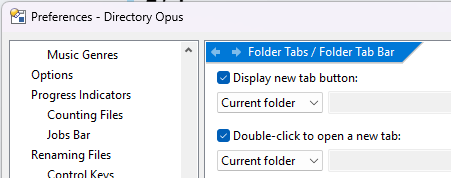
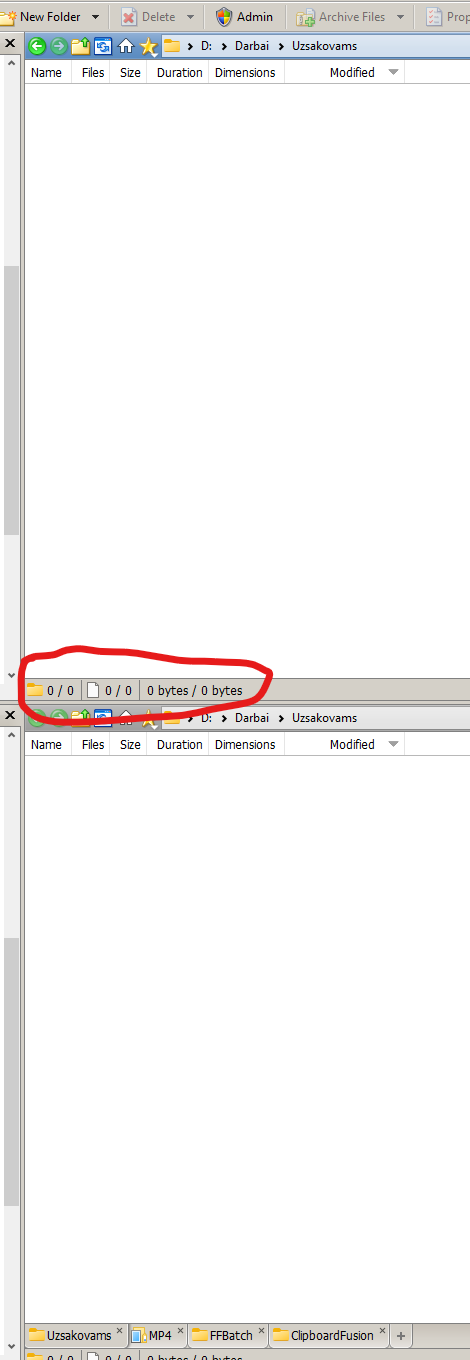
Looks like you still have Display folder tab bar configured to hide the tab bar when there's only one tab.
It's not the new tab + button that's hidden; it's the entire tab bar.
It isn't like that by default. It's also a dropdown, not a checkbox, and not included in your cropped screenshot of Preferences, so I think you were looking at the wrong setting earlier.
Change it back to Always:

Ah so! I thought tab bar needed only for many tabs, but when there is no need of them, tab bar only take a space. You better make standalone new tab + button or put it to the status bar
You can already add a new tab button to any toolbar you want (Settings > Customize Toolbars).