Hi, I've noticed the following issues with windows 7 Libraries (x64):
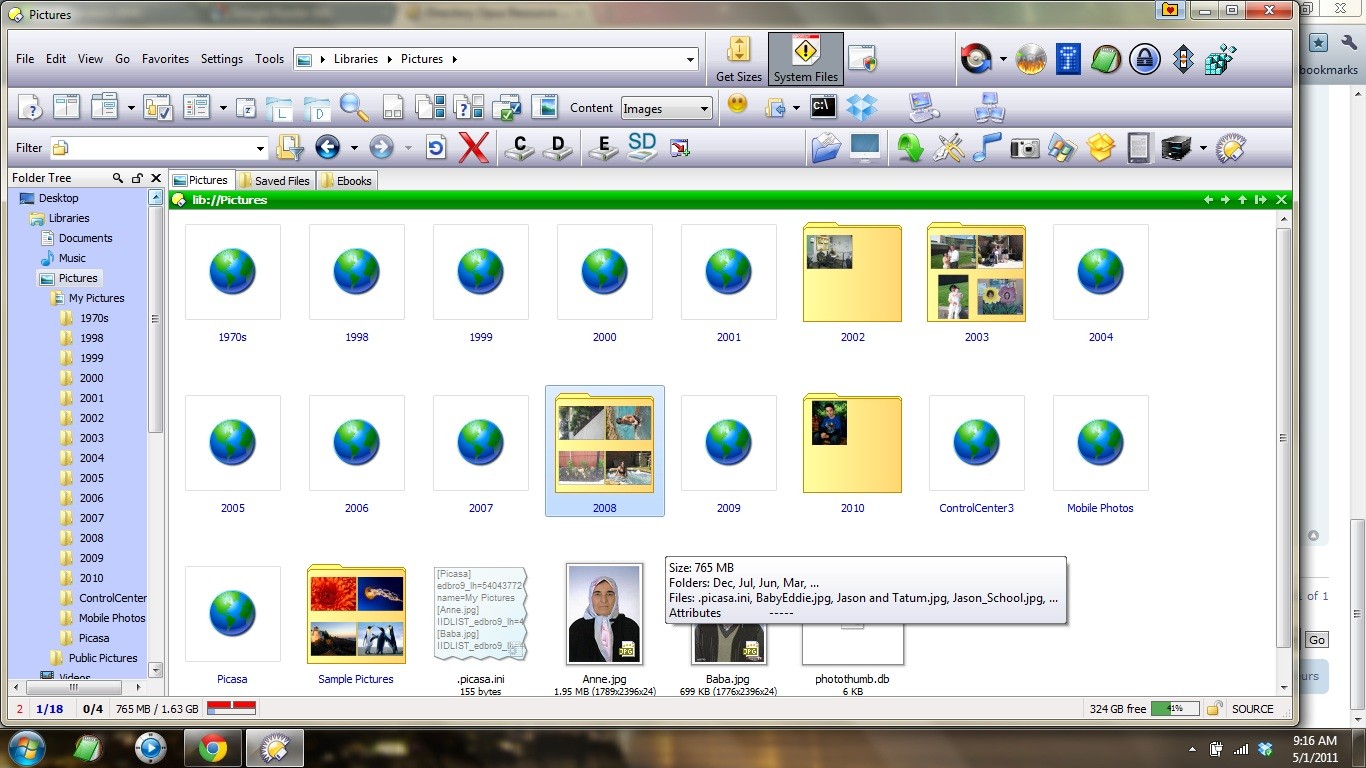
- Folder thumbnails: even though "Native" behaviour is checked in options, the Libraries thumbnail are not rendered in 3D-fashion.
Folder thumbnails(2): if a folder contains only subfolders with images (but without images in root folder), the root thumbnail is rendered as a "world" icon (it seems a IE icon or one like that).
Image viewer: when I open up one image from a folder, on the status bar the info related to "current image/total images" is always "1/total", and as soon as i go on next image, it says "1/1", and next images wont display.
RAR files: when trying to create a RAR file (with Opus using WinRAR) from a library, an error is shown.
Notice that all the issues above won't there if the folders related to the Libraries are reached directly from their original path.
here you go:
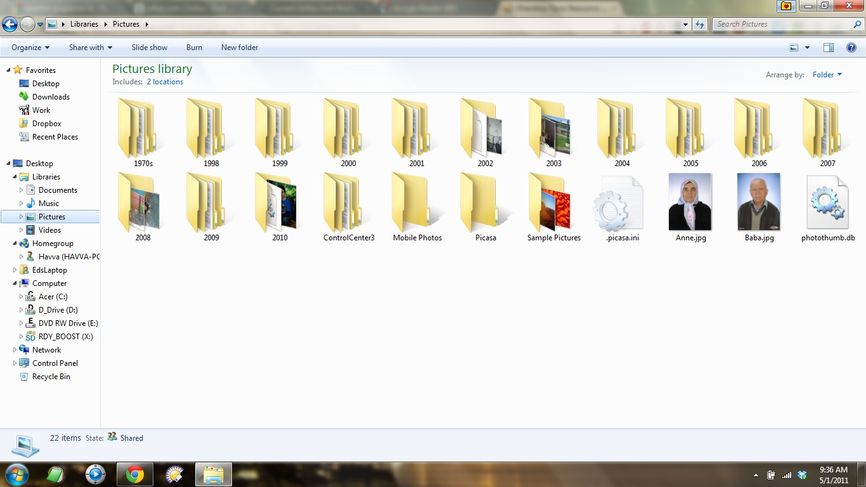
on the left: on top, the library with "world" icon and flat preview; on bottom, the same folder accessed with direct path, with both thumbnails correctly rendered.
That is quite strange... I'm not sure why the icon is appearing for those folders, but the style of border around it tells me it's coming from an API we plan to stop using shortly (the change is already written but hasn't been tested yet), so I think this problem will go away once we release the update with that change.
If this still happens after we've put out the update, bump the thread and I'll look into it again.
Ok, thanks for the analysis. What about the other folder? (the one with black/white images). That one is rendered with the images inside, but using the old "flat thumbnail", not the 3D one. In the thumbnails setting the "3D folder" option is active...
I got to the bottom of this, including why the IE icon was appearing and why the non-3D folders were, too. A fix has been made and should be in the next version (or thereabouts).
I've found another bug when using libraries: using renaming regular expressions involving creation of new directories, when launched from a library, it doesn't work properly
For me it ignores the directories and just renames the files in-place. Do you see the same?
That may be on purpose, since a library could contain files from different folders/devices, and it's both not clear which of the folders the new path should be inside of (relative to each file's starting folder? or to the libraries default folder?) and not possible to rename files across devices.
I'd say it's best to do renames like that via the real folders, not the libraries. (Even if it did work in libraries, I'd still do it in the real folders so I was sure where the files would end up.)
Yes it happens like you said.
Anyway, I think that any operation that needs to write something on a library, should try to do that using the path specified in Libray->Properties->"Setup save path" button (Iìm using use Italian language in W7 so I'm not sure if that is the correct translation). In Windows it is used when you save a file from any program and choose a Llibray as destination.
Update: thinking about it with more attention I think you're right: it's not clear what should be the destination folder in case of renaming operations involving folders: it would equally right thinking to use the real source folder of the affected files... So I think that Opus is behaving correctly ignoring the folders
I've also noticed on my install that for any folder which contains a desktop.ini file that alters the icon of the folder, its thumbnail isn't rendered in 3D.
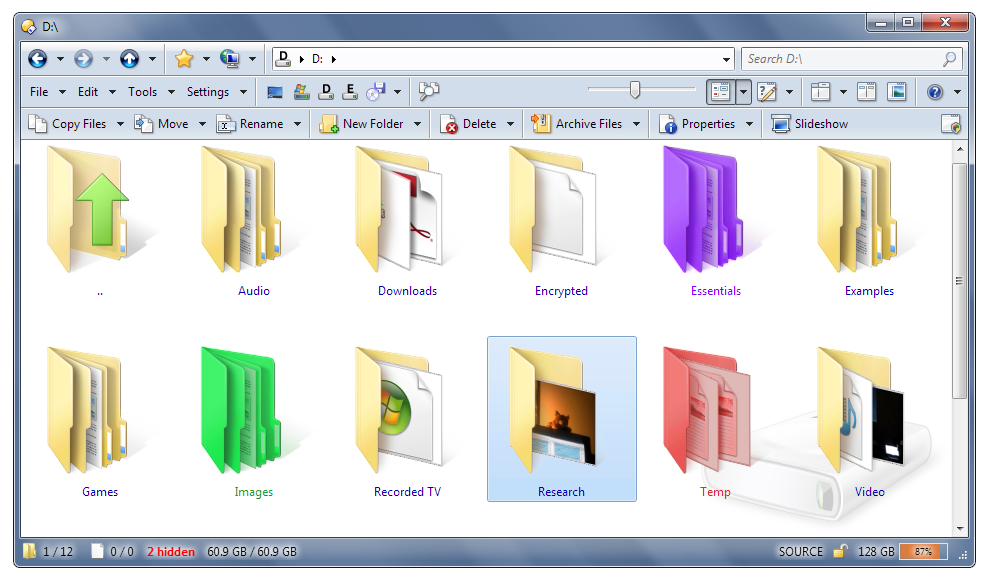
10.0.0.1 should have fixed that as part of adding full jumbo icon support. Works for me, at least, with a folder that uses a JPEG as its icon:
wc658_dopus.png[/quote]
Indeed, it is. I should of checked for beta versions.