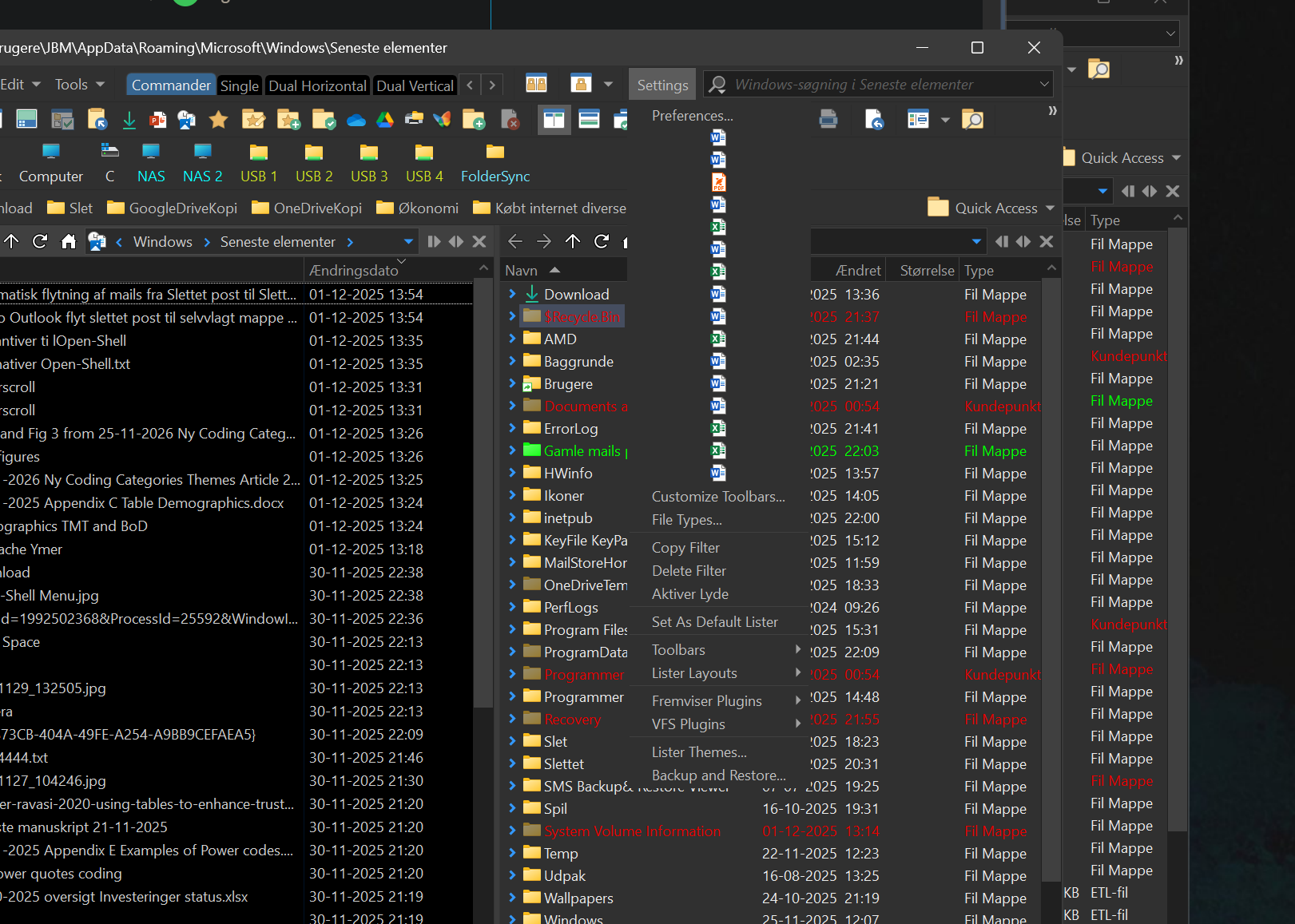
Opus showing "recent files" also shows irrelevant files

HI

i createt a button to show recent files, but that shows more than just docx, xlsx, pptx, pdf, txt and jpg it shows irrelevant entrances like om the screenshot eg "gbtdllib:" and other stange stuff

how can i delimite this view to just the file types i need ?

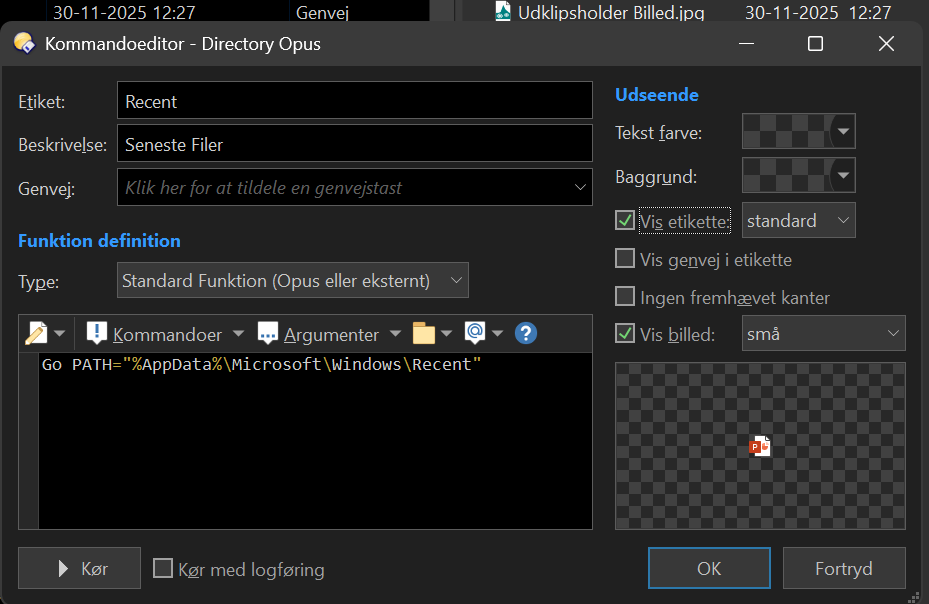
the button code is

thanks

Nolan

What is or isn't in that folder has nothing to do with Opus. File Explorer should show the same thing.

Use a filter. You can apply it globally, per folder, or per tab.

ok thanks, how do i do that and where?

i guess there are 2 ways to go:

  1. "dont show" *.ini
  2. only show xlsx, docx, pdf etc

PS ordinary file filters dont work in that folder "recent"

Ah, yes, none of the filters work :blush:

The recent folder will be handled by a hosted Explorer window by default; add it to the list in Preferences / Folders / Virtual Folders / File System to override that if you want.

thanks, i did that, but it seems it didnt make any difference. What should it do ?

Make sure you go out of and back into the folder once you've added it to that list. It will then appear like any other folder rather than being handled as a virtual folder.

Easiest solution would be to remove the unwanted items from the Recent List, and fix whatever it was that's adding them if they come back.

Put this in a button and put the button in a menu

Go PATH=/recent FOLDERCONTENT="RESOLVESHORTCUTS,sortdate,sortreverse,nodirs,maxfiles=75,hideext,useshell,maxwidth=75,filefilter=*.(pdf|docx|xlsx)"

thanks but that did something very different

Weird. Must be something in your preferences. I use that exact code and it presents normally for me. That or you have the labels turned off for that button/menu
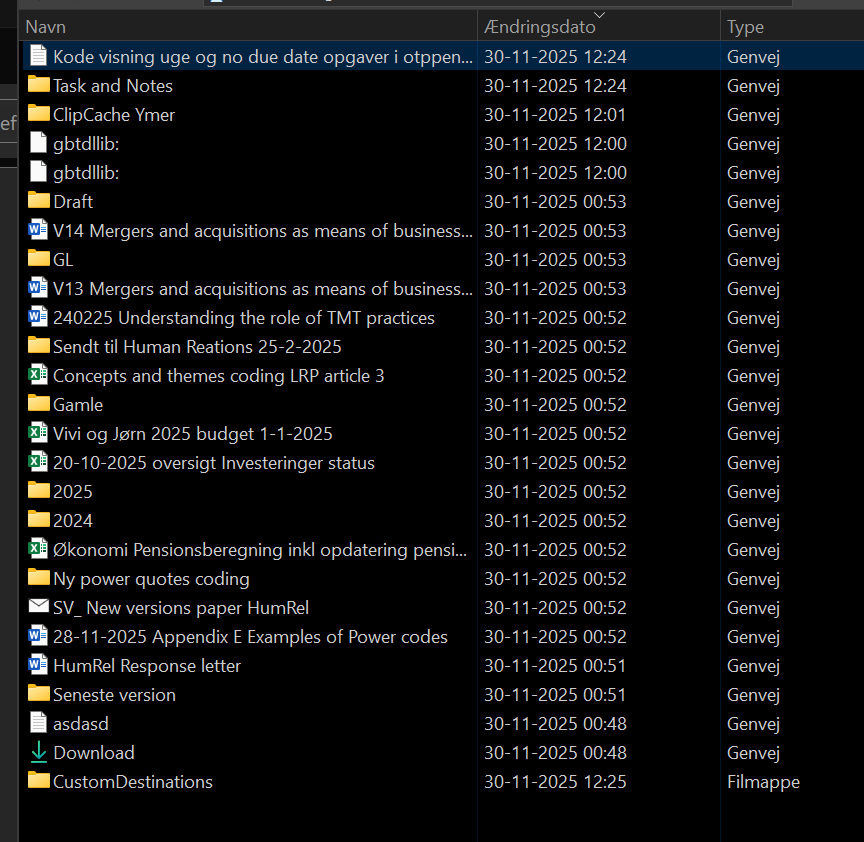
ok could you share a screenshot of what it looks like on your side ?

I'm not at my pc right now, but it just looks like yours but with labels. Somehow your labels are not turned on.

I have a recent files menu and then a bunch of sub menus for documents, scripts, etc (with just the filter changed for each)