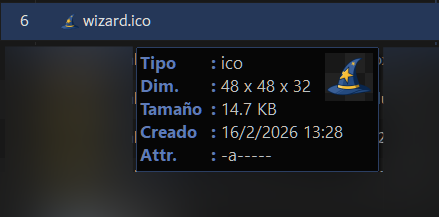
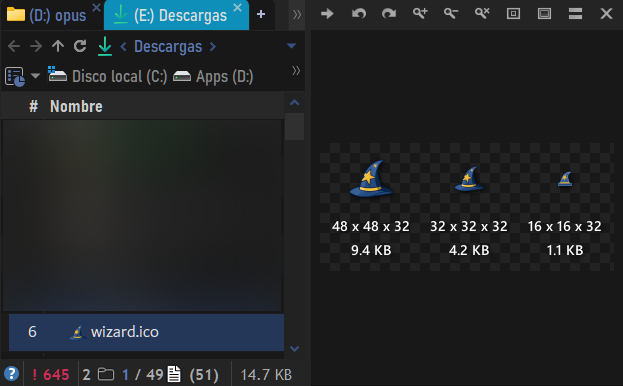
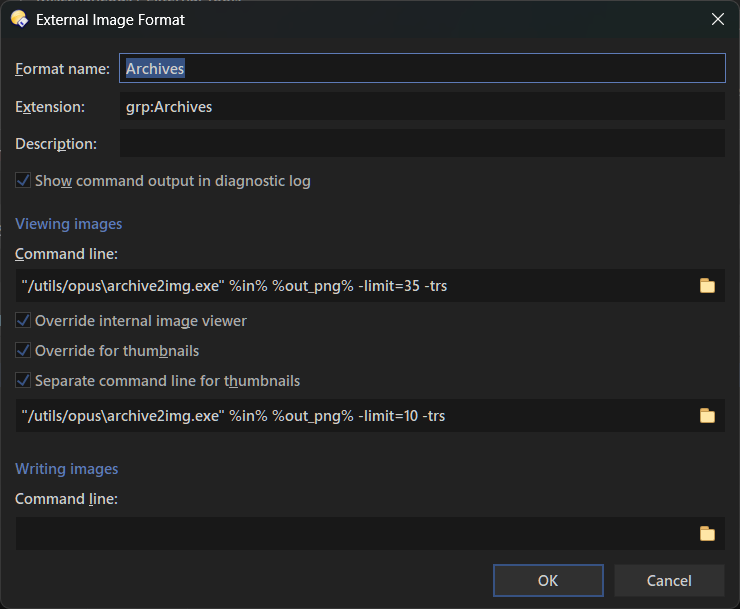
Is there any way to use that generated image as the thumbnail as well?
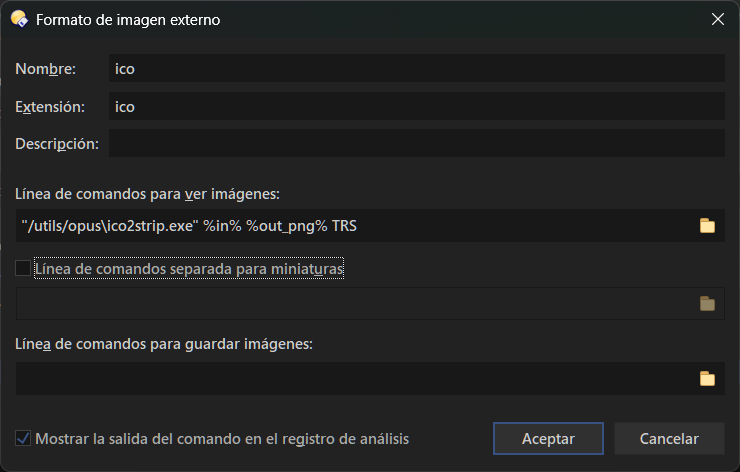
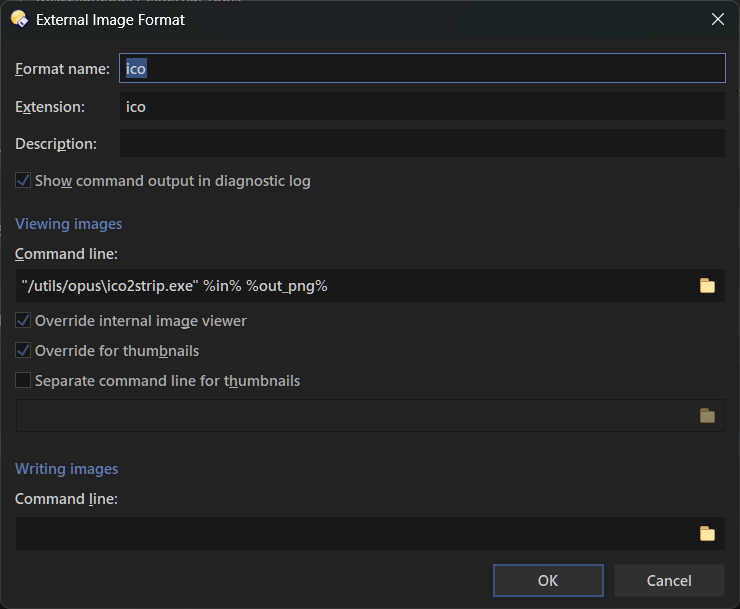
This probably wasn't the main use case you had in mind when you added External Tools support, but I can see the potential for displaying additional information or custom thumbnails without needing to write a DLL plugin (which is great btw).
Maybe it would be useful to have a way to override any thumbnail with an image generated through an External Tool?
Since @jon has responded to the issue, I hope it's not derailing the thread, @errante, to ask what program you're using to generate the preview of various resolutions in the ico file.
I've been looking for something to do exactly this. Recently I've been trying to get imagemagic's montage command to work satisfactorily, but this looks like it would work better.
It works in the Viewer/QuickShow (as before), but not when a thumbnail is requested (eg. from an infotip). The Diagnostic Log does not show anything for thumbnails.
Thanks. That does work for .ico files, but not for archives.
Something I noticed after clearing the thumbnail cache and then opening a folder containing a mix of files:
External Tools aren't called for archives located directly in the folder, but they are called for archives inside subfolders.
Opus silently crashes while generating the thumbnails, with no dump being generated. I'm not sure yet whether this is caused by External Tools or another thumbnailer, so I'll investigate this further.
Edit: The crash is not related to External Tools thumbnails, it looks more related to another thumbnailer, I'm not sure which one unfortunately.