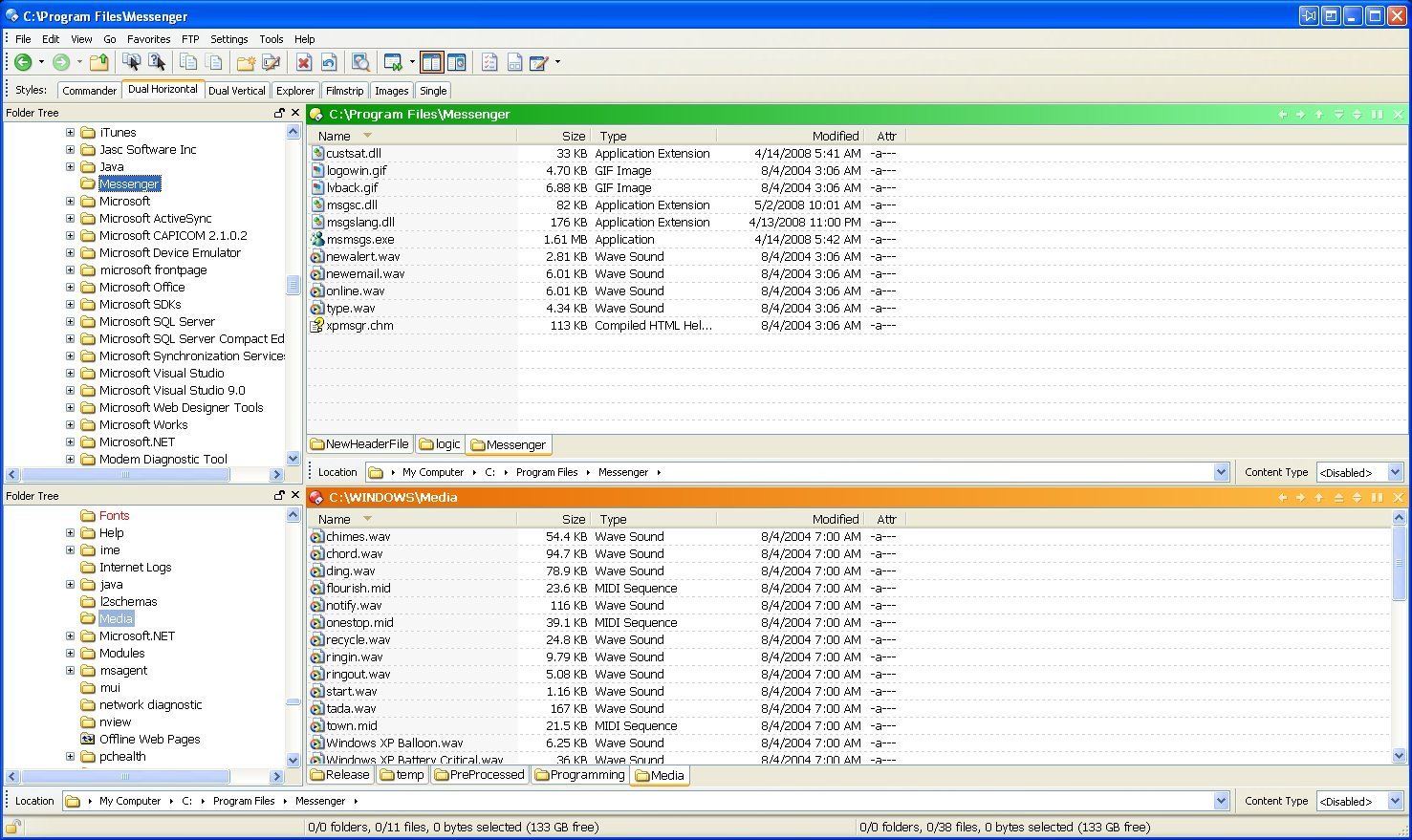
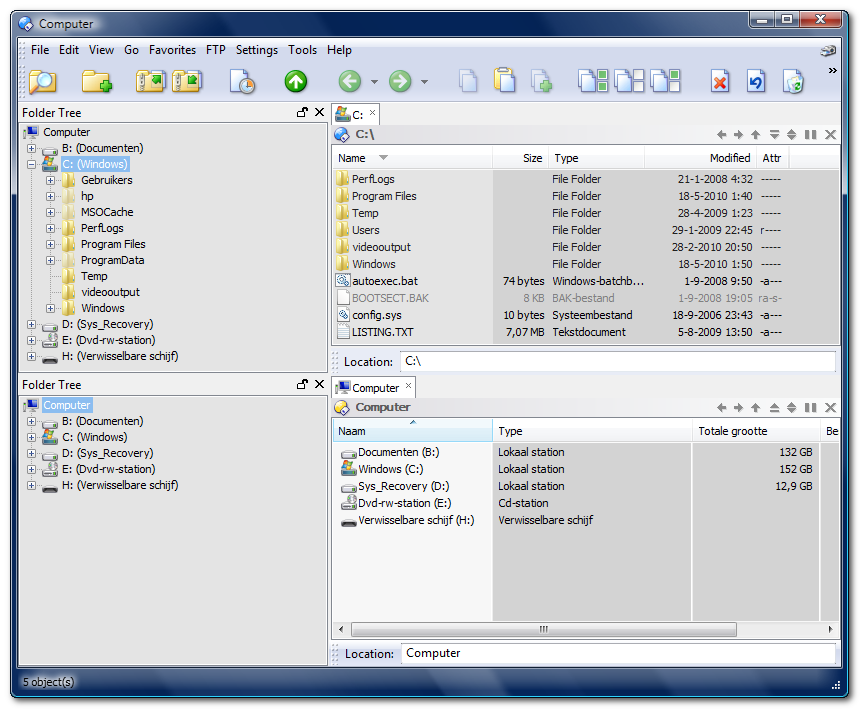
I'm using the dual horizontal view, and I want a pathbar for each directory listing.
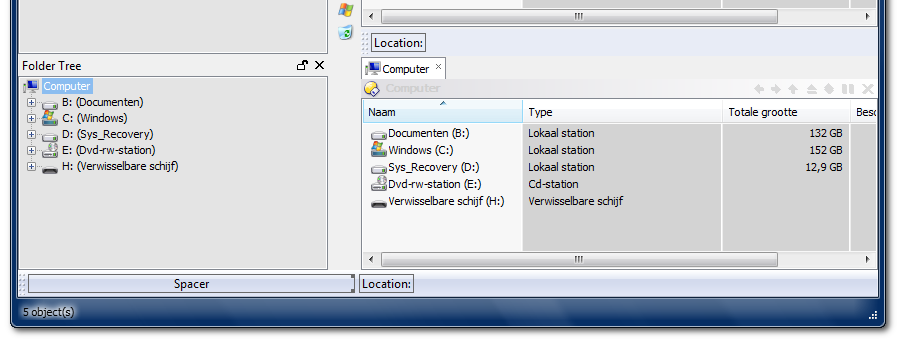
I created a 2nd Pathbar, and dragged it under the directory tabs. It stretches from the right edge of the folder tree to the left edge of the opus window. I like this.
The other pathbar stretches the entire width of the screen - I'd really like it to be the same as the other (it runs under the folder tree).
crude drawing:
-----------------------------
|      |                    |
|      |                    |
|      | [location here]    |
-----------------------------
|      |                    |
|      |                    |
|      |                    |
-----------------------------
| [Location here]           |
-----------------------------
I'd really like:
-----------------------------
|      |                    |
|      |                    |
|      | [location here]    |
-----------------------------
|      |                    |
|      |                    |
|      | [location here]    |
-----------------------------
Any ideas?
If it's not clear, I can make an attachment. Thanks.
 But thank you for taking time to try!