(I'm not actually sure if this is a bug or that I added the context menu commands in a different way and forgot but...)
I have some DO standard function context menu entries that I added a while back, which show when right clicking .ico files.
And they do indeed show in the context menu as expected:
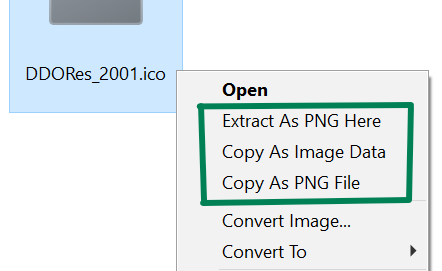
However I went to customize them further today and couldn't find them in the File Types menu. (I also checked "All Files", "All files and folders", "Images, and "Recognized Images", but couldn't find them there either.)
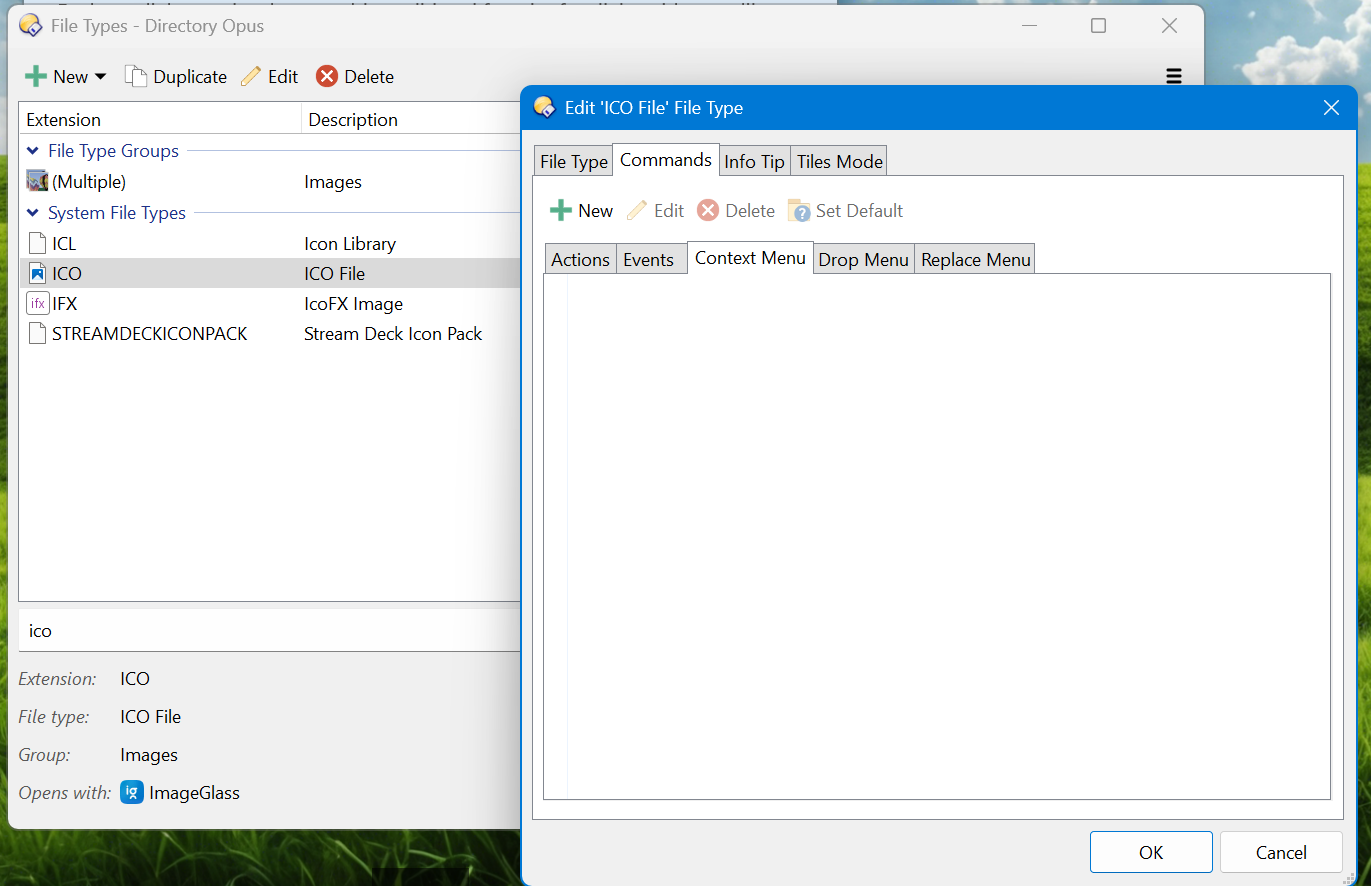
I exported the .dft files using the Export option, using both the "All Directory Opus file" option, then the "Opus-specific settings" option. And it reveals some clues I think.
In the "All Directory Opus file" export it shows the entries under the type icofile:
	<filetype name="icofile">
		<commands>
			<command label="Copy As Image Data" name="Copy_As_Image_Data" position="1" type="normal">
				<instruction>Extract_ICO_To_PNG MODE=CopyImageData</instruction>
			</command>
			<command label="Copy As PNG File" name="Copy_As_PNG_File" position="2" type="normal">
				<instruction>Extract_ICO_To_PNG MODE=CopyImageFile</instruction>
			</command>
			<command label="Extract As PNG Here" name="Extract_Icon_As_PNG" position="0" type="normal">
				<instruction>Extract_ICO_To_PNG MODE=Extract</instruction>
			</command>
		</commands>
	</filetype>
I'll just attach the entire "All" settings .dft file: All.dft.txt (20.9 KB)
And in the "Opus-specific" settings here's the entirety of my file, it's short:
<?xml version="1.0" encoding="UTF-8"?>
<opus_filetypes>
	<filetype name="ImageGlass.AssocFile.ICO" />
</opus_filetypes>
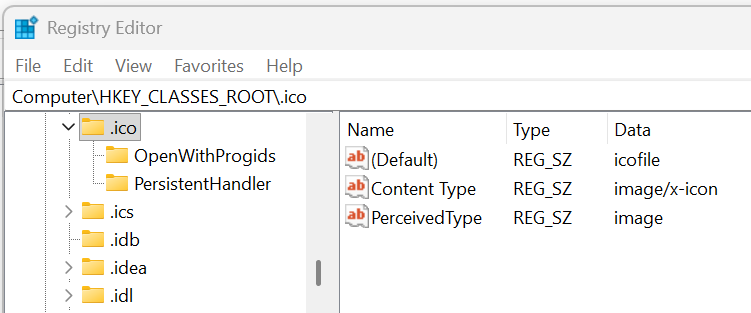
In the registry the .ico extension is associated with the icofile type which would explain why the entries show up, since the dft file has the entries associated with that:
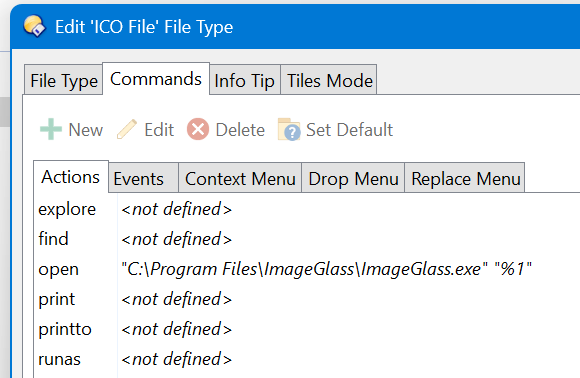
Not sure if it's relevant but under Actions it does show it set to Image Glass' path. I think that is expected though. Besides that all the 'Events' like Left-DoubleClick are default (not defined).
I tried adding a new context menu entry command to the 'ICO File', and when I exported the "All" dft, it looks like it went into a new section:
	<filetype name="ImageGlass.AssocFile.ICO">
		<commands>
			<command label="Test ICO Context" name="Test_ICO_Context" position="0" type="normal">
				<instruction>@Output Test ico context</instruction>
			</command>
		</commands>
		<dropmenu />
	</filetype>
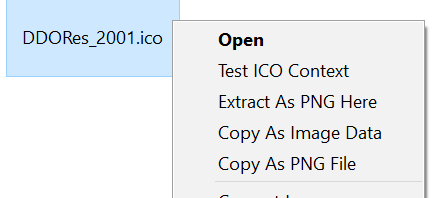
Only that new command shows in the ICO File menu's Context Menu tab, but now both sets of commands show in the context menu when right clicking an ico file:
Since both the filetype xml nodes in the dft file don't seem to even have a members list with extensions, I'm not sure of the other ways Opus associates the filetypes with the extensions behind the scenes. But maybe there could be a way to give the File Types menu a section for commands associated with a filetype name that does not appear to be associated with an extension, like orphaned commands you might say (even though technically they work). Or maybe if there's a way behind the scenes to associate commands directly with a file's extension instead of the named type or something, at least for opus function commands.
