Preference: Set SVG icon size for the Select Icon Dialog

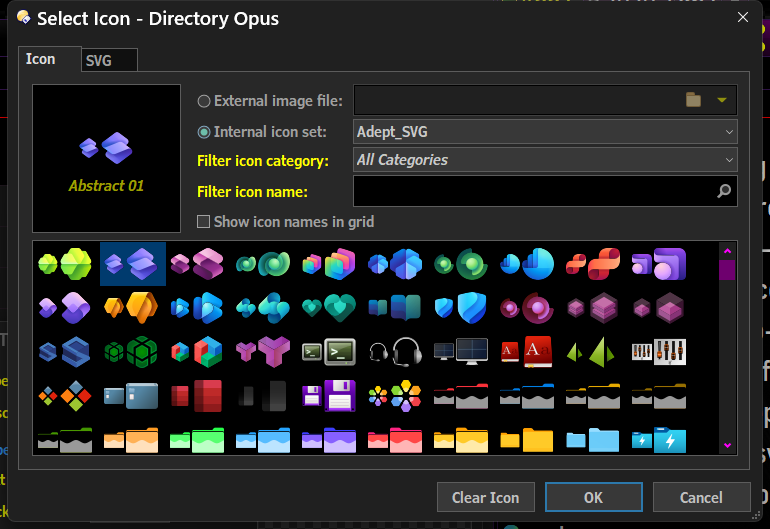
Greetings Gurus. Can the Select ICON Dialog show single bigger images for the icon preview instead of the tiny double icon when browsing an icon set?

This should be a preference setting for SVG icon preview size in the Select Icon Dialog since they scale perfectly.
Right now they are too tiny plus doubled (this is redundant).
Some users have HI-Res monitors 4k and beyond so to accommodate users please add a preference so users can select what size icons are displayed in that dialog (SVG specific).

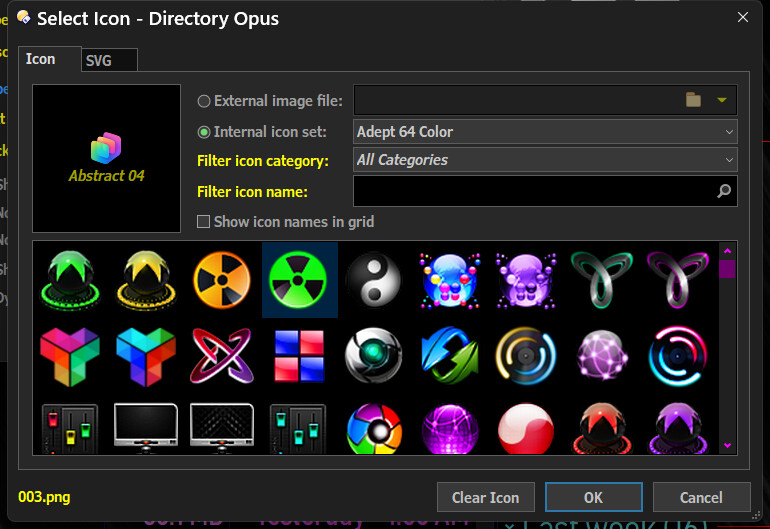
The legacy Icon selector displays a single image and it's bigger.

The icon browser should respect the size (if any) that you've set in the XML for the SVG icon set (via the small and large attributes).

In the next update we'll add an option to only show one size in the browser rather than both small and large.

Thanks Jon I'll update my xml files.

Greetings Jon, I tried altering the xml. Thus far this has no effect. Please share an example.

<?xml version="1.0" encoding="utf-8"?>
<iconset name="Adept_SVG" small="36" large="64">

The sizes need to go on the <set> element.

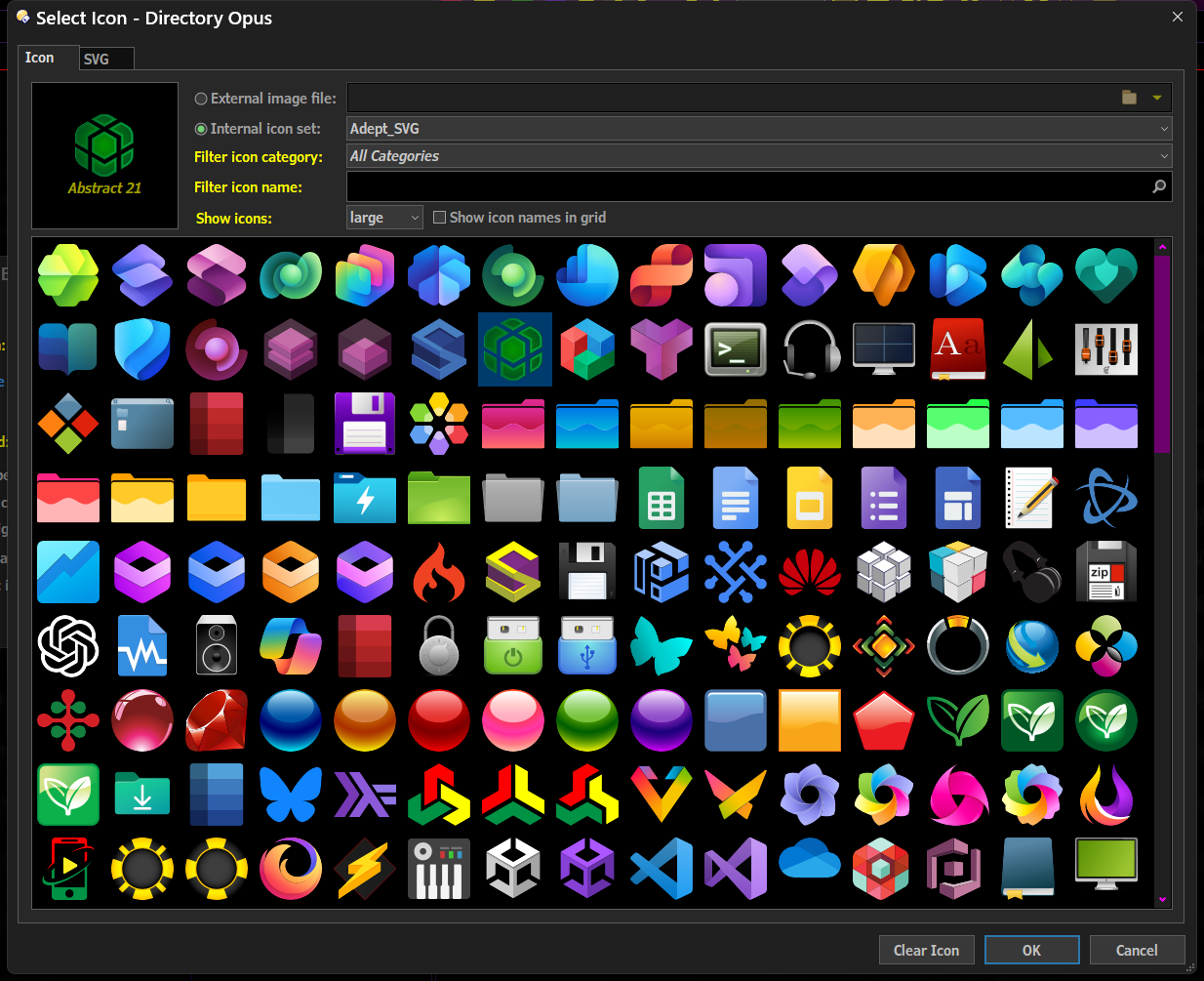
Thanks Jon, that is what I needed. I can see clearly now on this hi-res screen. You guys are awesome, SVG icons, I didn't see this coming. Keep forward thinking...