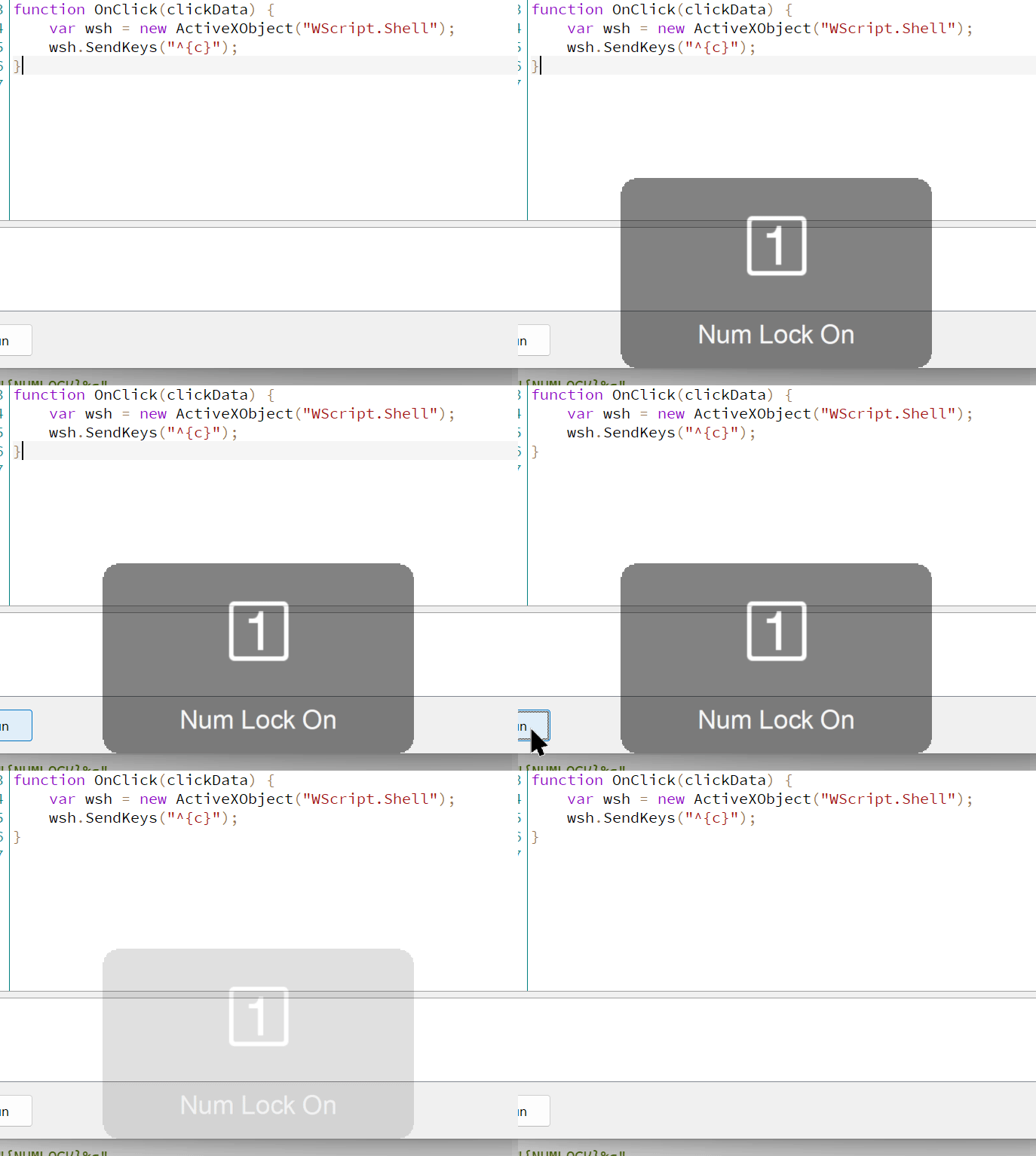
I’ve recently enabled a helpful notification on NumLock state changes and now all my SendKeys DOpus commands trigger it. Quick googling indicates that this seems to be a broader long-standing WScript.Shell Microsoft bug, with various complicated workarounds calling different win APIs, which I don’t know how to do within DOpus scripts, so was wondering whether there is maybe an easy way within DOpus to do that?
Is there some alternative way to simulate key presses within DOpus without involving othe apps like AHK?
Here is an example of the code:
function OnClick(clickData) {
	var wsh = new ActiveXObject("WScript.Shell");
	wsh.SendKeys("^{c}");
}
Nice, thanks! (was actually using it already in some of my newer command buttons, but didn’t realize it had this benefit, so didn’t replace shell’s sendkey in the older scripts)
There is no way to search for @sendkey in the forums, though, right? Because it’s confused with a name tag?
Might be worth adding this Numlock benefit over WScript.Shell to the docs
One person in that thread says the problem only happens with VBA/Office and not with WShell's SendKeys method. I'm not sure the problem is fully understood, to be honest.