Quick Ultra Renamer

Greetings Gurus, this is a function I use very frequently to rename groups of files.
I actually use it as a hotkey and not a button for quicker access.
It also pads the numeric incrementor with zeros as necessary.
It's great for photos and videos which are arbitrarily named.


Ultra Rename.dcf (3.4 KB)

Try

Rename PATTERN=* TO="{dlgstring} " IGNOREEXT NUMBER=01

Did you forget to include the thing in your post? There’s only a screenshot of what it looks like.

Thanks for the simplicity in your response, lxp you are awesome with the one-liners bro! Does your solution also pad correctly for 100s and 1000s and so on? It seems hardwired for just a single added zero, can it be dynamic to account for any number of files?
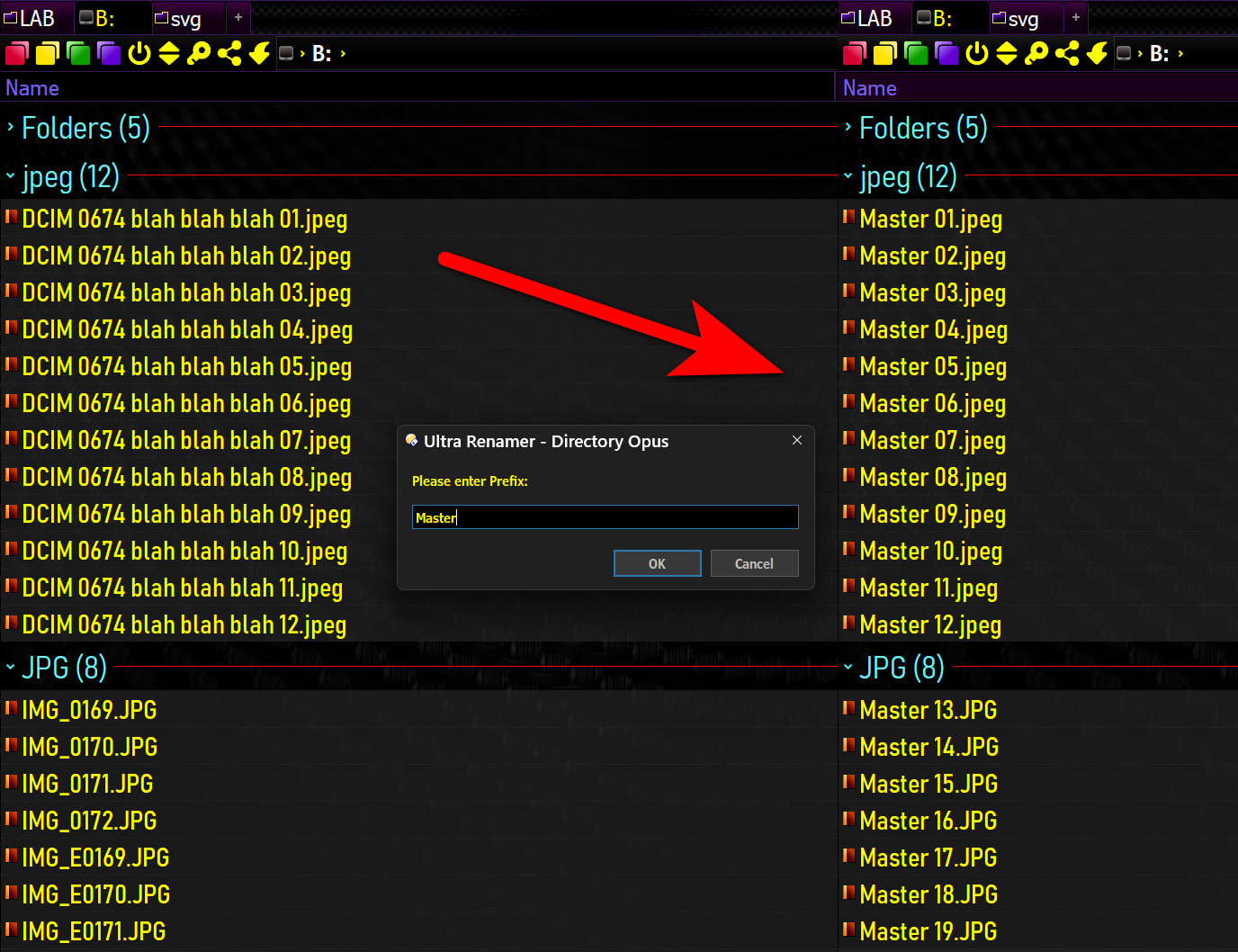
Thanks Leo, It's updated now. Question for lxp, how do you figure out those one-liners?! I admire that...

Yes and yes.

@nodeselect
@set prefix={dlgstring}
Rename PATTERN=* TO="{$prefix} [#{=i = 0; while (Pow(10, i) <= selitems) {i++}; i=}]" NUMBER IGNOREEXT

Mostly by being lazy and happily letting Opus do the heavy lifting :wink:

3 Likes

Wow, you refactored my code down to 2 lines, you inspire me...

@lxp

The following code asks for a name for each file separately:

Rename PATTERN=* TO="{dlgstring} [#{=i = 0; while (Pow(10, i) <= selitems) {i++}; i=}]" NUMBER IGNOREEXT

Is there something like a command modifier that renames all selected files at once?

No, I don't think there is.

But if you really want a true one-liner and are willing to geek out a bit, use

=dlg = Dialog("s", "Enter Prefix"); i = 1; while (Pow(10, i) <= selitems) {i++}; return "Rename PATTERN=* TO=""" + dlg.text + " [#" + i + "]"" NUMBER IGNOREEXT"

Mind you, I didn't say it was pretty :slight_smile:

3 Likes

Thanks very much!