Shell Thumbnails and Icons are only shown in the preview pane, not in the standalone viewer.
(The logic is that images of files obtained that way tended to be low resolution and quality, at least in the past, and would only include the first page of documents. Better than nothing for a small or medium sized preview but not what you'd want if you asked opened the image/document in its own window. These days some of the shell thumbnail handlers extract full-resolution images, making them more useful, but the single-page issue is still there for document formats.)
>>These days some of the shell thumbnail handlers extract full-resolution images, making them more useful, but the single-page issue is still there for document formats.)
AutoCAD/BricsCAD both have a Thumbnail preview image size setting, up to 2560x2560
Viewer Pane is probably using this but QuickView isn't.
AutoCAD has one to
C:\Program Files\Common Files\Autodesk Shared\Thumbnail\AcThumbnail16.dll
{AC1DB655-4F9A-4c39-8AD2-A65324A4C446} AcThumbnail16.zip (202.5 KB)
Any of this of any use to get dwg preview in Quickview?
Found a solution, quite hacky but working.
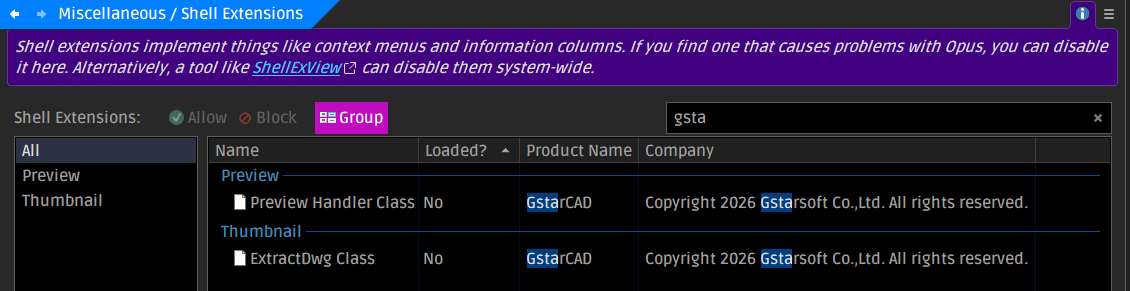
GStarCAD installs a shell dwg thumbnail previewer 'dwgthumb.dll' to
\Program Files (x86)'Common Files\Gstarsoft
Unzip and copy the Gstarsoft folder to: \Program Files (x86)'Common Files\
Fire up an Admin CMD.exe
Paste in:
If Model Space Visual Style was saved as 2DWireframe the preview doesn't show much, black background and some faint lines, but if saved with Shaded with Edges then geometry is clearly visible. I'll email their support and let them know my observations an encourage them to update it.
BTW its only dwg not DWT (template files)