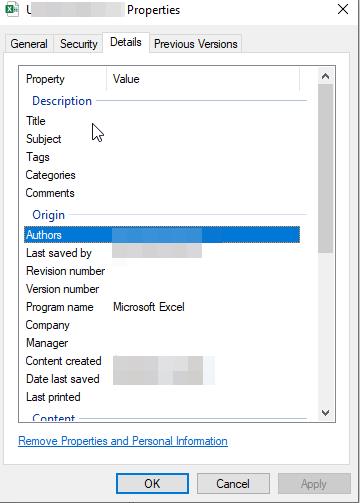
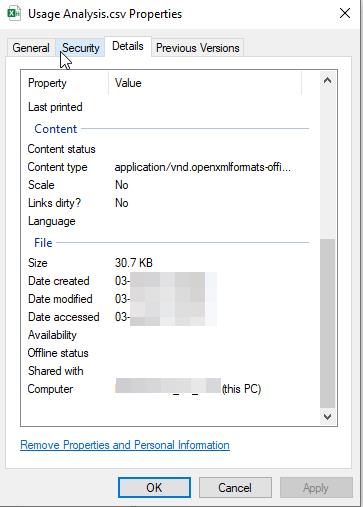
Another option to erase and replace any existing meta data and put standard pre-defined data in the selected data fields (for example to personalize the file with my own information). The meta data fields to be affected can be selectable in this case, same from the above screenshots , the usual fields which have some data values.
Pardon if this is asked before, i wasn’t able to find much info about it.
To write metadata, use the SetAttr command. For Office-specific fields, you'll need a script that interacts with the Office object model. This is relatively straightforward to implement.
I have not tried to create a DOpus script, although using SetAttr | Metadata Pane F9 works pretty well. Also you could investigate AttributeMagic-Pro to set metadata fields using ‘templates’:
you’ll see it has not been updated since May 2012, but it works fine on MS DOCX, etc. files.