In the script editor settings I can choose an external editor as default. It would be nice if I could set a viewer plugin like DOpusWorx or editorwrapper as default here and easily change that setting using a toolbar button.
Doesn't EditorWrapper make it so the viewer pane can use external editors you have installed in the viewer pane? You can already use those editors as the script editor.
With EditorWrapper I can set the wrapped editor.exe as default editor but this doesn't open that editor in the preview pane or standalone viewer but the standalone app because the wrapping is done by editorwrapper.dll which can't be applied to the setting.
Do you mean you want EditorWrapper to be embedded in the script IDE?

You can already make buttons to do that in the viewer.
I though this thread was about the script editor.
One advantage of the default script editor is that I can edit a file in the Script Addins folder and DOpus reloads the file. With another editor I'd have to restart DOpus or deactivate and reactivate the script. I thought it would be comfortable if I could navigate to /scriptaddins, view a script file in the preview pane, make some changes and immediately test the effects of my changes.
I think that works with all editors.
I confirm. I edit directly in the script addins folder with vscode, no need to relaunch Opus. Saving the file is enough.
Sorry, I didn't know that. I thought it would only work with the default script editor. I tested with DOpusWorx and it really works...always learning.
Since this was the main reason for my feature request please simply forget about it.
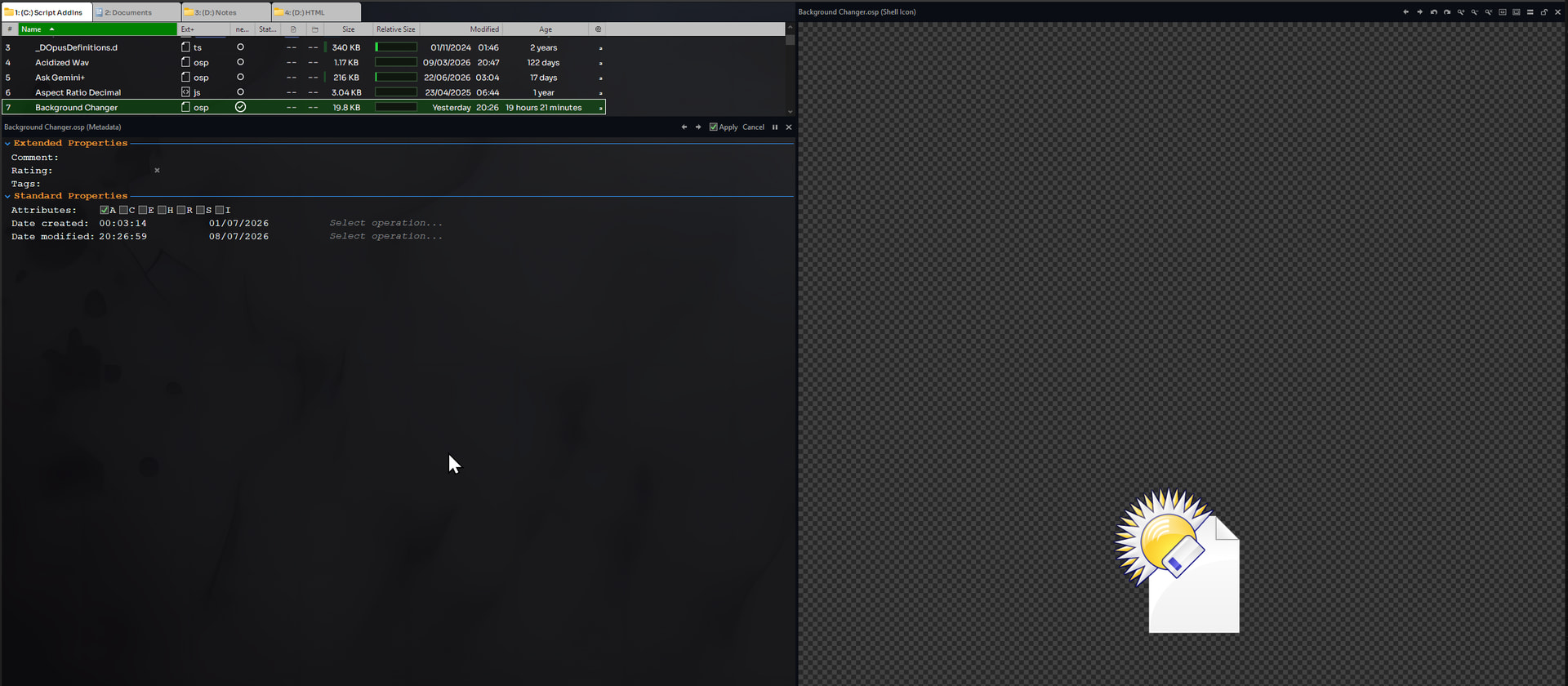
OSP files are for sharing the script and resources as a single file.
If you're working on a script, extract the OSP and work on the individual files instead.