I was eagerly awaiting the release of this version to see how this command behaves, but I have no idea how it works; does anyone know how to specify the size of the region to be selected automatically?
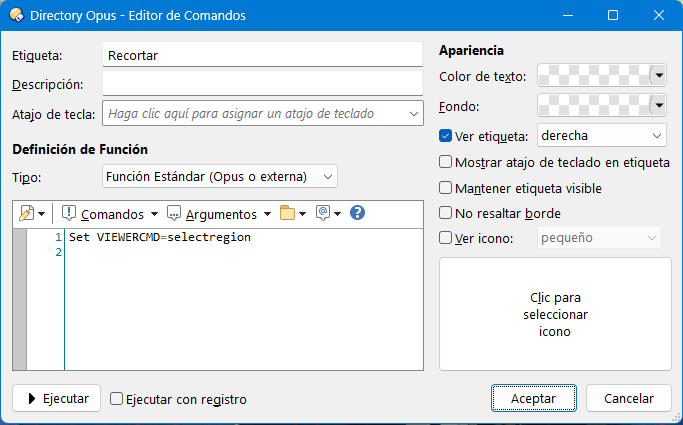
Set VIEWERCMD=selectregion,all Set VIEWERCMD=selectregion,100% Set VIEWERCMD=selectregion,1920,1080
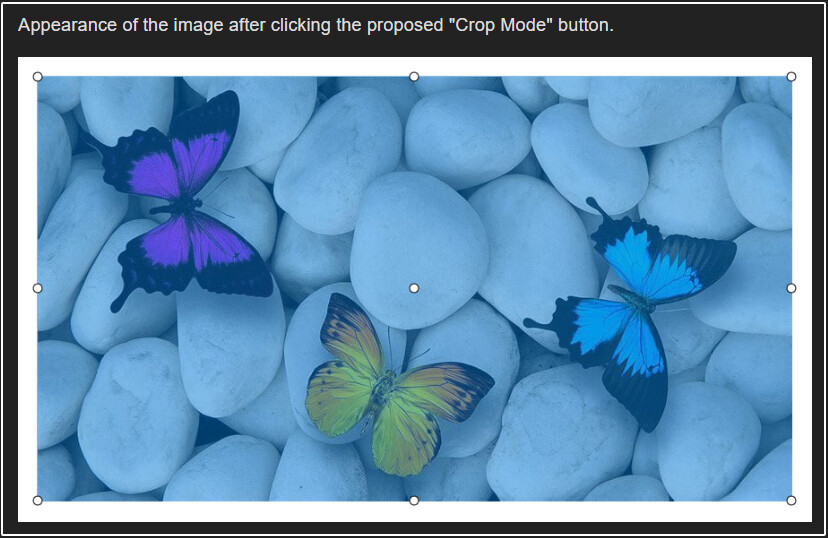
You don't specify a size, it just selects a default area (95%). The original request was for that, so that you could start selecting without needing to press a key.
Ok, I apologize for my mistake. I wanted to ask you something: is the 95% selection of the image due to a technical limitation or a productivity reason that prevents it from being 100%? As I understand it, the reason for cropping is to discard areas of an image, almost always by moving the handles inwards, not outwards.
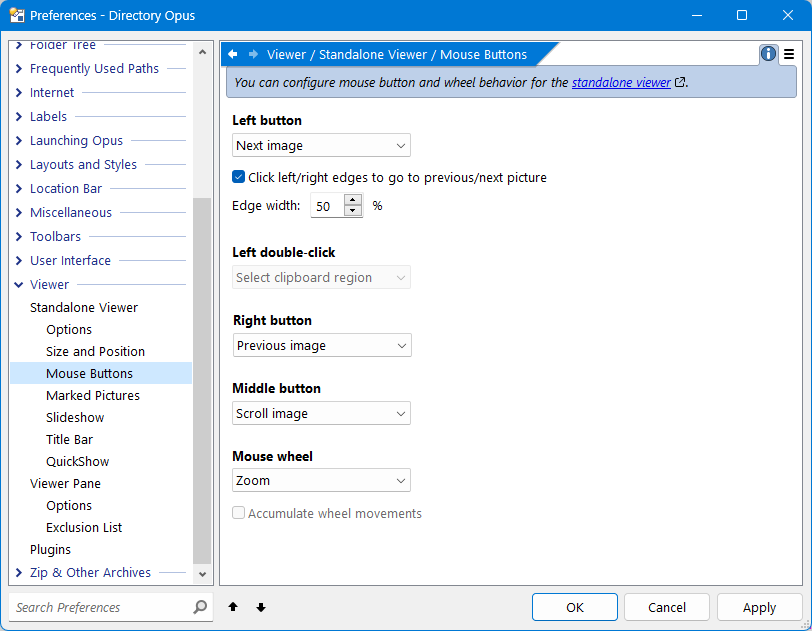
Another detail I wanted to mention is that once the selection is made automatically, if we try to move the handles with the mouse (without holding down the Shift key), that action is interpreted as a click, moving to the next image. Is it possible to achieve this effect, modifying the size of the selected area using only the mouse, without having to hold down any keys? Thank you very much.
I wasn't aware of the Show VIEWERCMD=selectall command; it achieves the effect I wanted—selecting the entire image. The new Show VIEWERCMD=selectregion command does much the same thing. I’m not sure if keeping both is necessary—that’s up to you—though it would be very interesting to keep Show VIEWERCMD=selectregion with the option to specify custom sizes, like this: Show VIEWERCMD=selectregion:50% Show VIEWERCMD=selectregion:800,600
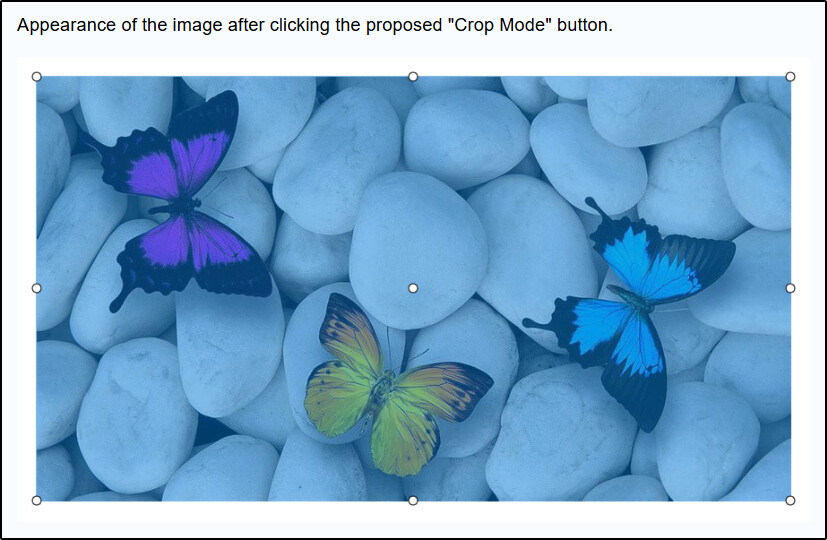
Regarding the 95% selection issue, that was a misunderstanding; I always intended for a 100% selection. I had posted the image with a white border around it to avoid cropping off the selection handles, but it seems you browse in dark mode and interpreted that white frame as part of the image itself. My apologies once again.
As for the mouse behavior, it might be an issue specific to my PC, but I can't adjust the handles using only the mouse; if I try, the viewer switches to the next image. I have to hold down the Shift key to prevent it from advancing to the next image.
One more suggestion: could Show VIEWERCMD=selectall include a toggle argument? Imagine pressing the button by mistake and wanting to exit crop mode; it would be very convenient to be able to do so by simply pressing the button again. Currently, if you instinctively press the "Esc" key, you exit the viewer entirely; to leave crop mode, you have to switch to another image and then return to the original one.