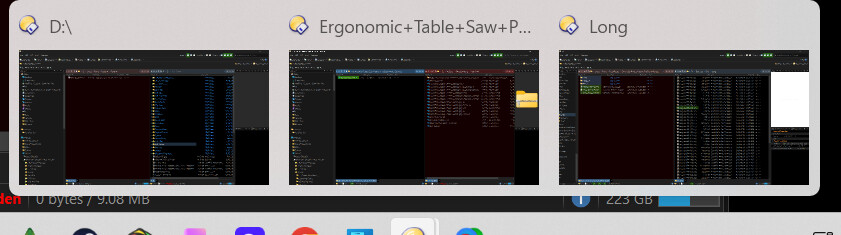
First....where has Directory Opus been all my computer life?? If I could build a replacement file explorer, this would be it!! I used Norton Commander for years, then Windows Commander. Loved both of them! But then DO comes along and I essentially forget about those programs. I look forward to using it every time I get the chance!!
Okay...onto my initial questions.
- It appears that a new copy of DO fires up every time I click on a file to be opened, or viewed. How do I set it to not open up a new copy of it and only use the currently opened copy?
- Windows Commander had a way for me to get both, side by side, views of the file explorer to match. In other words, if on the left it was C:\Program Files and the right was D:\Games I could press a hotkey with focus on the right side and the right side would flip to C:\Program Files. Is there a way to do that in DO?
That's it, for now. The more I use this, the more I find! Keep up the great work. Look forward to a new buyer in the very near future!!