Shift + Lock no longer locks all tabs.
Before DO 13, Shift + Lock would lock / unlock all tabs.
Can someone kindly explain to me how to reset DO so as to lock / unlock all tabs with Shift + Lock?
Shift + Lock no longer locks all tabs.
Before DO 13, Shift + Lock would lock / unlock all tabs.
Can someone kindly explain to me how to reset DO so as to lock / unlock all tabs with Shift + Lock?
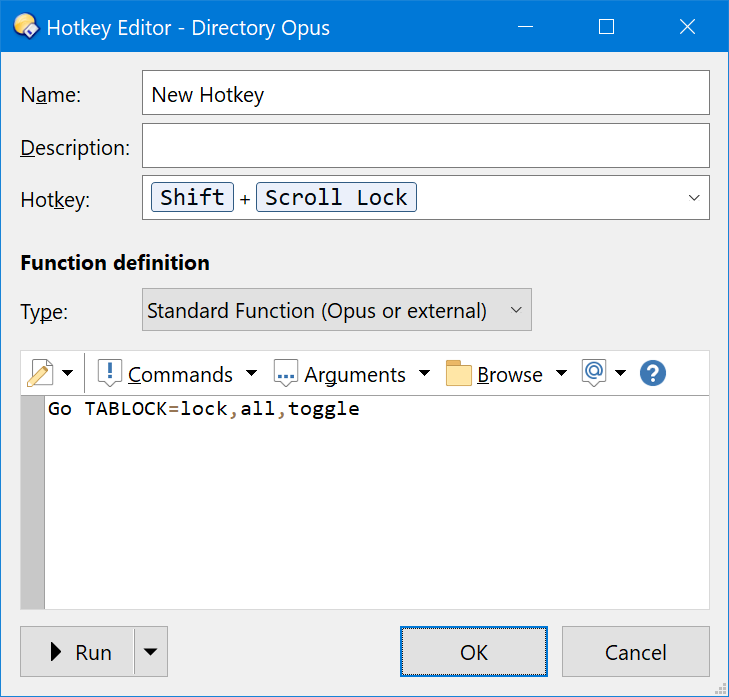
I don't think that is part of the default setup. You probably created a button or hotkey like this:
Go TABLOCK=lock,all,toggle
Thanks for reply. And for the code. That will help.
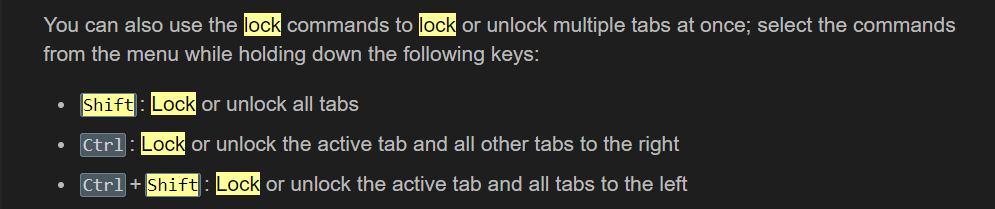
But I'd still like to get the Shift + Lock to lock all tabs. I found it here:
Tabs [Directory Opus Manual] (dopus.com)
Does anyone know how to get that shortcut back?
I think the Ctrl/Shift behavior was overlooked by us when we replaced that menu with commands that allowed it to be edited.
We should be able to add it back when we get a moment. Thanks for reporting it!
Just to update the thread: This was added back for 13.4 (back in the 13.3.1 beta).