problem: if i double click on a folder eg containing a xlsx file open it and close it again and then press back button Opus very often (but not always) takes 2-3 seconds to show the content in the folder again.
I considered if its a mouse problem but it seems not because if i do the same activity but within windows native file explorer theres no lag.
Probably something outside of Opus delaying an operation from completing involving the xlsx file or Excel opening it. E.g. antivirus or shell extensions that read metadata out of the files or similar.
Further: i restored an older opus setting hereafter it seems lagging is gone. So its related to opus. HOwever now i have to make a ton of manual settings again not knowing what causes this
Well so i have to start all over changing settings. how to:
not show the tilde when opening a office file eg xlss, docx etc, in teh folder view ?
How to export a theme and reimport it again on a new PC ? And how do i know which theme is active when i sgo into the settings i only see different themes but not what theme is actual active?
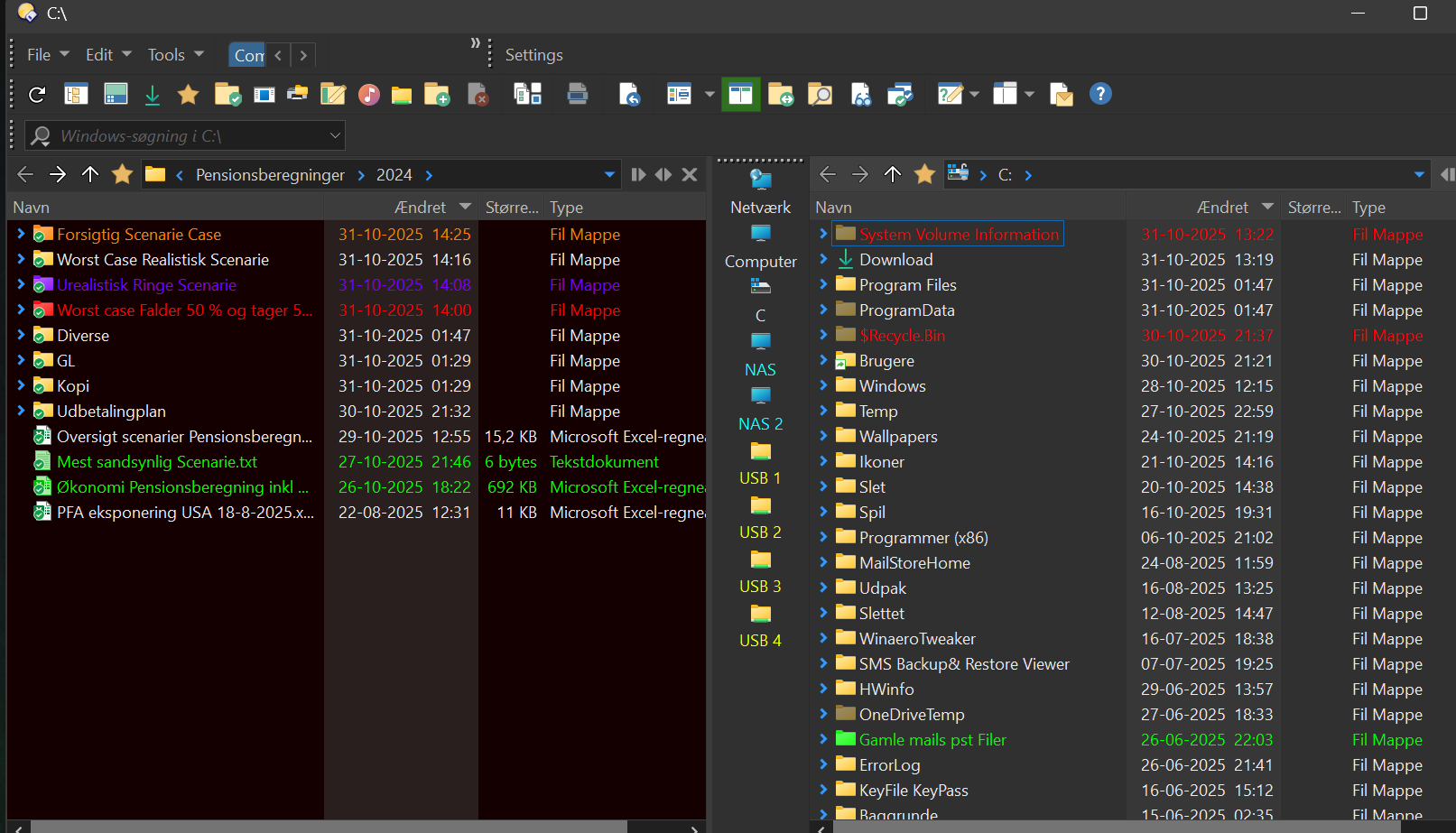
How do i change text color and folder/file background color on the shown windows here ?
Does it come back if you return to the config it was happening in? It may be the restart that cured it, rather than a config change.
If it is due to config, the only things I can think of are scripts and maybe filetype customisation (since you said it happens after double-clicking an xlsx file).
If the viewer pane is open when you click the xlsx file, that could also be a factor.
it came back i did the test a few times, so it seems to be something corrupted with this config. Clicking an excel file was not important, sorry, it also happened when just going forth an back between folders.
Further, regarding my questions above, i searched the forum and did not find anything, although recalling the answer of some of these was given previously. However most i found in my own notes back in time,
But:
How to export and import lister from one pc to another ?
How to export a theme and reimport it again on a new PC ? And how do i know hich theme is active when i sgo into the settings i only see different themes but not what theme is actual active?
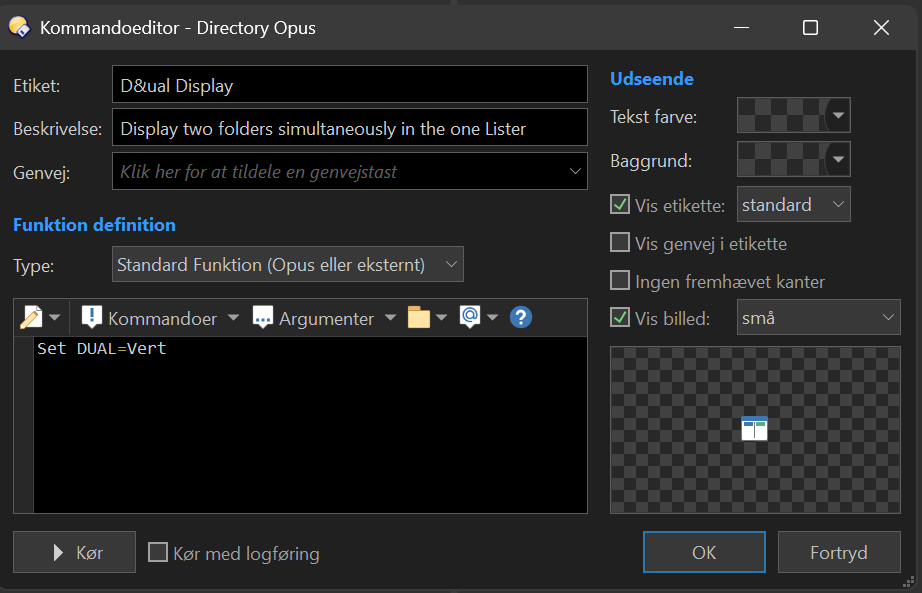
Any idea how to create a button to show single view ? similar to this for dual pane view
Something that can slow down changing folders is shell extensions installed by other software to handle custom file display columns.
(They get initialised on folder entry and released on folder exit. If they have a bug that causes a delay during either of those then it makes changing folders slow.)
Preferences / Miscellaneous / Shell Extensions can be used to see which are installed and try disabling them.
How to export and import lister from one pc to another ?
Not sure what this means.
How to export a theme and reimport it again on a new PC ? And how do i know hich theme is active when i sgo into the settings i only see different themes but not what theme is actual active?
You can do that via Preferences / Colours and Fonts / Themes.
Any idea how to create a button to show single view ? similar to this for dual pane view
Not sure what this means either. The standard button for dual-display will toggle it so you can use it to get a single display as well.
These questions aren't related to what the thread is about ("slow refresh folder content") so if you need detailed help on any of them, please start a new thread for each of them.
first bullit: is it possible to just explrt lister formats to another PC ? If i export/import all settings its more than just the listers thats imported
third bullit: toggle does not work,
Sorry i have a asked these questions in other new thread
Whenever you see something like /something it means it is using Opus aliases system.
Opus comes with some predefined aliases, and you can add your own (through Preferences).
To access them, simply start typing /dopusdata, this will trigger the FAYT in alias mode, and enter the full /dopusdata/Formats and hit enter, you'll be in the correct folder (which should be in you user AppData folder, but could be somewhere else if you're using a portable/USB version of Opus).
EDIT: To be more precise, just typing / makes you enter the FAYT alias mode.

 very helpful