Instead of the used drive space, which isn’t useful to be always on the lister.
This would be a relative graph of the selection, and if nothing is selected, of the parent folder, how much of the root drive space the parent folder is using. This graph would exist always (except for virtual folders). The one time it would show drive disk space use is when the lister is located at the drive. C:\ for example.
It could have customizable colors instead of the blue/empty. To represent relative space.
For example:
I have a file selected that is 5MB. The parent folder is 20MB in total. The size measurement would be auto = most reasonable choice. (MB in this case)
This status bar section would look like this:
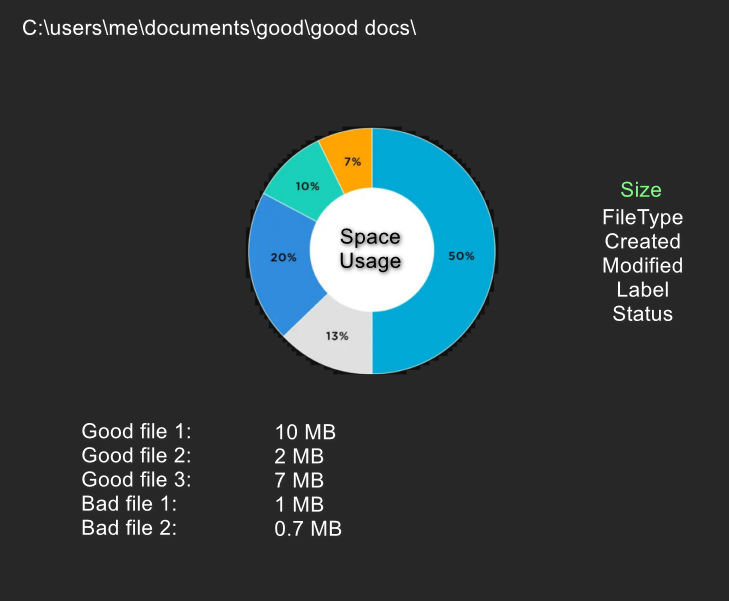
Maybe we could click on this section and a new tab would open with a readout of the stats of that parent folder, with the interactive relative pie chart:
Click on a file property and the donut pie chart would show that one. Files grouped by that property and compared with each other. You could click all (all in the parent folder) or selection. Selection would compare only the files/folders selected. You could save this as a txt or pdf or print it or save as a file collection or whatever.
Leo has removed this as a feature request but it’s still a feature request.
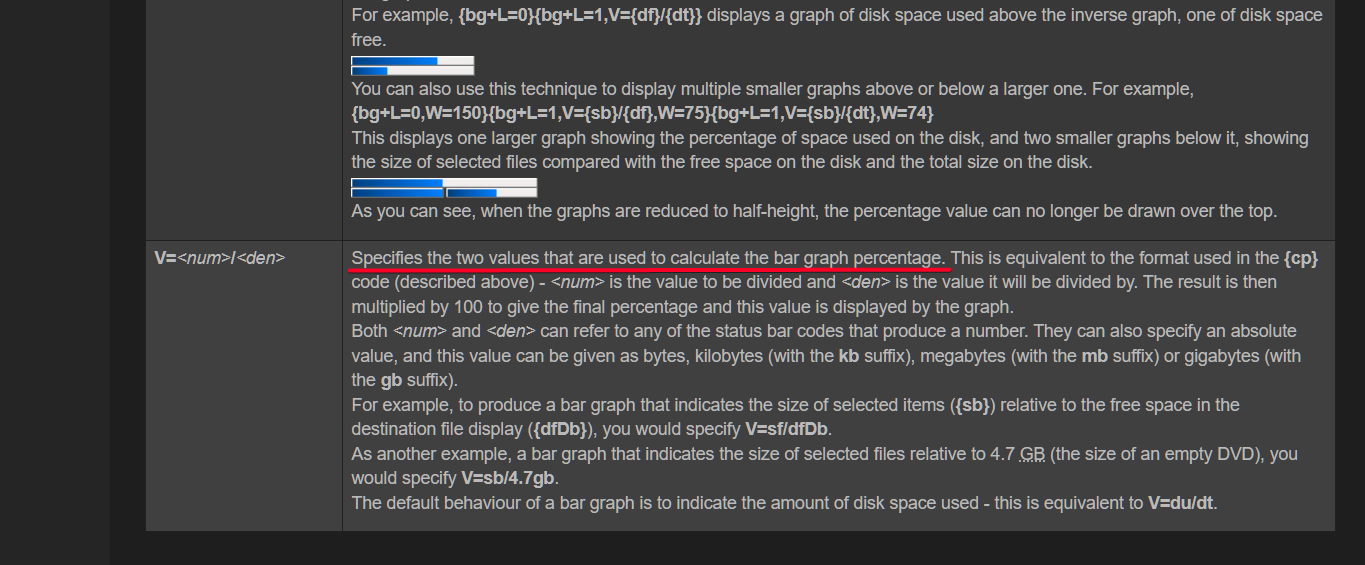
Because the bots are telling me the status bar has no way of accessing the parent folder size, (for some reason) even though this data is already indexed, therefore available to fetch. So Jon’s statement that you can show whatever ratio you want is incorrect. The most important thing to display with a status bar graph can’t be displayed apparently.