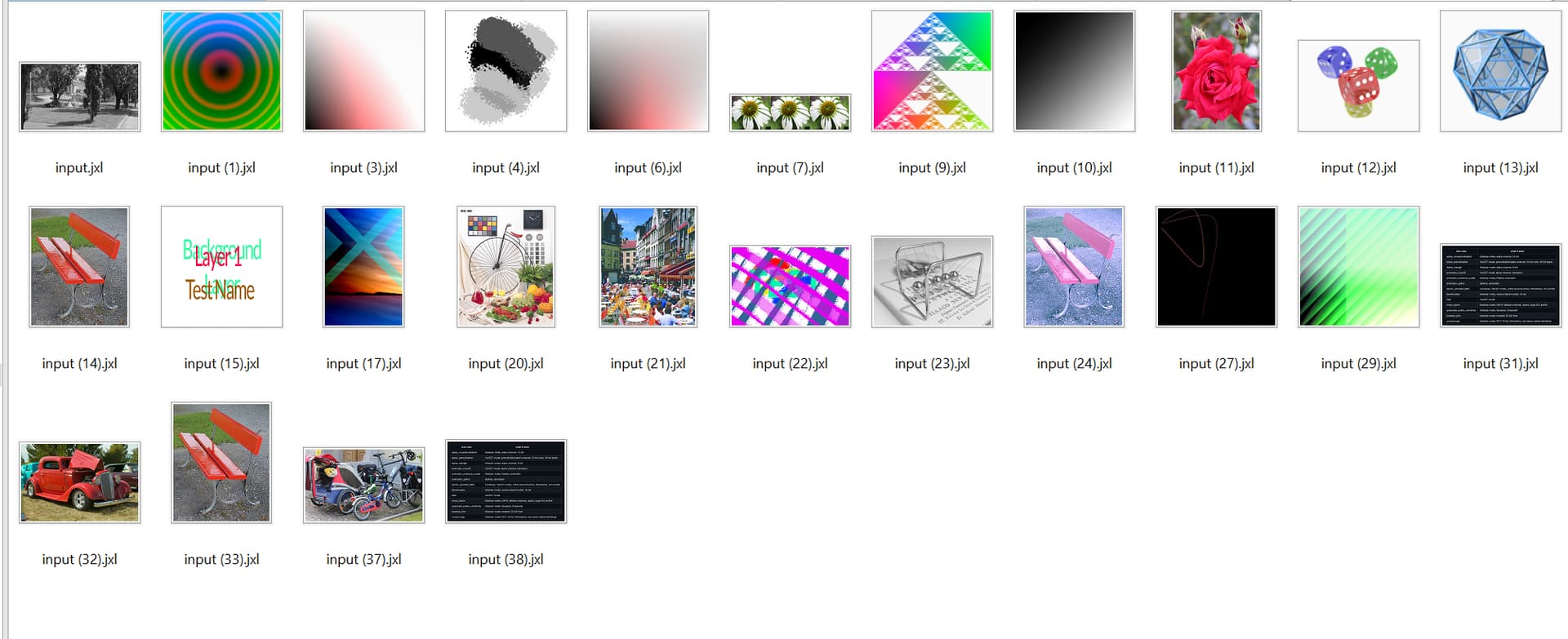
You won't be able to do that, because the image uses advanced JPEG 8 compression features. Even the zip can't compress it more with maximum compression setting.
Directory Opus is JPEG reference application and thus supports the latest JPEG 9 version. Even IrfanView is unable to view the image, because IrfanView supports only JPEG 7.
Now take a look at the contents of the image, once you have found an app to view it, like Directory Opus.
It is fake news spread by the "JPEG XL" proponents.
They always compare it with JPEG from year 1992, or "JPEG 1", how they sometimes call it.
This is the same thing as if a Linux adept would praise their OS in comparison to Windows 3.1 which was released in 1992. See the fraud?
While Windows is now at version 10 and 11, JPEG is now at version 9 and moving to version 10.
Directory Opus is now at version 13 and was at version 4 in 1992 (Amiga Opus).
So real things are moving forward, while fake things come and go.
Directory Opus has already best-in-class JPEG support, and the last thing that it needs would be wasting effort with just another useless image format, while really important things are on the list, like native ARM platform support.
I have a question about this.
I often post screen captures on this forum.
The software I prefer to use for this is HyperCam 5.
I simply frame the window or area and press Fn + F4. The screen capture is then saved as a bitmap image in my documents folder. I use Directory Opus to quickly convert the bitmap to jpg with a 95% quality. I find this method produces fine legible screen captures.
Although it is a little cumbersome, I don't mind as I have control of the output.
So, if both browsers and Directory Opus supported JPEG XL, would there be any advantage ?
Would converting my bitmap to JPEG XL render the screen capture even more legible on this forum.
Yes, I know this is in the end a pixel x pixel question, and most of the time I do these captures from an inexpensive laptop.
Why would you bother with "JPEG XL" for screen captures?
There is no reason for this.
For screen captures, you usually use PNG.
Following my argumentation above, PNG is still at version 1 and is not advancing much, but it works well enough.
On Windows, I use IrfanView for screen captures. It is not the best for JPEG as mentioned above, but otherwise works well.
On macOS, I use the standard screenshot utility which produces PNG files directly.
But I convert them later to JPG with some JPEG magic on the commandline (cjpeg), because I want to reduce the Retina resolution and can do this directly with JPEG's SmartScale feature, producing even backwards-compatible JPG files for forum/browser.
So using PNG and JPG respectively should always work well enough.
Even the backwards-compatible JPG without advanced features is still better than any pretended alternative, because it has the proper substance.
I am sorry but this is just stupid, arrogant and also very aggressive towards this JPEG XL suggestion and every user in here. Make your own thread where you can promote that amazingly good new age JPEG.
I need JPEG XL to compress my PNGs and my collection of who knows what version JPEGs. And what's more interesting, you can't even check what version of JPEG you have in your files, at least if you're a regular person and not a "JPEG developer".
Also, i dont want to chase some random bootleg JPEG versions you have "developed" all around the internet to optimize my current JPEGs and PNGs.
Regards
some anonymous person
definitely not a JPEG developer
I digged a bit to find some info about these awesome v8 and v9 JPEG versions, and found this on wiki, it must be written by some JPEG v8 or v9 hater. No other way around of course:
Well, they rejected my ideas, then stole them to build their own "JPEG XL" upon it, after everything that they tried before to advance JPEG had failed.
Finally, they even stole the code of the Independent JPEG Group to promote a crippled version of it, so that the Web and applications like IrfanView cannot use advanced JPEG features.
You may wonder why they are doing this?
The reason is simple:
These committees are still dominated by people who are invested in "JPEG 2000" Digital Cinema business.
They just want to protect their business and cannot allow that JPEG for normal users becomes better than their "JPEG 2000" which is the basis of their business.
For them, you are just the "man on the street" who isn't worth to care about.
All they care about is to protect their business.
It doesn't matter for them if "JPEG XL" is useful or not, or if it becomes successful or not.
The point is that it increases the general confusion about image formats so that you can't easily figure out what is right or wrong, and they can continue their business as usual.
You started out as a typical hater with some awesome (but unofficial) JPEG fork, while directly attacking JPEG XL, and now you are acting like a victim. That's not how you gain credibility. So i should put here I Dont Believe You Ron Burgundy GIF right now, but i will not.
Also, what "business" can they have with JPEG XL if it's an "open, royalty-free standard"?
Anyway - back to the topic - we don't have any of these awesome new JPEG features anywhere near real software or widespread user adoption and you don't have any power to force them, so the real alternative to JPEG XL is AVIF which also has many shortcomings. That's it.
As I have said: The "JPEG 2000" Digital Cinema business.
"JPEG XL" is laid-out in such a way that it does not come up to "JPEG 2000", so it is not a threat for their business.
"JPEG XL" is based on my idea for lossless integration in JPEG 9 presented on the Paris WG1 meeting in 2012, but specifically omits any reference to the more general SmartScale features presented earlier at the ITU meeting in Geneva, because that would be a direct threat for "JPEG 2000".
While AVIF is supported by the major web browsers, my alternative SeaMonkey browser has no support for it, so the usage is negligible:
What you get instead as an alternative is just WebP, the worst of all the formats, much worse even than plain JPEG.
They can celebrate soon when it exceeds the GIF format, and this is exactly what they think you deserve as the "man on the street"...
I hope this thread doesn't become a polarized argument.
Perhaps we can just agree to disagree ?
I remember many, many years ago thinking that Lurawave and JPEG 2000 was the future.
This thread got me curious enough to see what I had on Lurawave from that time and if I could still make a Lurawave image.
The short answer is yes using my saved Win98 computer.
Here is what I have on that format from my personal archives dating from 2003.
At the time I really liked them ! These don't work on Win 10 and I'm not going to attempt to make them work. Lurawave.zip (6.8 MB)
Someone expressed an opinion: "What about "JPEG XL" support?"
And I just gave my opinion: "No, thanks."
No offense, just my opinion because I think I have to say something regarding the subject, and the Directory Opus developers can get different opinions and find their own decision.
My subject is JPEG, and my opinion is that "JPEG 2000" has nothing to do with JPEG, that's why always in quotes from me.
The naming alone is a fraud. WebP is fair in comparison: it doesn't pretend to be JPEG. In so far that's OK with me, fair competition.
After many failed attempts, "JPEG XL" is finally the closest approach to JPEG. But it IS NOT JPEG.
Yeah sure, this is how "No, thanks" looks in a typical suggestion thread.
Meanwhile, i could get -40% to my huge lossless PNG library and -50% to my JPEGs using these fraudulent and fake standards. Sue them or stop spreading these hateful "no thanks" things.
If that would be important, you could add the same feature to a PNG 2 version, or even to the real JPEG based on version 8/9 framework.
In the way they are doing it it is just useless, as everything else that came from their side.
JPEG 7 adds arithmetic coding which gives about 5 to 20 % reduction with lossless transcoding.
I'm using it for almost all my local JPEG images, and that is supported by many apps (including IrfanView), but NOT on the Web, because the committees prevent it! (Exception: Safari on macOS, which also have partial JPEG 8 support.)
Again: You could add the same feature to real JPEG, but in the way they are doing it it is just useless, as everything else that came from their side.
I insist: It is wasting effort to consider anything that comes from that side, because it is fundamentally flawed.
MY INSIGHT! Your mileage may vary.
Microsoft has the official "JPEG XL Image Extension" on the microsoft store which at least lets you see them as thumbnails. Not sure it's installed by default so check to make sure you have that. (Edit: Just checked, it doesn't seem to be installed by default). After installing it, it automatically works in Opus.
The saved storage space is not needed. It is just useless.
A paraphrased quote from Guido, JPEG "developer".
Your version is not official, it's a fork, or something like this. Yet you still call it "the real JPEG" while JPEG XL is not real, but fake or even fraud.
Microsoft had their own failed JPEG fake attempt ("JPEG XR"), and they are behind Apple regarding real JPEG support (JPEG 6 versus partial JPEG 8).
Apple can claim that "macOS is the most advanced desktop operating system in the world", and I cannot deny it. Thanks Microsoft!
Microsoft may of course up the support for the various wannabe image formats, as Apple also does, and DOpus can simply use it via the given interfaces.
My advice is only not to waste too much extra effort (i.e. native support in Opus) for a particular wannabe format.