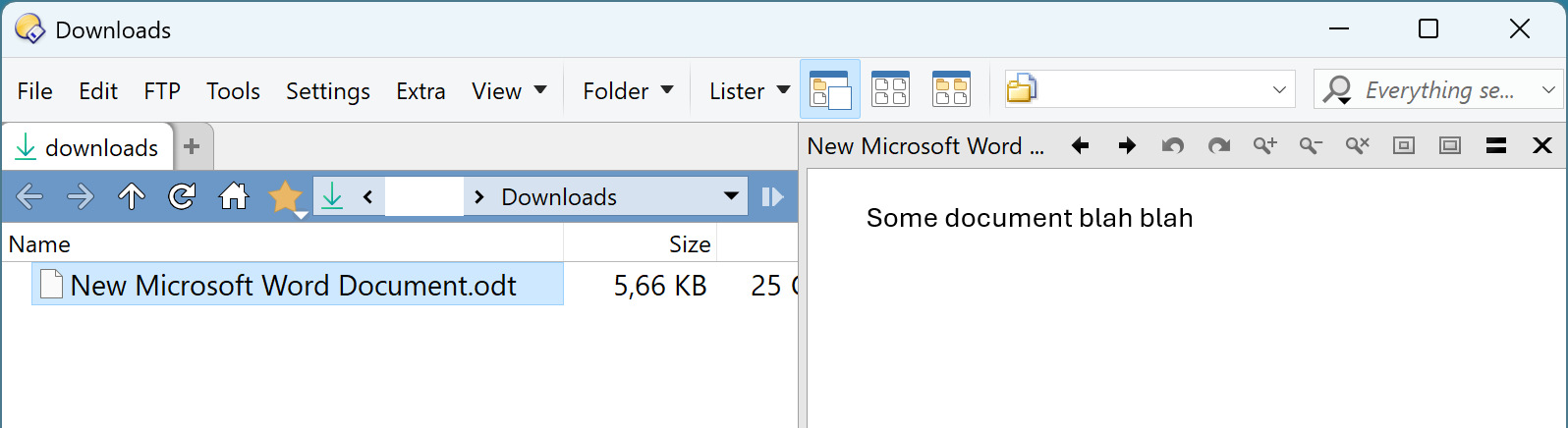
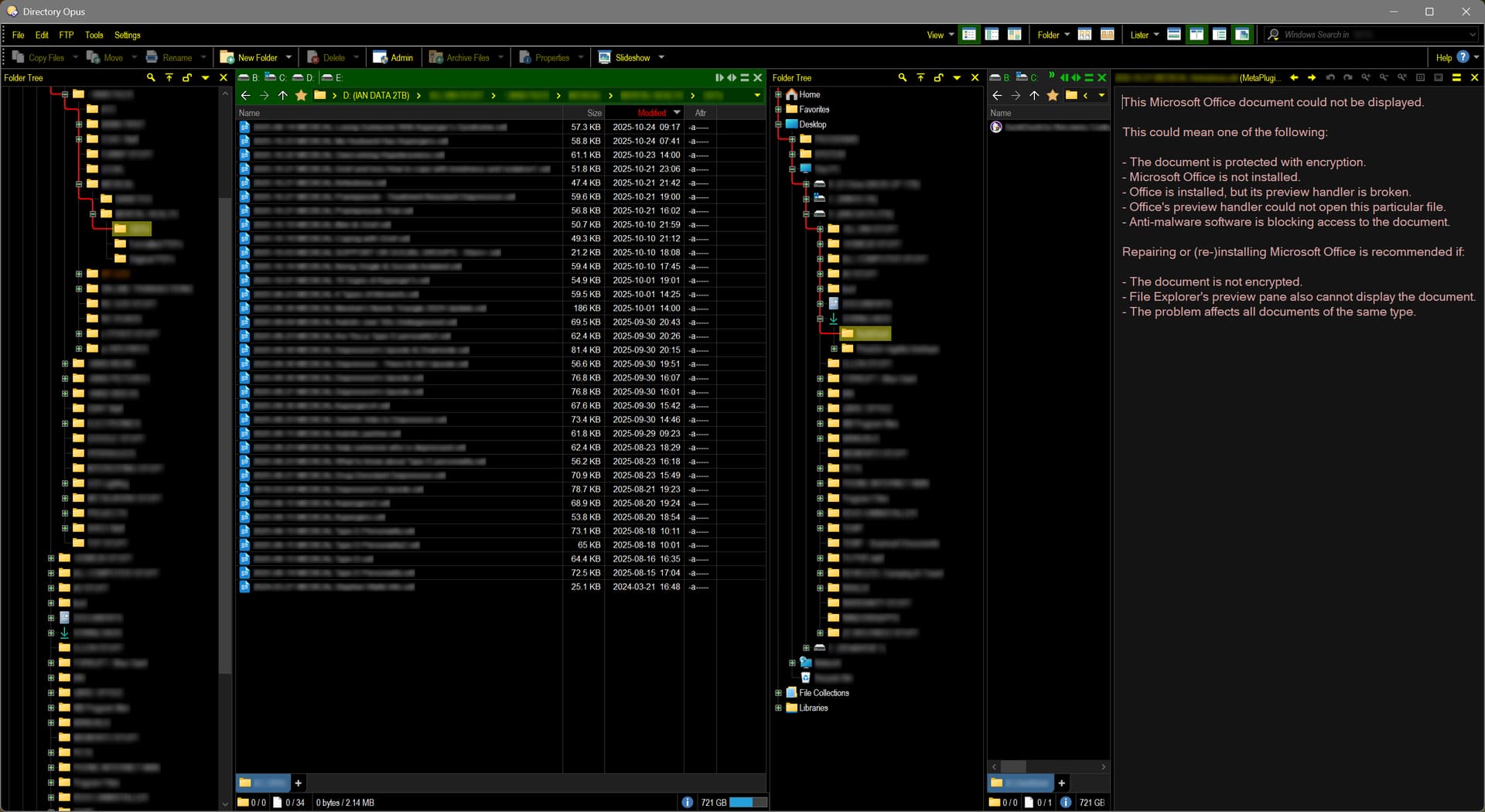
DO seems to think .odt files should be opened with M$ Office, as in RHS of screen shot above.
[Hey! I like the privacy blurring - first time I've used it!]
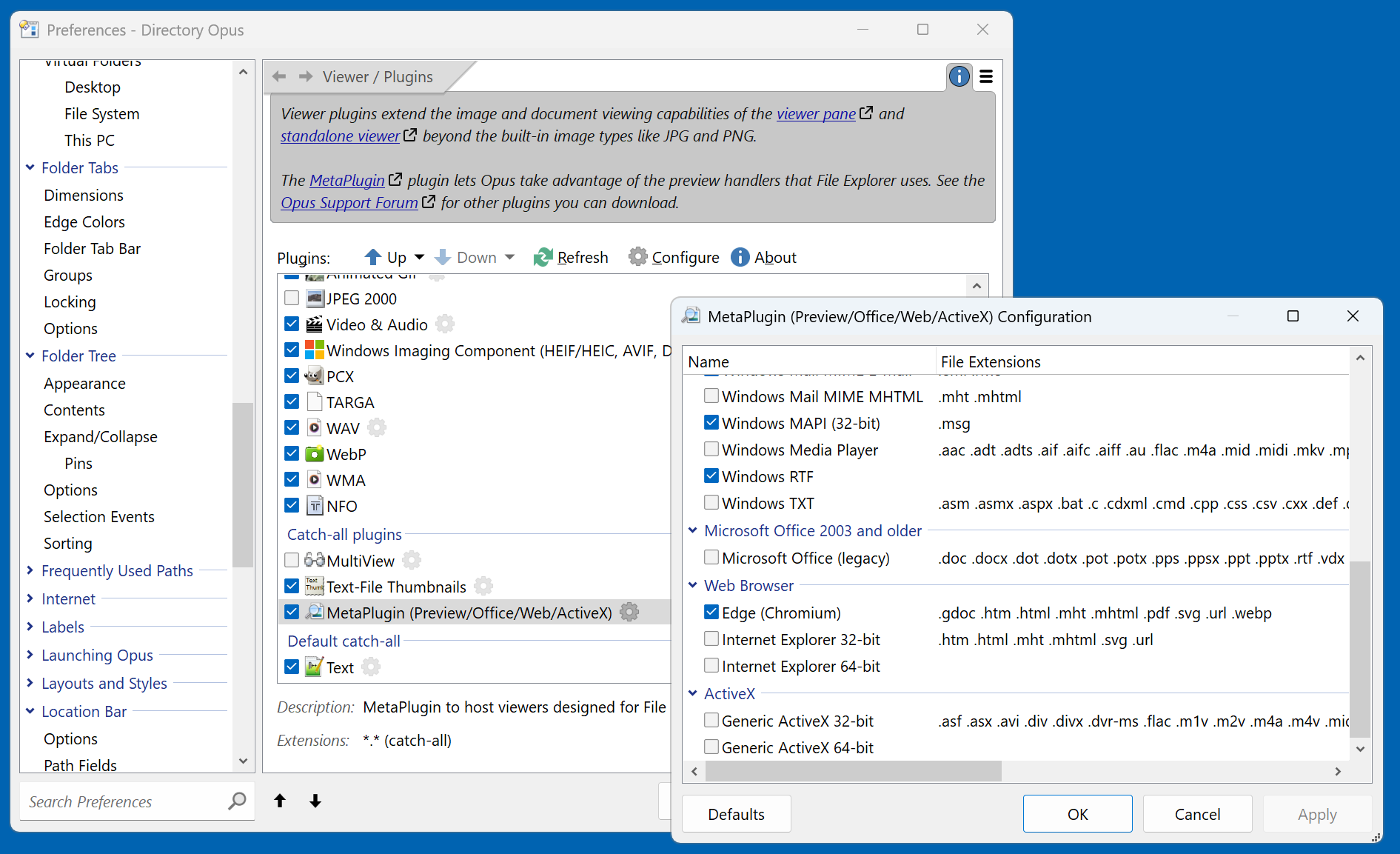
When I check file type associations, .odt is correctly shown as opening with LibreOffice, which IS installed. I haven't checked the other OpenOffice type of files.
I am NOT a power user, and the solution is probably very simple, but if someone could point me in the right direction to solve this it would be appreciated.
LibreOffice's formats don't have any viewers or libraries that we know of, and they're far too complex for us to write our own viewer (it would turn into a full-time job and we'd have no time for all the other things Opus needs to do).
It's really up to the LibreOffice developers to make a Preview Handler (which would work in both File Explorer and Opus), but they don't seem interested in providing one.
Pandoc can convert many text formats. I didn't manage to set it up in Preferences / Miscellaneous / External Tools, but maybe it can be included in Preferences / Viewer / Plugins, e.g. feeding html to Edge.
G'day everyone. Thanks for your replies & suggestions. Leo ... Ahhhhh OK. Basically that was all I needed at this stage. Ummm ... seeing that I don't like M$ products, could you perhaps change the message to show .odt et al is an Open Document format and NOT M$? Splash3313 ... could well be a possible solution, but scripting is above my pay grade! Ixp ... Gasp! You mentioned another M$ product that I treat like the plague! Seriously, though, I'll have a look at Pandoc and see what it can do for me.
Basically viewing Open Doc formats cannot happen within Opus.
Thanks everyone for your input.
Bondy
Edit 2025-10-25 0825: Ummm ... how do I mark this thread as being solved?
Maybe you could find an older version of WordPerfect (or possibly another word processor that supports OpenDocument) for a low price just for the preview handler.


 Seriously, though, I'll have a look at Pandoc and see what it can do for me.