I'm starting to use Boxcryptor and found few invonveniences.
Boxcryptor encrypts files in Dropbox folder (eg. all files in D:\Dropbox where you originally store all your could files) and creates a new virtual disk (eg. T:) which contains all files in D:\Dropbox. But - decoded. (Please not that the files will actually be located in T:\Dropbox, files from GoogleDrive will be in T:\GoogleDrive etc. Currently I'm only considering Dropbox).
What I'm trying to do is to make symlinks on my local drives that point to various folders on T:\ and found several problems.
Eg. I have a symlink D:_sharing which points to T:\Dropbox_sharing
When I'm in D:_sharing and execute Filetype NEW=.txt NEWNAME=empty. DOpus creates file "empty" and does not ask me for the new name. If I do the same in T:\Dropbox_sharing, DOpus will create file named "empty" and will enter inline rename mode automatically.
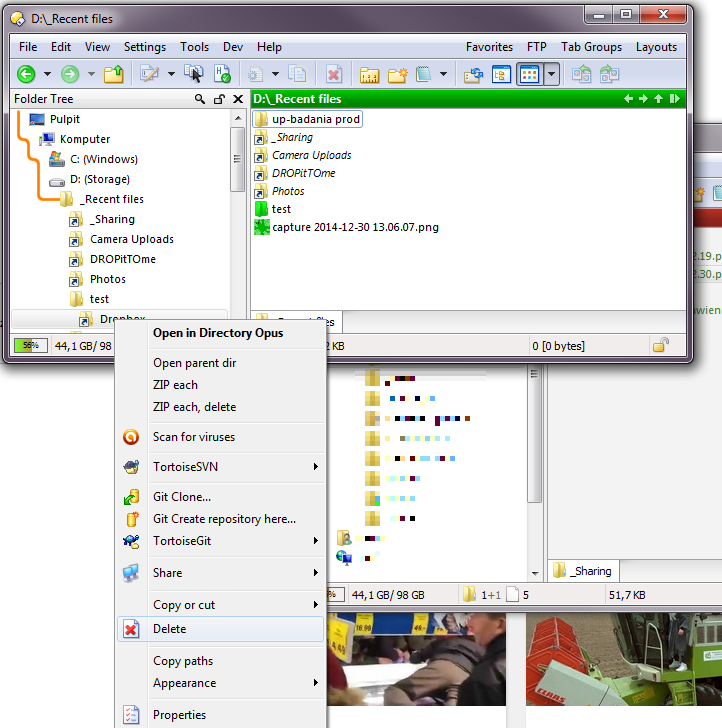
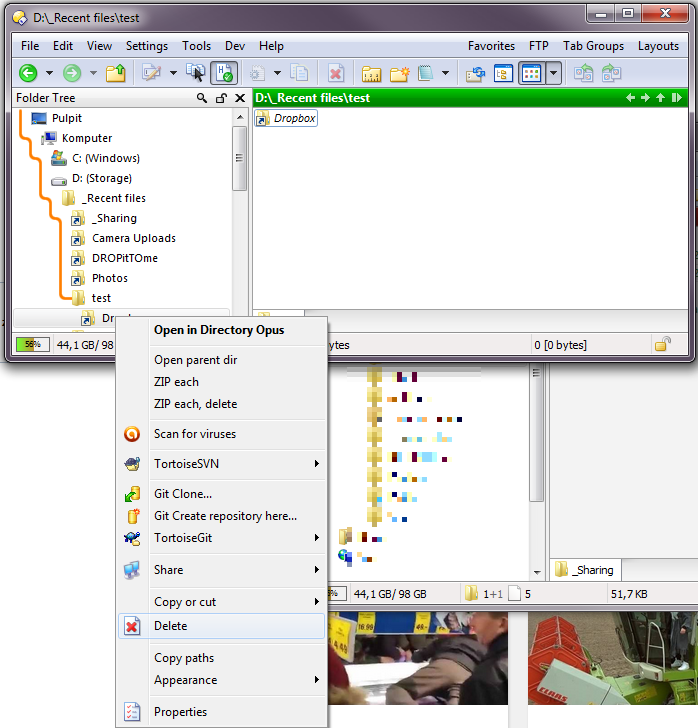
If I create a symlink D:\Dropbox that points to T:\Dropbox, then right-click the symlink in folder tree and choose delete - it deletes the real folder without any confirmation.
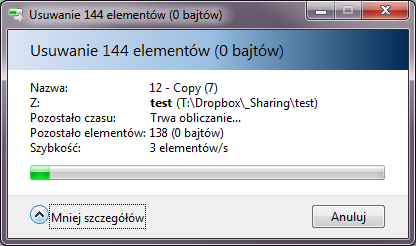
Deleting files in D:_sharing or T:\Dropbox_sharing shows standard Windows delete dialog instead of DOpus one. See attachment. Copying on the other hand works OK - DOpus dialog is shown.
Could be a few things at play there. Does this happen with ALL symlinks, or only ones involving Boxcryptor and/or Dropbox? Is the command being executed via a context menu (which one?) or via toolbar/hotkey, or does that not matter?
Doesn't happen here. The symlink is sent to the recycle bin, rather than the target. How exactly was the symlink created? ("Symlink" can mean a few different things...)
If you're deleting to the recycle bin, it will show the Windows progress dialogs, since Windows handles the recycle bin. That's nothing new or involving symlinks or dropbox.
I use a button on my toolbar. It happens only to symlinks that point to T:\Dropbox or any folder in it. If I create relsymlink or absolute symlink that points to a folder on local disk (doesn't matter if it's the same disk or other local disk) everything works ok. Note that all my local disks are NTFS.
It was created by dragging with right click. I have a drop menu command - Copy MAKELINK=relsoftlink. This issue affects only a symlink to T:\Dropbox. If I create a symlink to T:\Dropbox_sharing, everything's fine (there's confirmation and only symlink itself is deleted). This issue is not very important to me but may cause huge data loss to somebody who does that.
More info: it starts to count files in T:\Dropbox immediately after clicking "delete" - no confirmation.
The problem occurs only if I delete symlink via right-click on folder tree.
If I use delete key on my keyboard, instead of "delete" in context menu, DOpus asks "reallly send the junction/link "Dropbox" to the recycle bin?".
Command for delete key - delete
Command for delete entry for "all files and folders" - DELETE SHIFT. Changing to "DELETE" doesn't change anything.
"A symlink D:\Dropbox that points to T:\Dropbox" is what I have tried with, but the screenshots above show different paths. Just to check, does it happen for you in both cases, or was the original description simplified? I'll need to re-do much testing if the real paths weren't the ones described in the root post, in case something to do with the paths is what's causing the difference.
So far, though, I haven't been able to reproduce this, unfortunately.
I think I just got fooled because when deleting via delete button, DOpus asks for confirmation immediately.
If I delete via right click in folder tree, it starts to count files like it wanted to delete it. And then shows confirmation. So everything's alright. (The only difference is counting files but that is not a big thing)