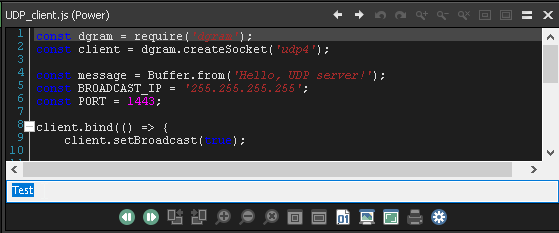
A topic that first popped up 20 years ago, and then again 10 years ago, is the one thing that I now most miss in DOpus: syntax highlighting in the Viewer Pane.
Does anybody know if a new solution has become available for that problem?
Try this?
Looks good! But I have difficulties with the installation:
- Downloaded both, the .zip and the .dcf file
- In DOpus, double clicked the dcf file
- put in the admin-password
- ... and then the error comes.
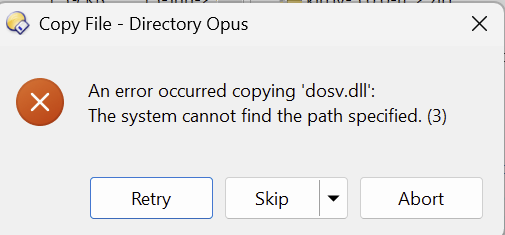
I have checked, and dosv.dll does exist in the zip-archive, in
.\0.0.0.4\x64\dosv.dll. (There is also a x86 folder with this DLL-file.)
Any idea what might be the problem?
The .dcf had some problems with Opus 13's directory layout.
I've fixed and added the new version to TBone's original post.
fwiw:
I recently searched Github for preview handlers which looked promising and come with usable source code. I came across this one, I was able to compile and edit it myself in some aspects already, but nothing for the general public to work with yet.
The project might be a nice example or template for anybody who is quicker than I am when it comes to developing in the .NET environment. I tried to add a search bar and a context menu to allow for more functionality (like "collapse/expand all", "mark all", "copy" etc., but CTRL-C works by default at least).
The preview handler also comes with a flash-bang scrollbar (light theme) which also needs a professional person to "work it" and adhere to modern / system standards (dark theme). I have lot's of unfinished more pressing things going on and I am not used to develop DLLs and things, so unfortunately, no results on this one yet, but I think this project has potential. o)
Following added features would make it very usable:
- context menu for selected text
- context menu for collapse / expand / copy path / open with.. / settings panel maybe
- hotkeys to trigger find / find next / find previous etc..
- search bar integrated into the preview, no "dialog on top" type of thing please anymore
- dark scrollbars
- settings in a file at least (currently you need to change the .NET sources to set a different font e.g.)
- it also seems to hold on to (locks) any previewed file, but I guess this can be changed (so it does not block rename operations and other things).
The dosv.dll or "Scintilla source code preview handler" this thread is about, has several issues, which makes it not a good solution. The most annoying things was the theming, keeping the font and making it load files greater than some 200kb or so and a handful more. I quit using it a long time ago, because I have files greater 200kb to look at, it made no sense for me to fight this thing constantly.
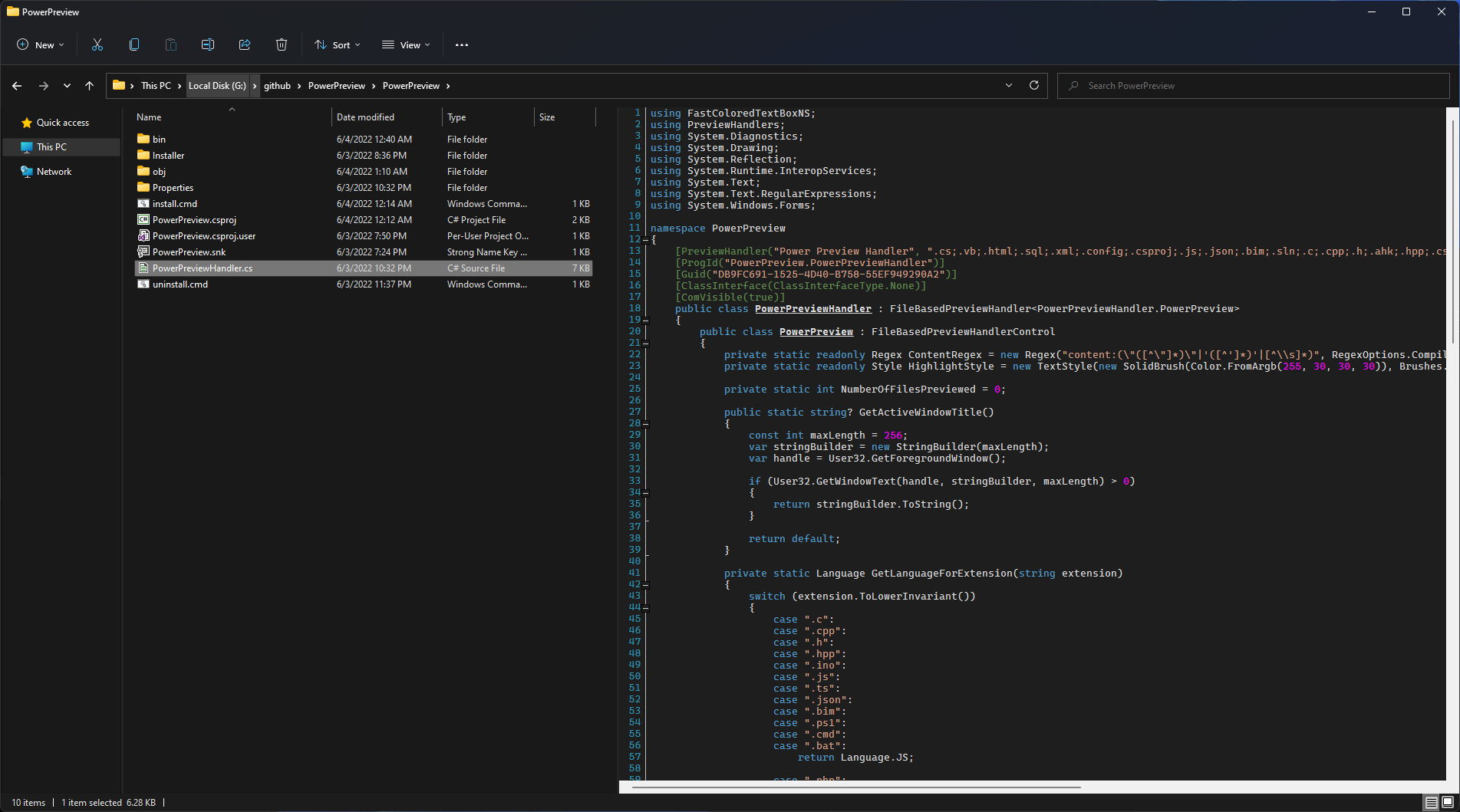
This is what it looks like for me. Some changed syntax colours, changed font and I added that weird text input field at the bottom (which does nothing.. o). Just to prove my point, this thing can be worked on, in contrast to the other solutions where there are a ton of bugs, but no source code available.