Reproduce:
- Shut down and restart Opus
- Type /fonts
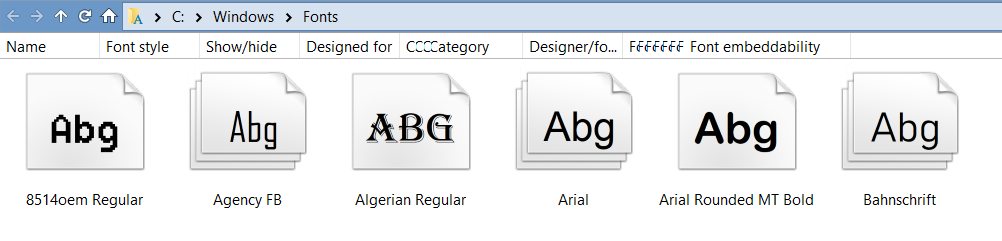
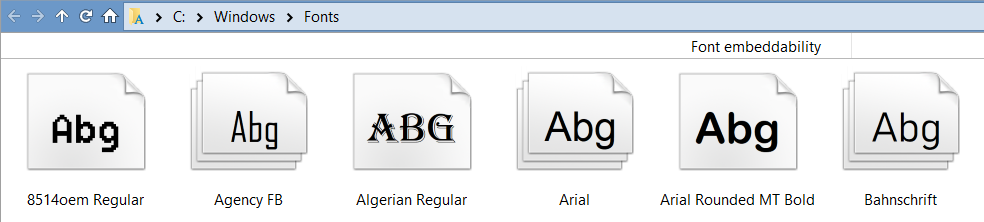
Note: Pressing the home button or otherwise jumping to the fonts dir again results in blanked-out headers until you mouse over them:
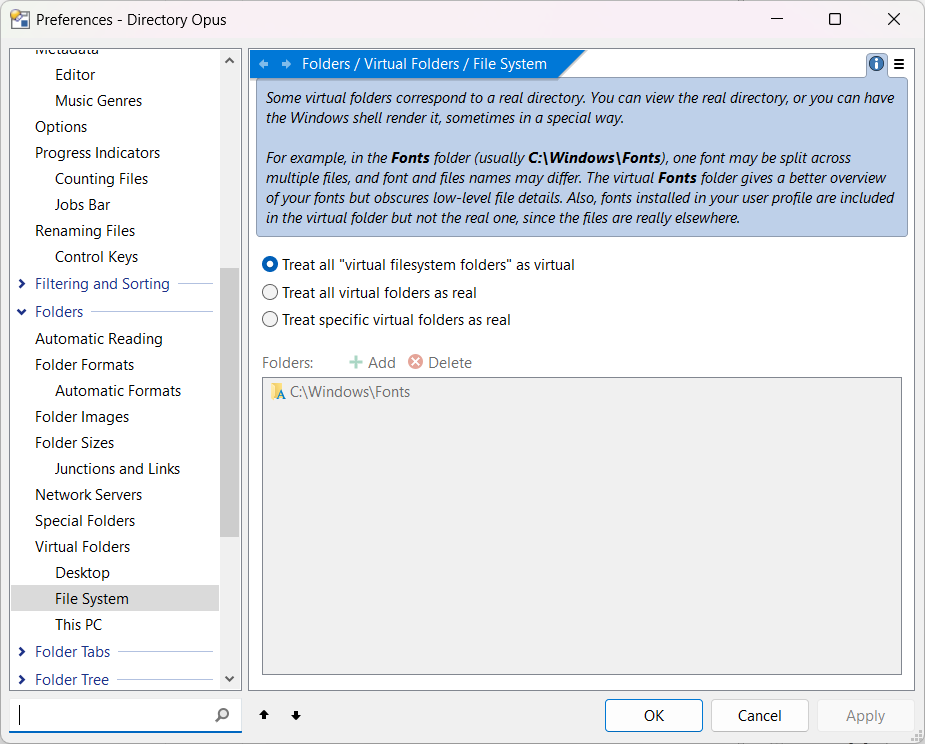
Virtual folders settings:
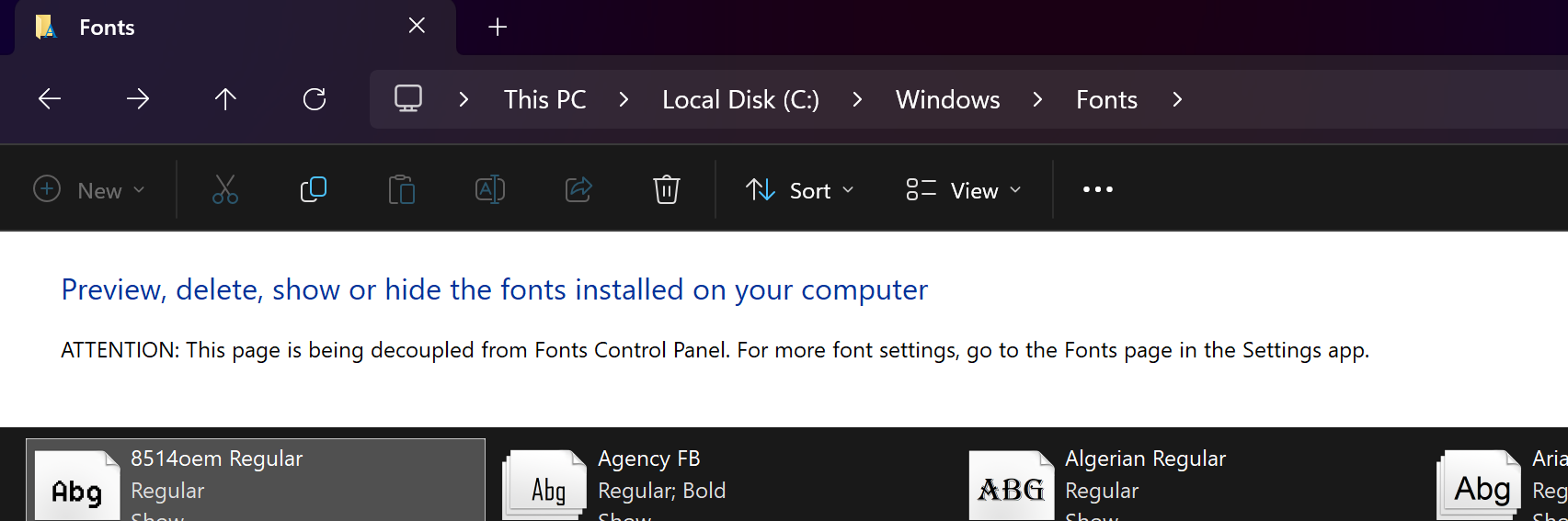
Windows bug rather than an Opus one, since Fonts is a virtual folder which we delegate to Windows by default, and it's rendering everything below and including the sort header there.
You can tell Opus to render the folder itself via Preferences / Folders / Virtual Folders / File System, although it will show the raw files on disk rather than the virtual view of them, which is slightly different.
It looks like Microsoft have given up on the Fonts folder in File Explorer (and thus the underlying component which we delegate the folder to in Opus as well) and are moving it into Settings, which probably explains why they've broken this. File Explorer also no longer shows a sort header when in thumbnails mode.
(More impressive Dark Mode support from Microsoft there, too!  )
Cheers and thanks for the swift reply.