This appears to be a bug in how DOpus handles specific columns when saving and re-editing Folder Formats for "This PC".
When you open the Folder Format dialog and display the format for "This PC", you can see the column names are displayed normally.
For example, the three column names "Free Space", "Percent Full (Graph)", and "Filesystem" all show correctly.
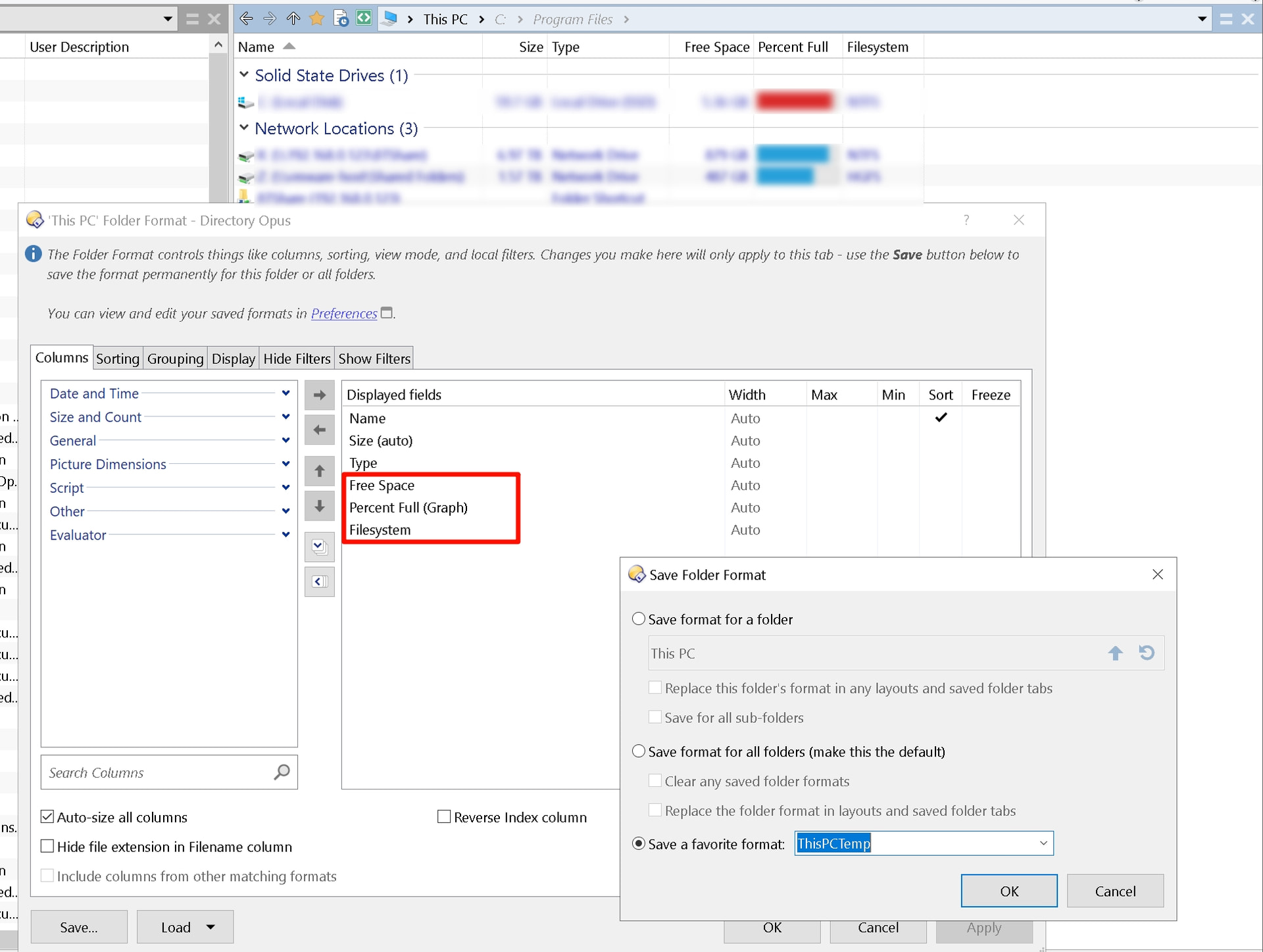
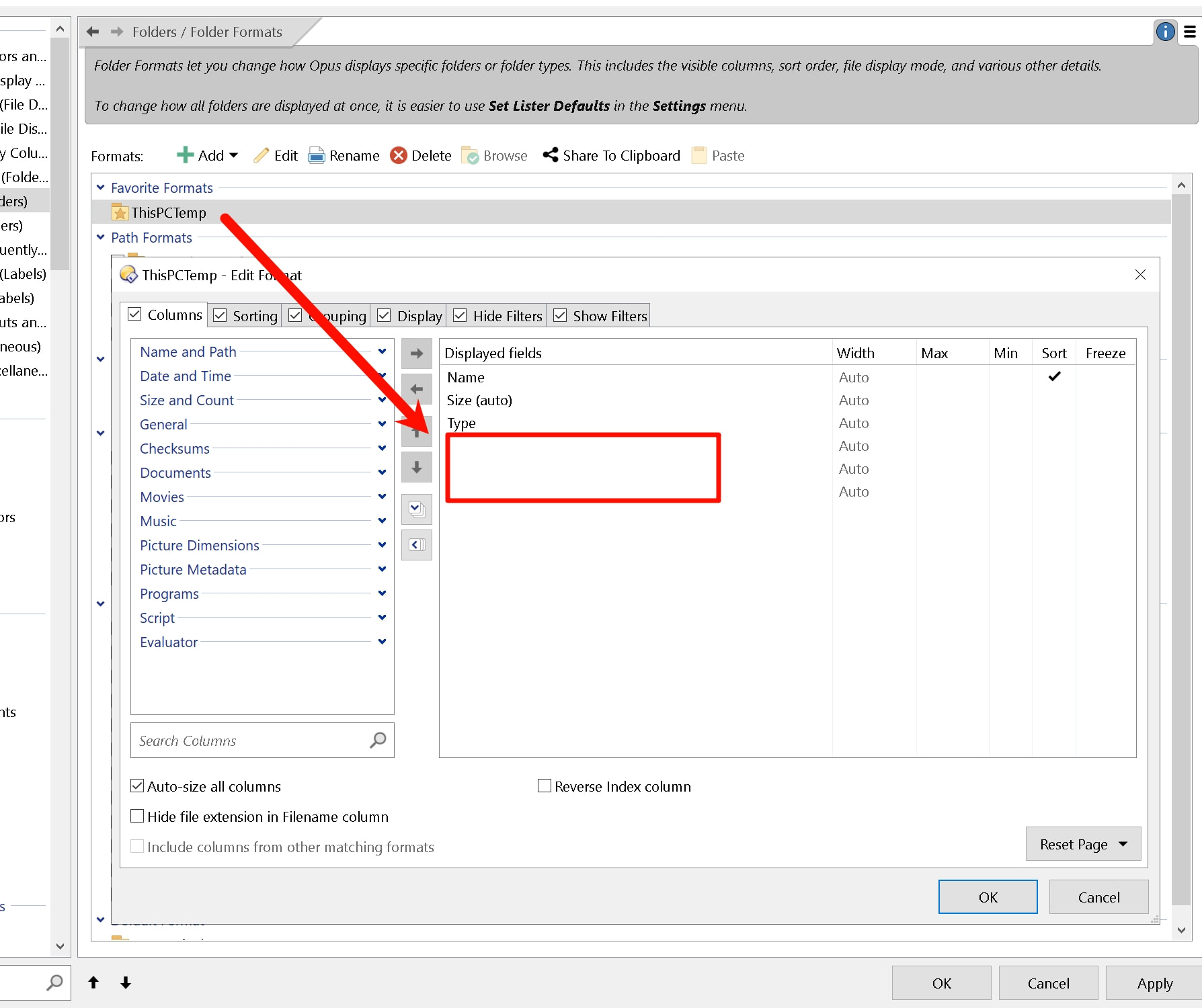
However, after saving it as a folder format (in this example, named "ThisPCTemp"), if you go to Folders / Folder Formats / Favorite Formats and double-click to edit the format you just saved, you'll find that these column names cannot be displayed—they appear blank.
Moreover, at this point, if you select "Reset Page → Set From Favorites → ThisPCTemp" in the bottom-right corner to apply the format you just saved,
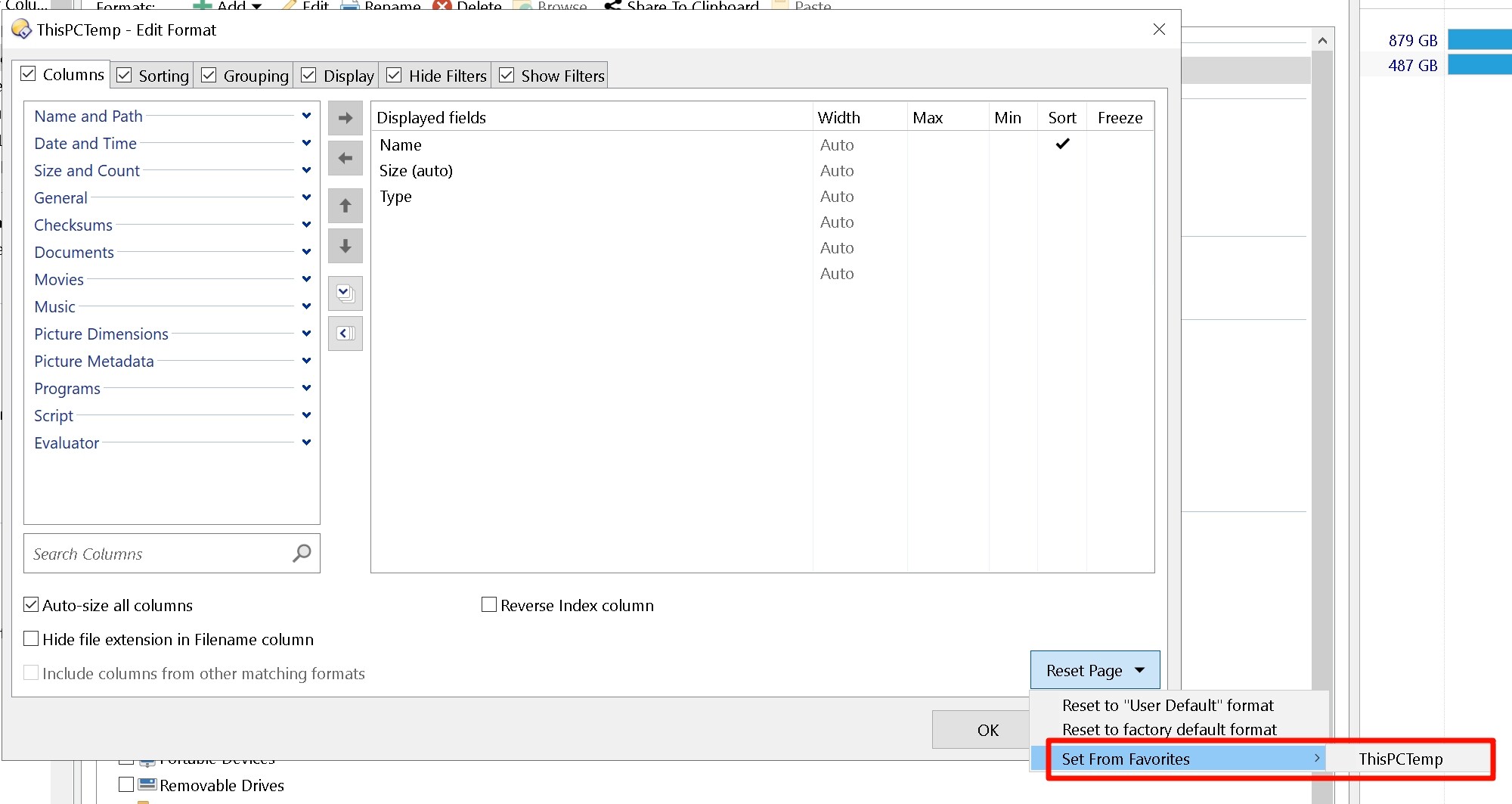
This compounds the error: these columns with empty names will disappear entirely. Once the format is saved, these columns cannot be recovered.
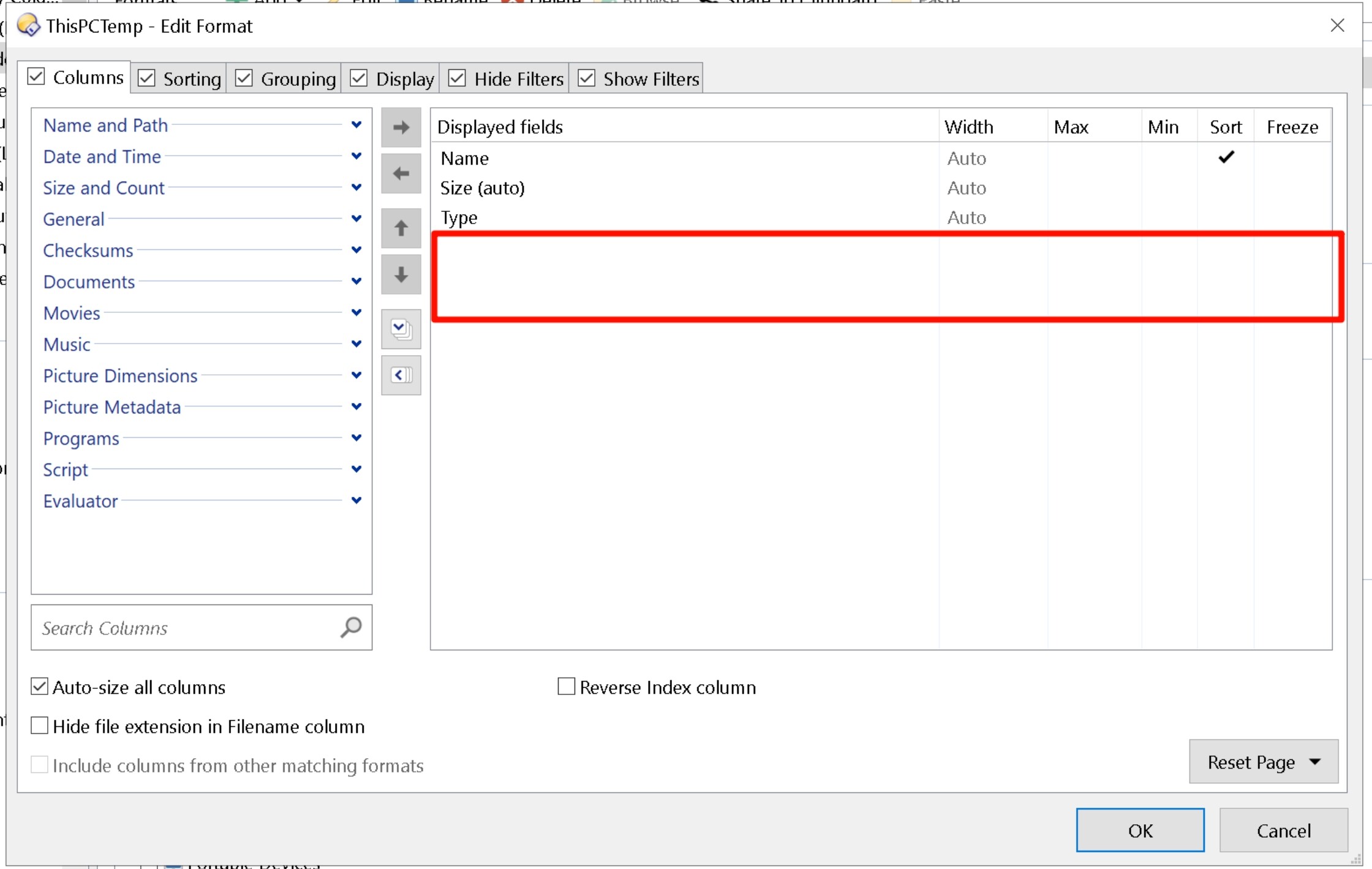
Since I haven't tested further, I'm not sure if only these specific columns have this issue or if others are affected as well. However, what is certain is that even when these column names appeared blank (before the entire column disappeared), the folder format could still be correctly applied to "This PC".