Hi!
I've got a toolbar placed between two listers in a dual lister layout. Marked with red border below.

I get a strange behaviour when first disabling this toolbar in customization window and enabling it again.
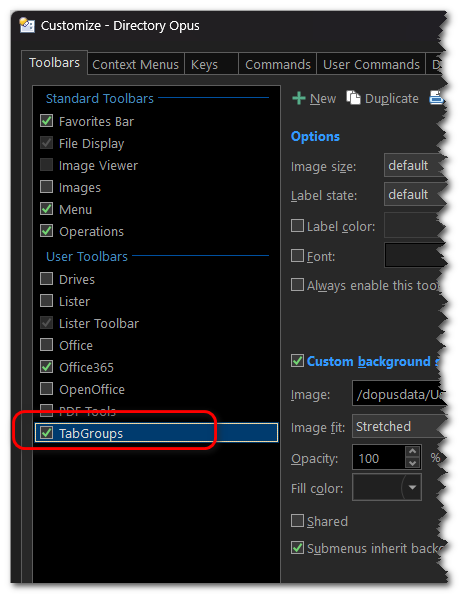
The toolbar lost its position during when enabling again. This means I find the TB on top of the listers and not between as previously shown above.
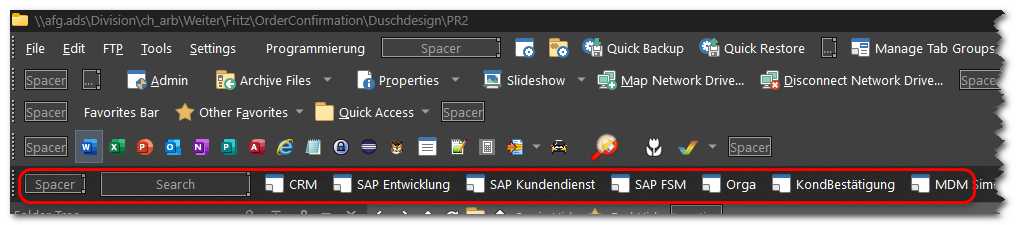
Is this an expected behaviour or may be a little bug in persistent storage of the toolbar?
FWIW, I once noticed a similar behavior when backing up the settings on PC A and restoring it on PC B. As far as I remember, this single toolbar lost it's position, too, in this case.
