Is there a way to easily get a list of which folders take up the most space. Folders and subfolders. I know how to get it to show under say movies that begin with a t as the name of the folder but i want it to look across all the other folders such as s movies, r movies etc and show what takes up the most space so it would show say t movies but also how the west was won, annie get your gun so be it root folder or any level of subfolder if it took up alot of spce. Thanksf
I've always liked this tool for helping to determine how much space is being taken. You can "drill down" to specific folders and it will visualize just the things under that location.
Any chance of getting the WinDirStat-like functionality in DOpus? The treemap visualisation it has is great
you can simply use Everything or PeakFilter
I don't understand. Can you explain what these are and how that would provide size visualisations like windirstat provides?
I use a program called Treesize Free. It does a very good job of showing folder/file percentages as well as actual bytes of space used. It allows drilling down.
You can try WizTree, or SpaceSniffer. Both of them are free for personal use.
I think WizTree is better, though all of them can display the percentage and size of folders in a graphical way.
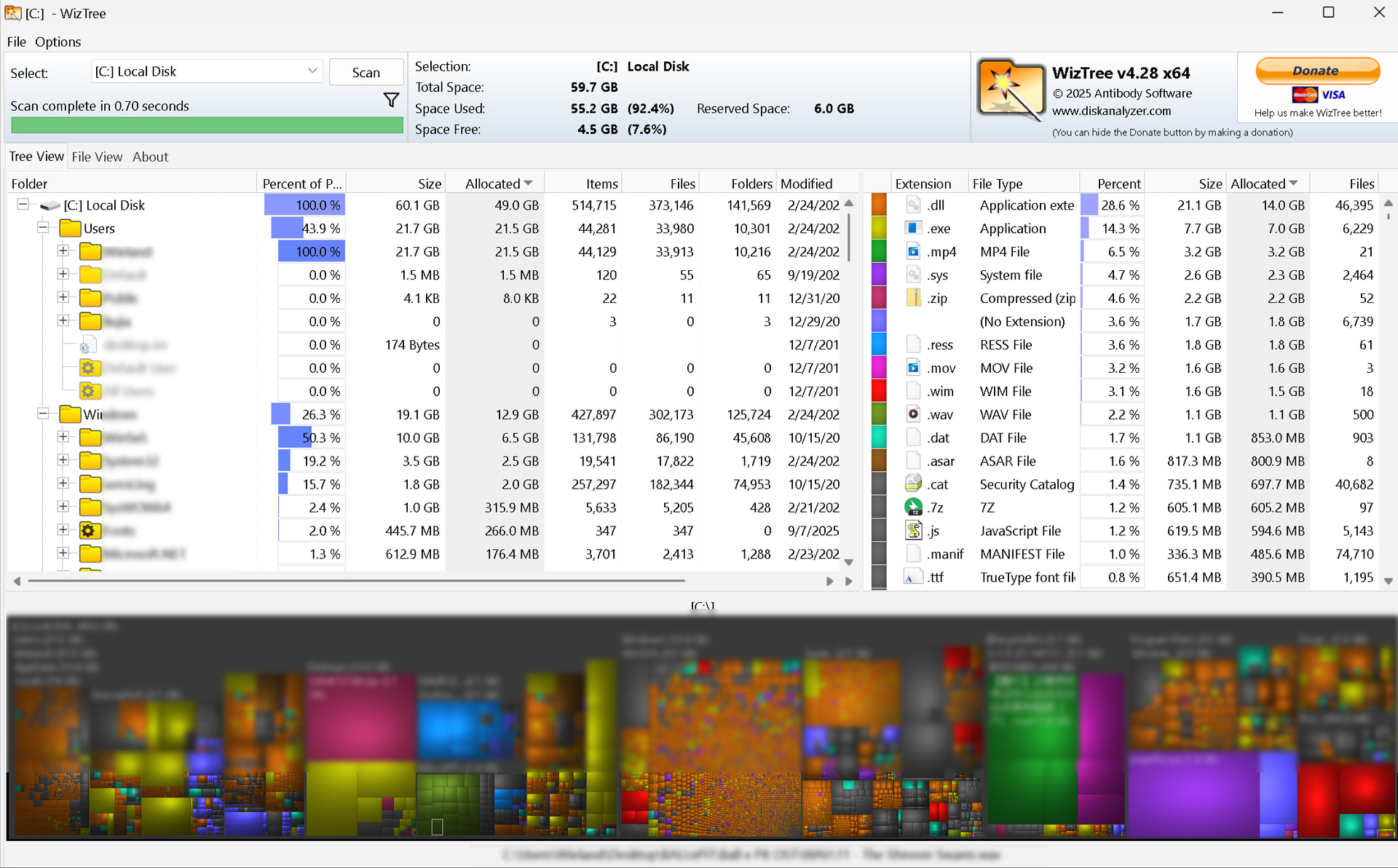
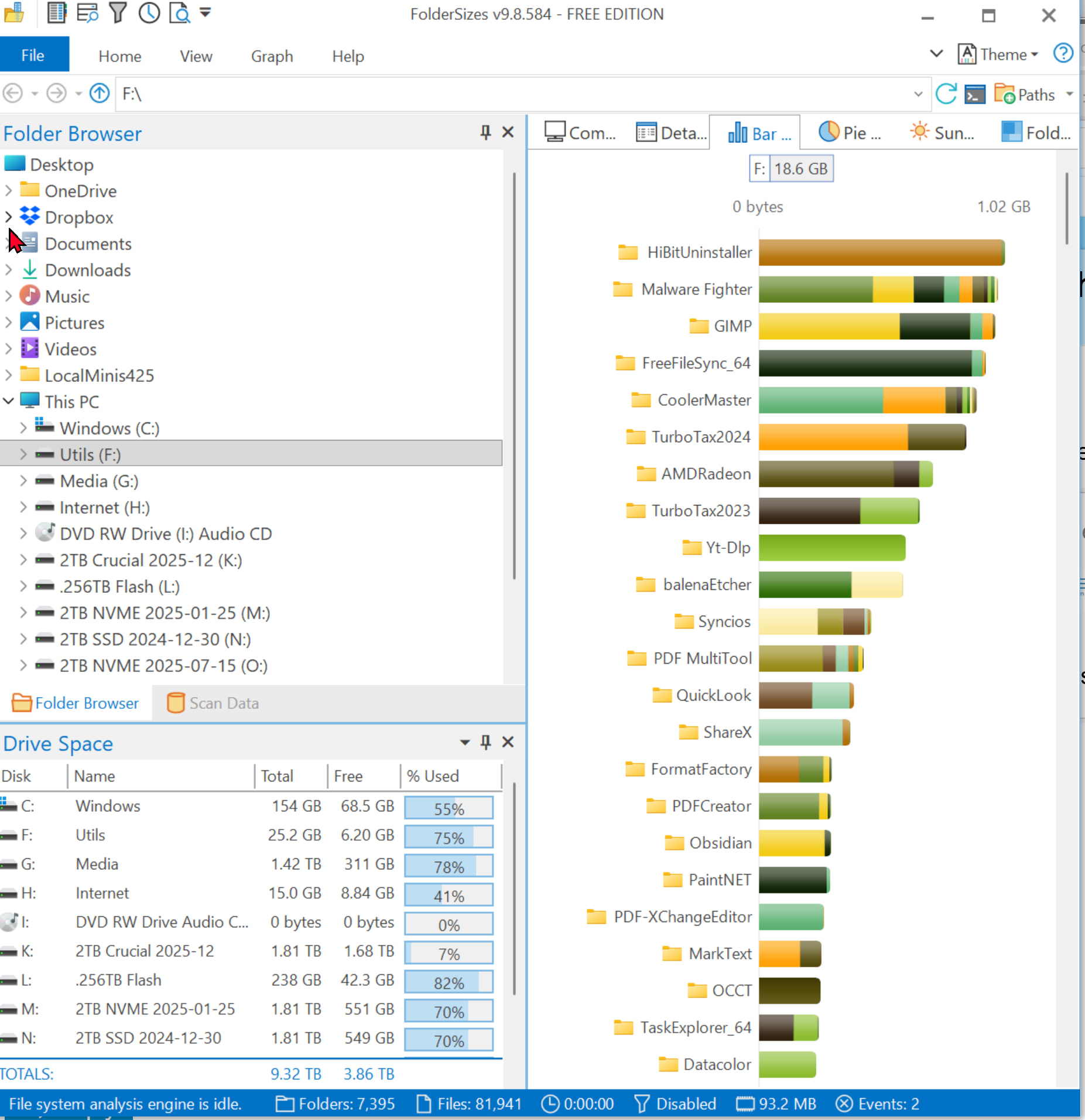
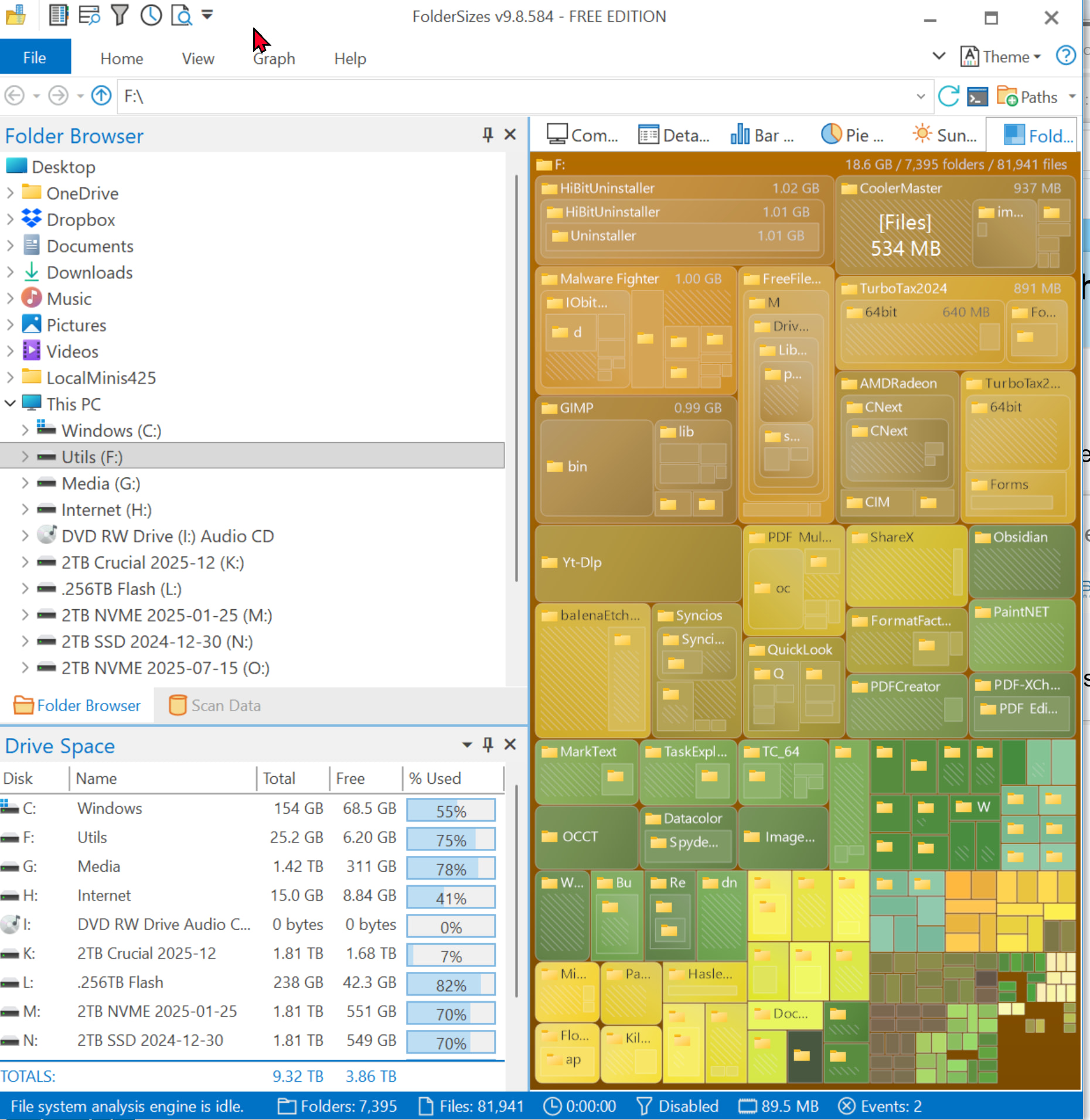
My choice, as well!
I use the free version of Jam Software’s TreeSize.
Since WizTree, there is no other tool to use for this kind of space analysis, I thought at least?! o)
Try it, it scans the file system table instead of the actual folder structure for a speed improvement on the scan process, which is way beyond of what you would be possible! o)
Instead of minutes to scan a "decent" folder tree, WizTree will only use some seconds and boom, bring up the box-layout and everything else these kind of tools provide. I never touched WinDirStat since I know WizTree.
WinDirStat also since the 2.5.0 update.
"Added direct NTFS MFT scanning option"
And Treesize reads the NTFS MFT for high performance.
Ooh, good to know, so WizTree is not the only tool anymore doing this (or never was!?), thanks! o)