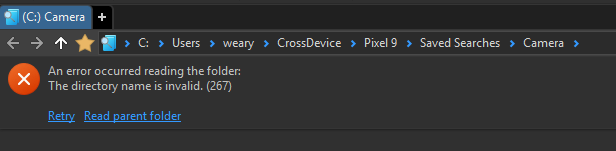
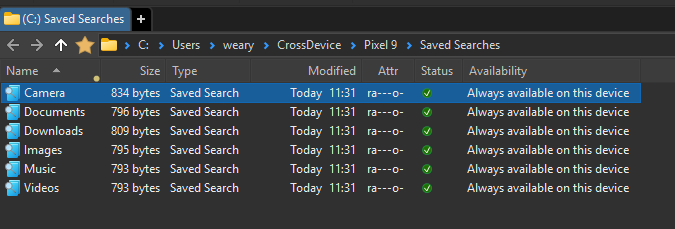
Thanks for reporting this. It has been fixed for the next update.
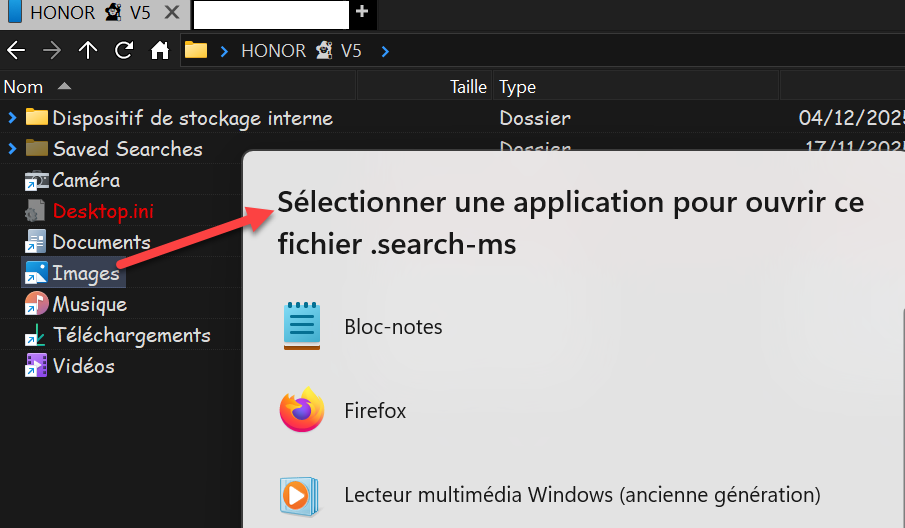
Those .search-ms files will be sent to File Explorer rather than Opus trying to open them. The OS considers the files to be folders, and so asks Opus to open them, even though they are really XML files.
That looks like a different issue? The one in the root post was about what happens when you click a button in Phone Link (which should be OK now), but this looks like you’re doing something within Opus?
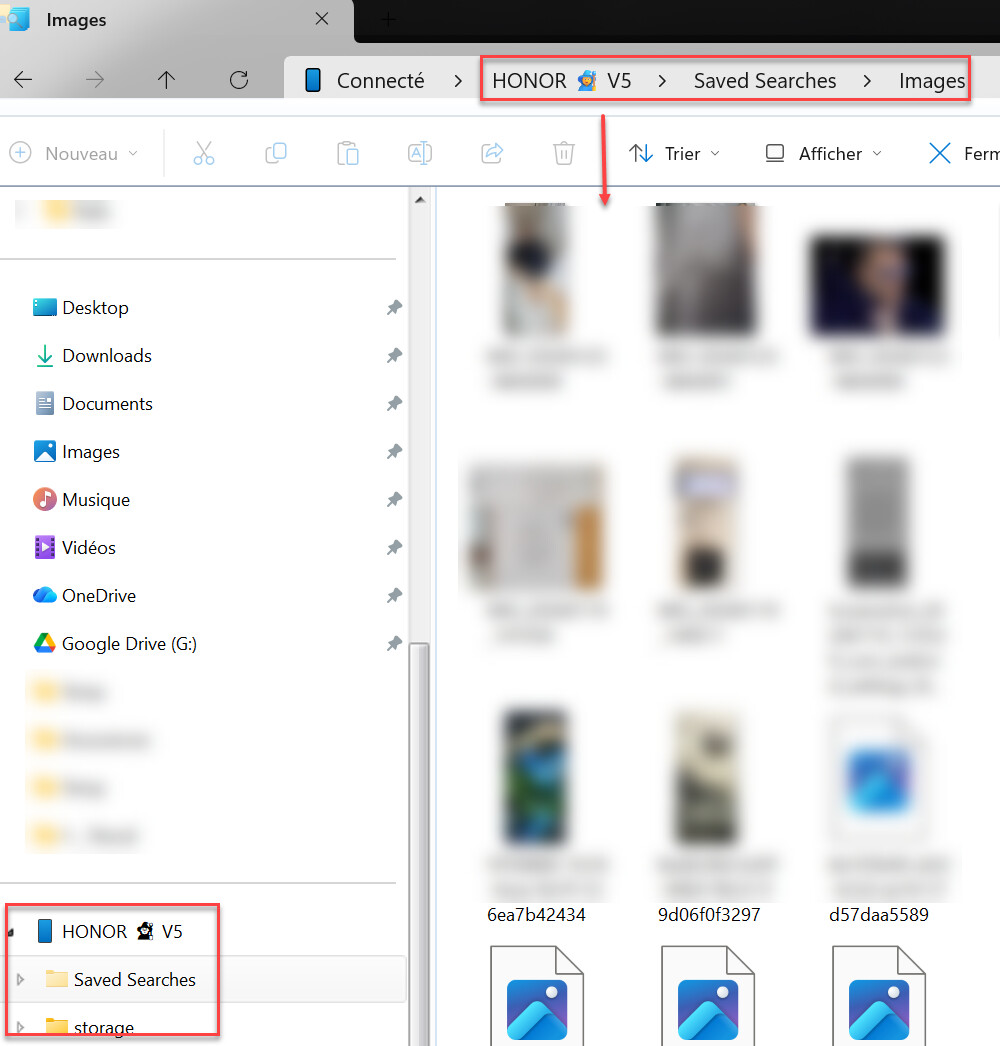
I'd use something other than Microsoft's "Link to Windows" app if you want it to work outside of File Explorer. There are suggestions in the guide I linked above.