Hi all,
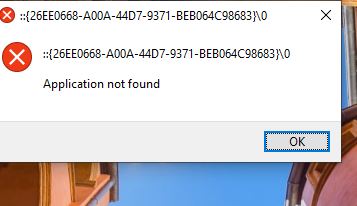
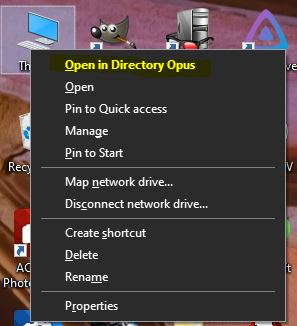
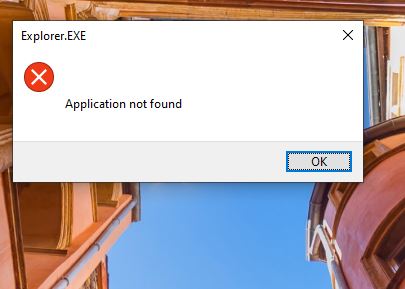
New here. I uninstalled DOPUS but it now crashes stuff. I am unable to open My PC, it still somehow detects DOPUS being installed as it shows in the right click Menu and gives error.
I also had a shortcut to Control Panel which now keeps giving error as well when trying to open.
I can manually search and open Control Panel just not from a shortcut I create on Desktop.
These issue started as soon as I uninstalled DOPUS and restarted my system.
I'd suspect something else is wrong with the machine if it worked but only after multiple attempts. The uninstaller does the same actions in all cases, so something must've been blocking them the first times.
Most likely candidate is antivirus. Maybe the definitions updated and made it work?
(This is assuming the official installer/uninstaller were used in all cases, of course. Third-party uninstaller have caused problems in the past, if one was used instead or as well.)