Directory Opus Pro 12.33 Build 8659 x64
OS 10.0 (B:19045 P:2 T:1) SP 0.0
G'day.
New to forum and certainly NOT a power user. I only use a very small subset of the features offered in DO (which is why I have stayed with DO12).
I have searched through Help and Support 'till my eyes went fuzzy but couldn't readily find a similar problem
I used to have filenames in both upper & lower case lettering.
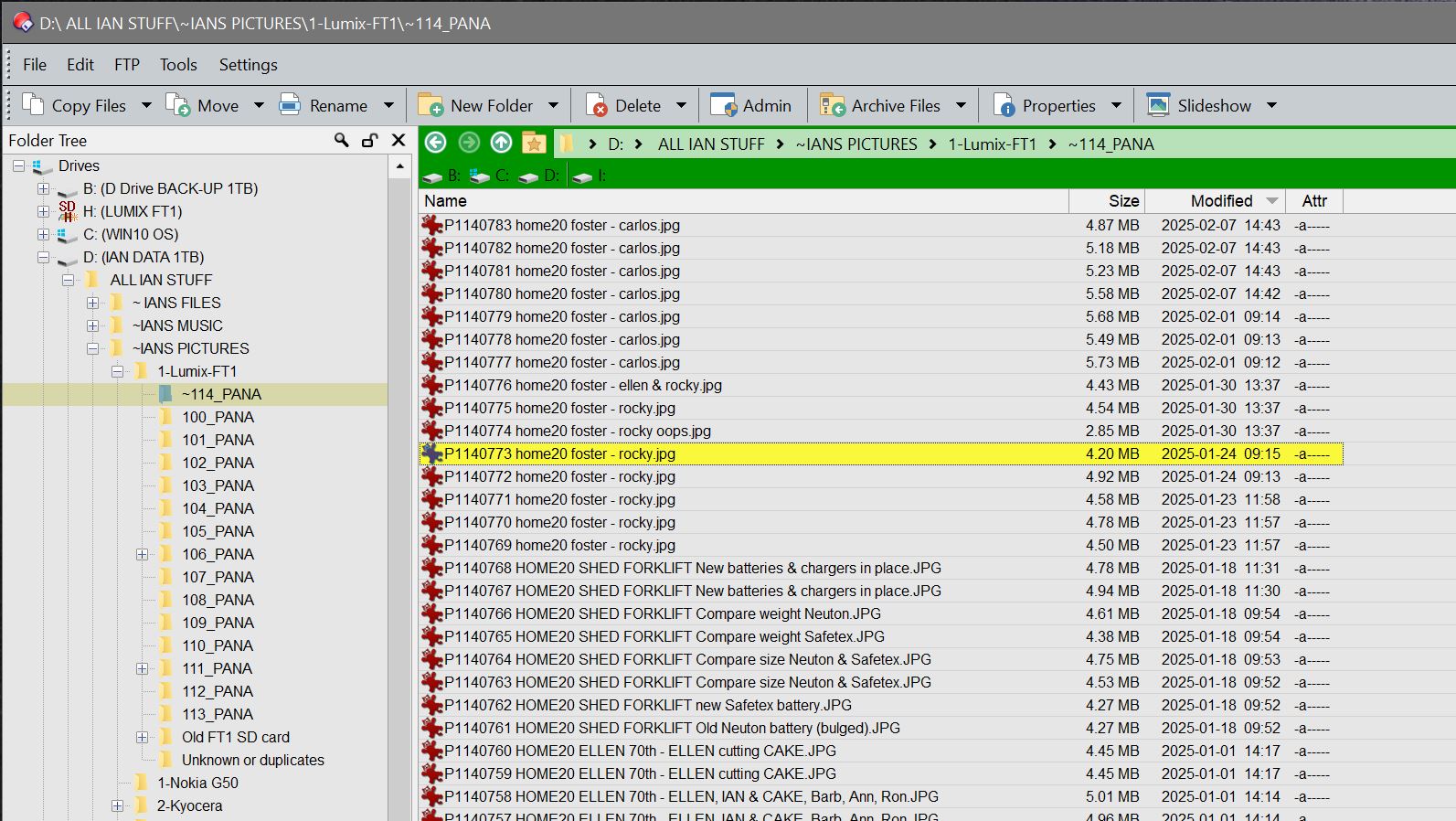
Recently something has changed (or I accidently changed something) and now filenames show all lower case EXCEPT when the filename is highlighted and then it shows correctly.
I think the screenshot uploaded correctly.
So ...
What have I done wrong? What has changed? Where do I go in the 'Settings' menu to find the problem?
Thanks for a quick reply, Leo.
In the screenshot, you will see filenames for files dated older than 2025-01-25 are in a mix of upper and lower case.
Files NEWER than that date were renamed using upper and lower case, but when finished editing filename the whole filename goes to lower case. It should look like:
[image number] HOME20 FOSTER - Rocky
Thanks, Leo
Ahhh yes, that is the original image name out of the camera. I then add keywords and a short description to the original image filename to make searching easier.
It is the added text that is now not retaining the case.
In the screenshot all the text newer than 2025-01-25 although inputted in upper & lower case (as in the example) are all lower case.
G'day again, Leo.
I highlight the filename, place the cursor before the .jpg, type in the extra text and click on the next filename to edit (or just up arrow key to the next filename if using copy/paste).
If you are only changing the case of some characters when renaming, try adding an extra character as well.
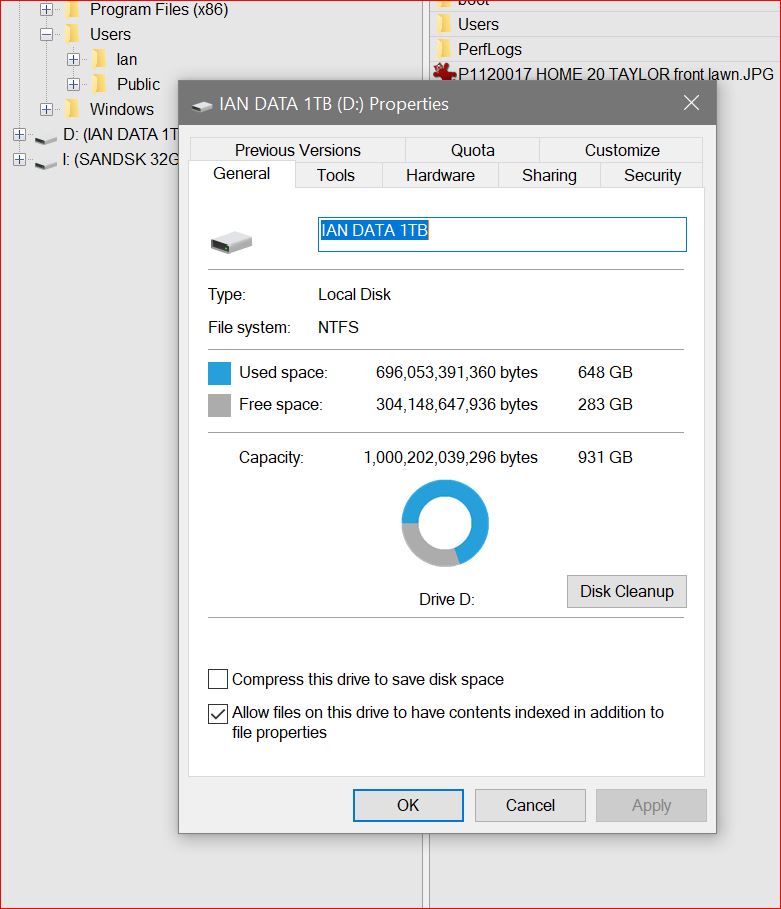
If that makes it work, my guess is that the drive was formatted with ExFAT instead of NTFS. ExFAT has a very old bug which Microsoft still haven’t fixed decades later where it ignores case-only renames. (Same issue affects File Explorer and most other tools, as the bug is in the filesystem not the software asking for the rename to be performed).
Thanks, Leo.
But that doesn't explain why it was working OK up to 18th and now doesn't.
Personally, I like to blame M$ updates, as one happened about that time!
Somewhere in the back of my mind I seem to think there is a setting in DO which allows upper case and lower case, but I can't find it. Have I got that right?
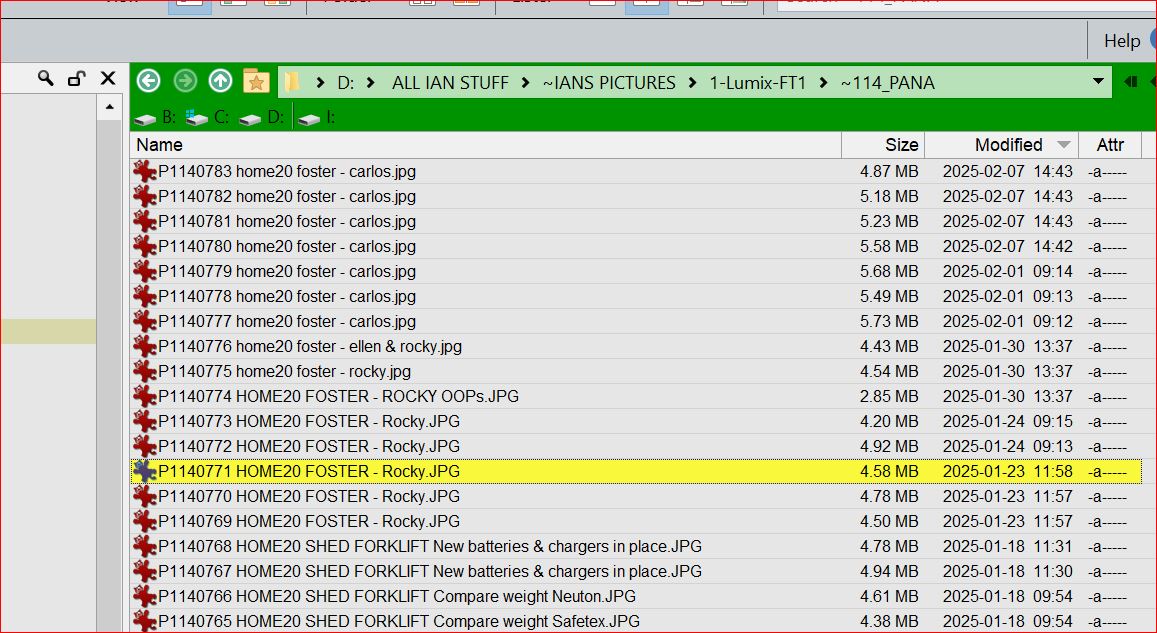
AHA! This only happens when the whole of the added text is in upper case, as are all the entries after the 18th.
As long as there is just ONE lowercase letter in the added text it formats as intended.
See the rename with *OOPs.jpg and the renames with 'ROCKY' changed to 'Rocky'
Changing just the one lower case 's' in OOPS makes it format OK.
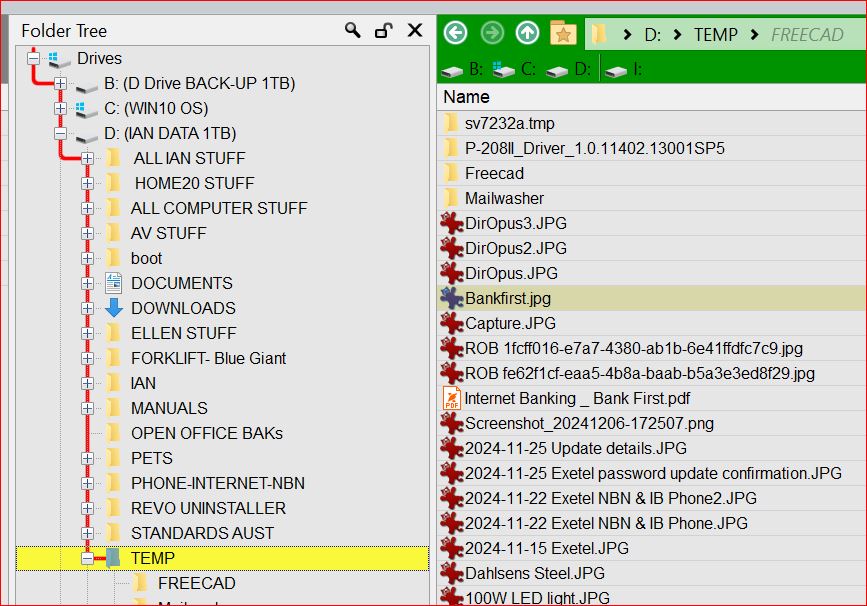
I also see this happening with FOLDER names, too.
In the Tree they are all upper case, in the file viewer (or whatever) they become sentence case (ie where only the first letter is upper case.
G'day Jon.
YEP. That is what I had done, and a long time ago. No wonder my tired old brain didn't remember that! Even worse, I had forgotten where to find it.
Leo & Jon - Thank you both for the help. It is truly appreciated.