Dear Sir/Madam,
First of all, we are very happy users of Directory Opus.
And now the issue I encountered, and it concerns the use of dropbox.
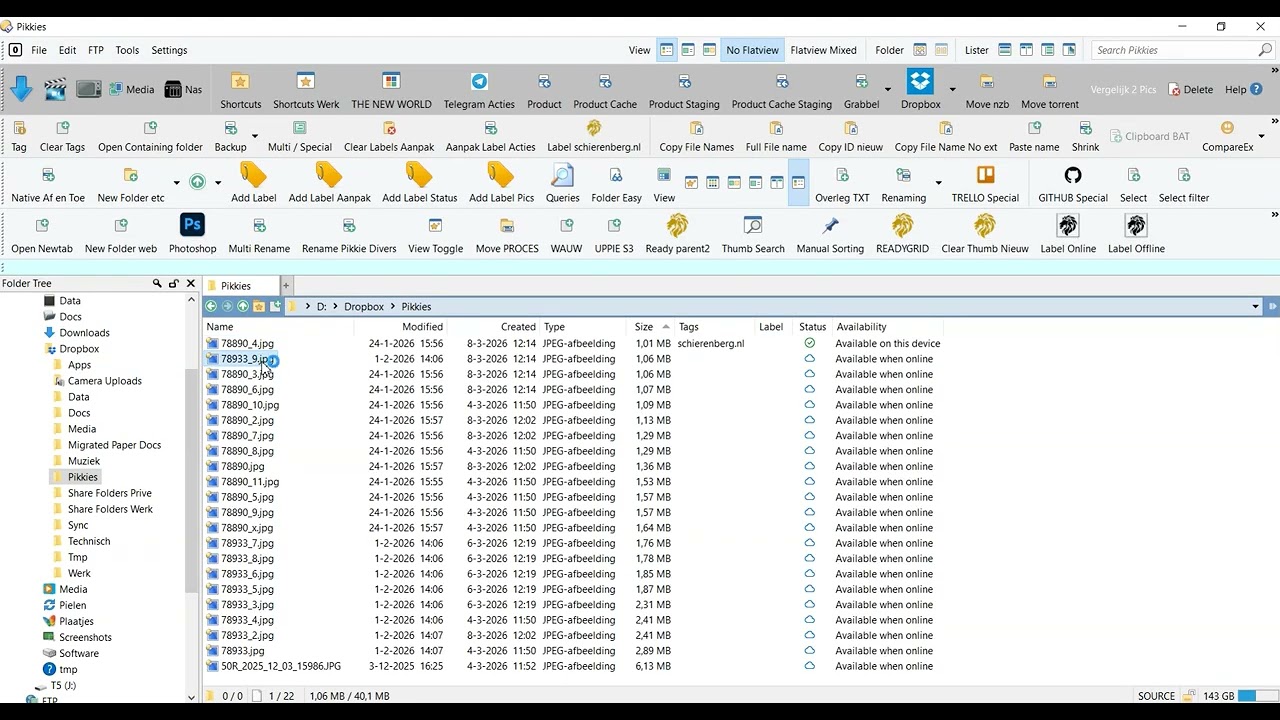
Dropbox gives you the option to have your files only online, so not local. That saves diskspace.
If you double click in a filebrowser on a “online” file, it will be downloaded and opened.
So I tested this with a few pictures of 1 MB in size.
In windows explorer it takes 1 or 2 seconds to download the file and opening.
In Directory Opus it takes 20 seconds.
I recorded the difference in a video. First I show it in windows explorer, and then in Directory Opus.
We are planning to use Dropbox more often with a team membership, but this delay will affect our workflow.
Maybe you know why there is such a difference in time? Is there a setting I can change? But also, I hope you can fix this delay.
We use Directory Opus version 12.33
Kind Regards,
Willem