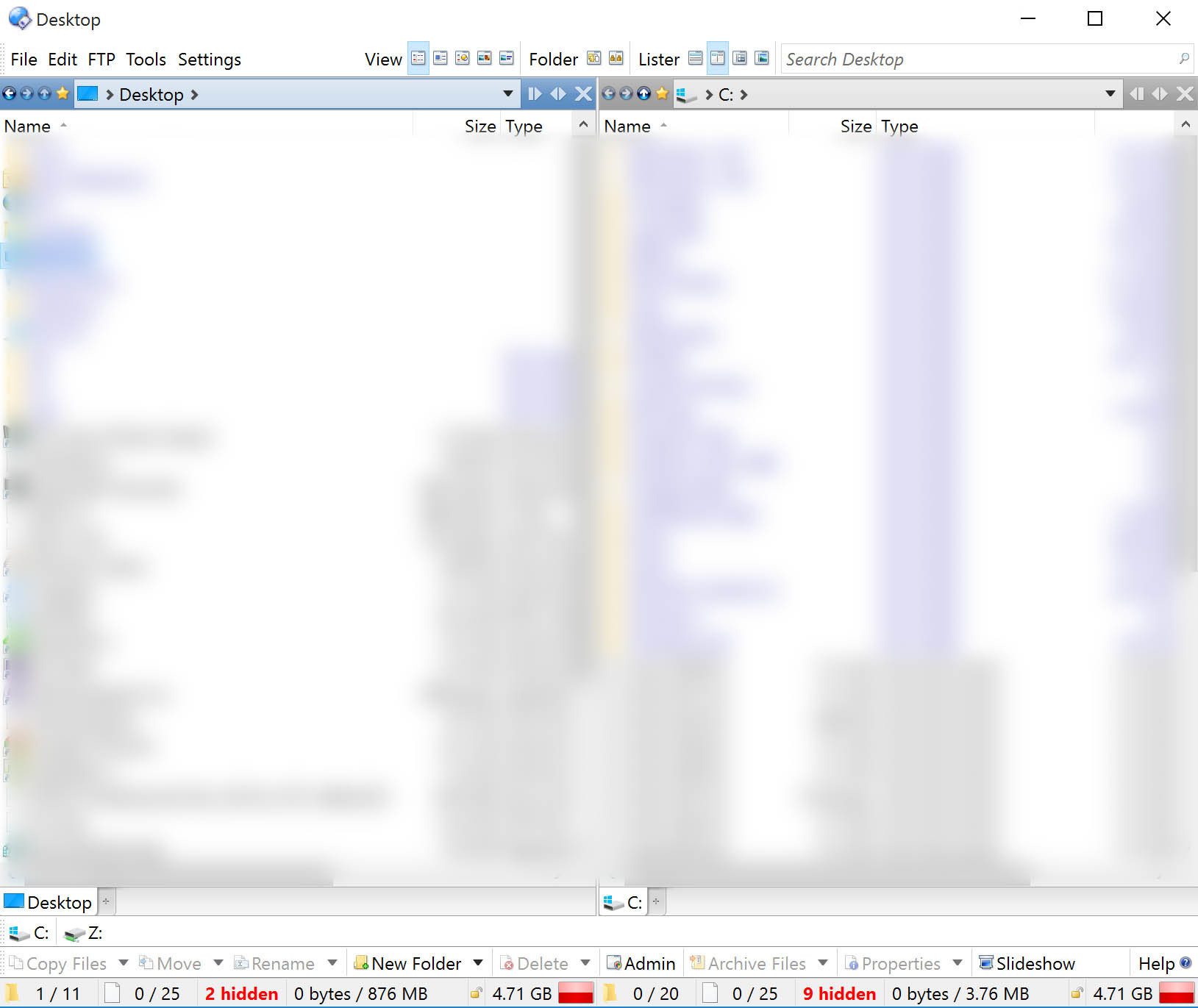
I just installed for the first time on my HiDPI display (2880 * 1800), and many of the button icons are very small. The fonts seem all fine, nice large and readable and in hires, but the icons for example the little lock seem like they could use a 200% magnification.
Is there a setting to double the rendered icon size somewhere?
Another example in the preferences dialog, I put a red rectangle around the problematic icons:
I just found a solution:
For each toolbar, under Customize, there is an option to turn the image size to "large" instead of "default." That fixes the small icons in toolbars. The only gripe is the little lock remaining in the status bar, but that is not so bad after all 
This works even for the icons in the file display titles (the little forward and back buttons), since those are also just toolbars with the same image size settings dialog.