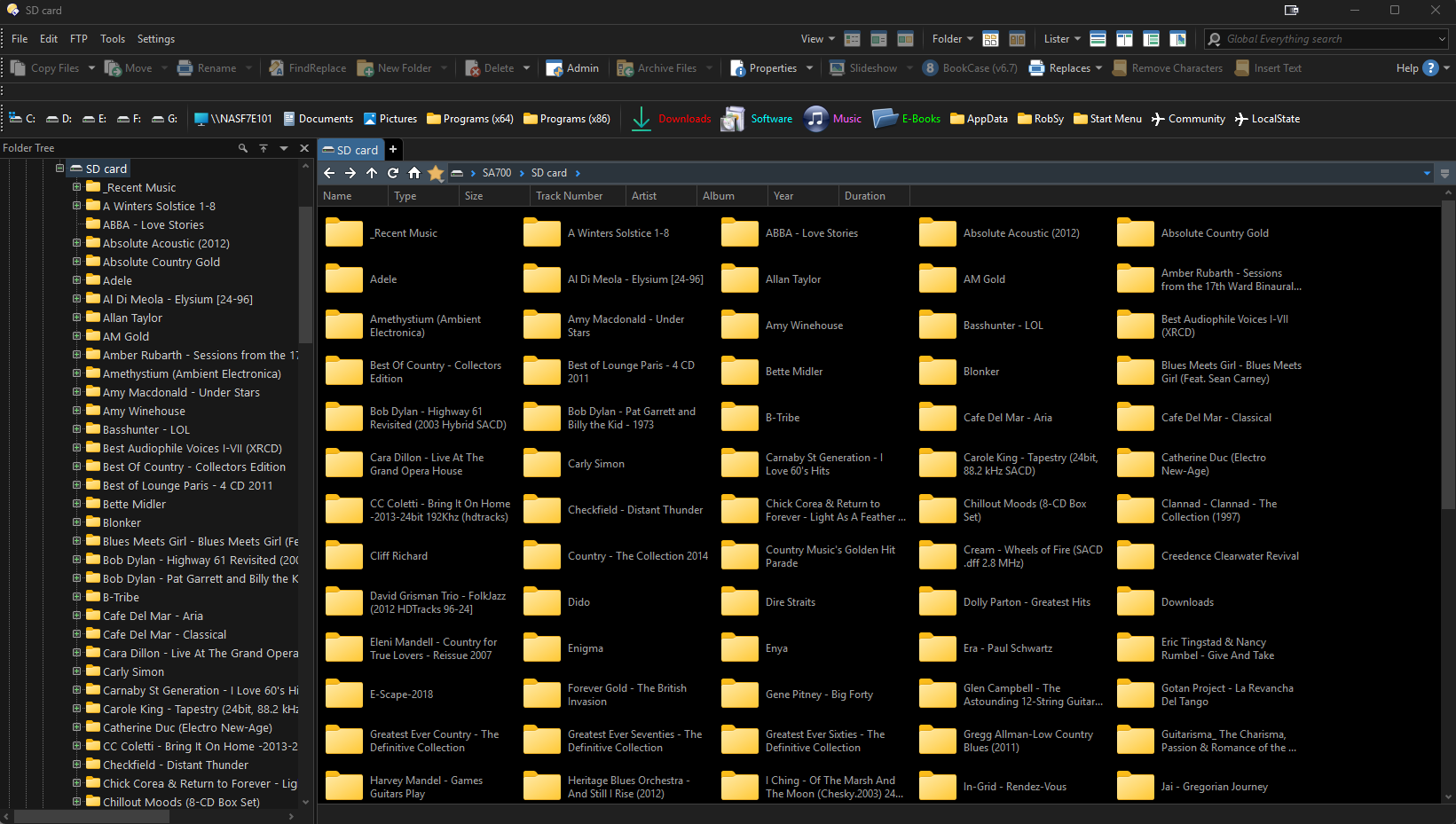
When viewing an SD card contents on my music player, I find that the only view available in the main file display window is tan icon view of the folders on the card. All view options in the menus are greyed out. Clicking on any of the folders in the main file window fails to open said folder. (The same applies for the device's internal memory.)
However, clicking on folders from the folder tree does open the folder contents. Again, sub-folders cannot be accessed from the main file display window, but can be from the folder tree.
The same behavior is exhibited from a second music player/SD card.
Connections are via USB type C cable
Using Windows' File Explorer for the same card(s) shows no issues. All view options are available and opening folders works properly from all windows.
I'm fairly sure this behavior manifested itself after the latest update(?)
It sounds like the music player is either using a custom virtual folder shell extension to display its contents (more likely if you had to install software/drivers to see it) or maybe mounting via MTP or a similar protocol.
A screenshot of what it looks like may let us see. (You can often tell by the way the sort arrows are drawn in the header, and sometimes the file selection boxes.)
Depending on what it's doing, selecting Preferences / Folders / Virtual Folders / File System / Treat all virtual folders as real (then clicking Apply) may help.
(Of course, if using a USB card reader is convenient, that also solves things and it may not be worth worrying about what the device itself does when plugged in. I tend to prefer that method myself, as it simplifies things and is often faster as well as giving a proper drive with normal directories and files on.)
Leo...,
I've just checked my DAP connection again... The problem in DOPUS persists (see screenshot...)
Although I previously mentioned that windows File Explorer worked fine. it will in fact not copy anything to/from the device.
Setting "Preferences / Folders / Virtual Folders / File System / Treat all virtual folders as real" made no difference except for slowing down directory access on the device. Note: there are no special drivers or anything associated with the music player...
Given that file explorer also fails to access the music player, I can only conclude that there is something screwy with my PC. I suspect that Microsoft's Windows update last week screwed something up. (That's usually the case after Windows updates I suppose...)
Using a card reader is a bit of a pain for me but with almost 250GB on the card, I don't have to get to it often - so that's what I'll do...