sw1ft
1
is there a way to get the text viewer plugin to ignore certain file types?
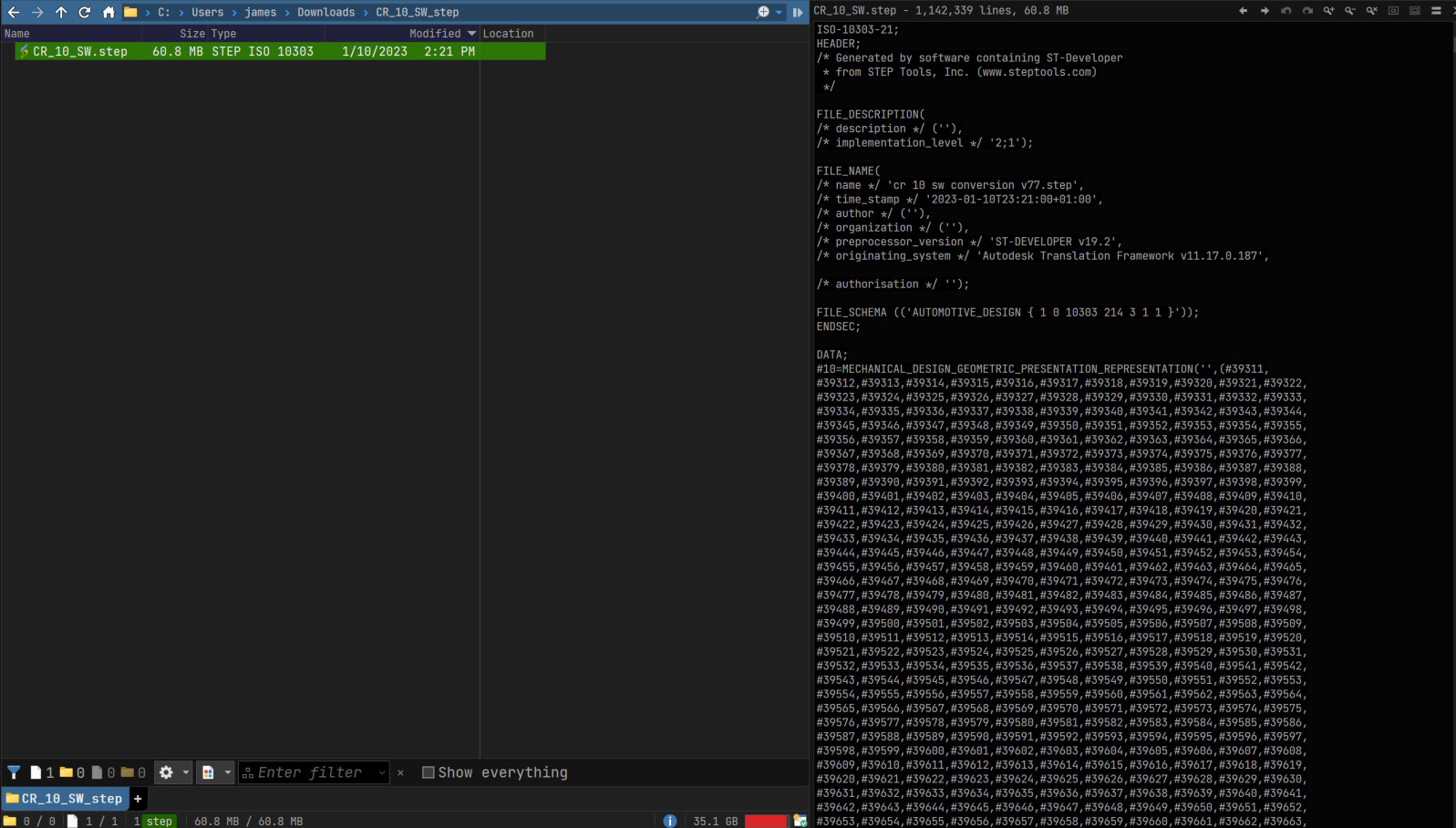
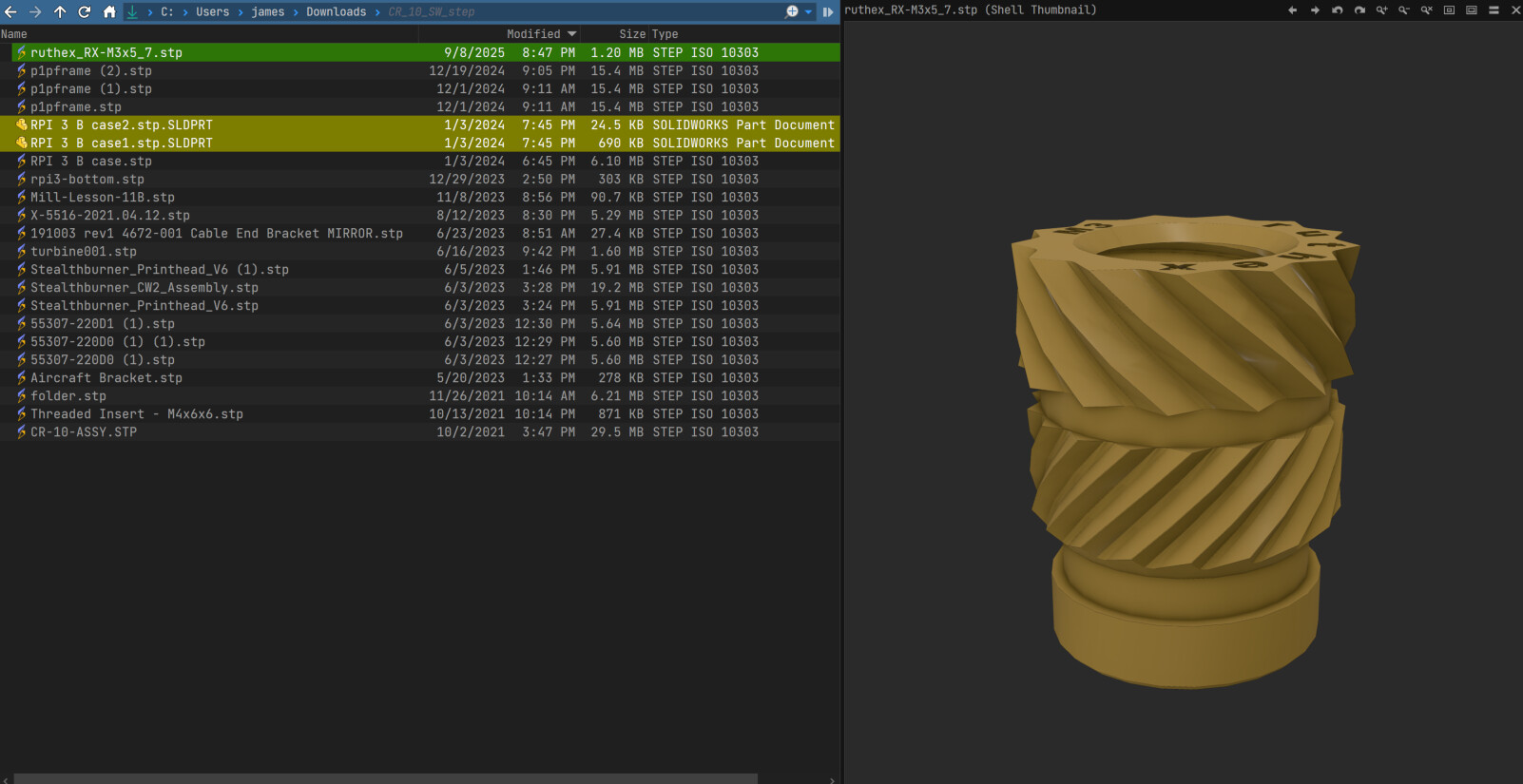
I cant figure out a way to get it to show the preview on certain file types without disabling it, specifically .stp and .step files.
with text viewer plugin enabled:
with it disabled:
Leo
2
Try adding *.stl to Preferences / Viewer / Viewer Pane / Exclusion List (and click Apply).
sw1ft
3
Thank you, I was on 13.16 and I don't think that functionality existed yet.
actually now it appears to just show nothing, I want it to just show the shell previews if thats possible
Leo
4
Which software have you installed to get the STL thumbnails?
sw1ft
5
its called f3d.exe , its for .stp and step, stl's previews work fine.
Leo
6
Thanks, we'll see if we can add a workaround.
Leo
8
In the next beta, the Text plugin will be changed so it no longer considers .stl files text, which should solve this.